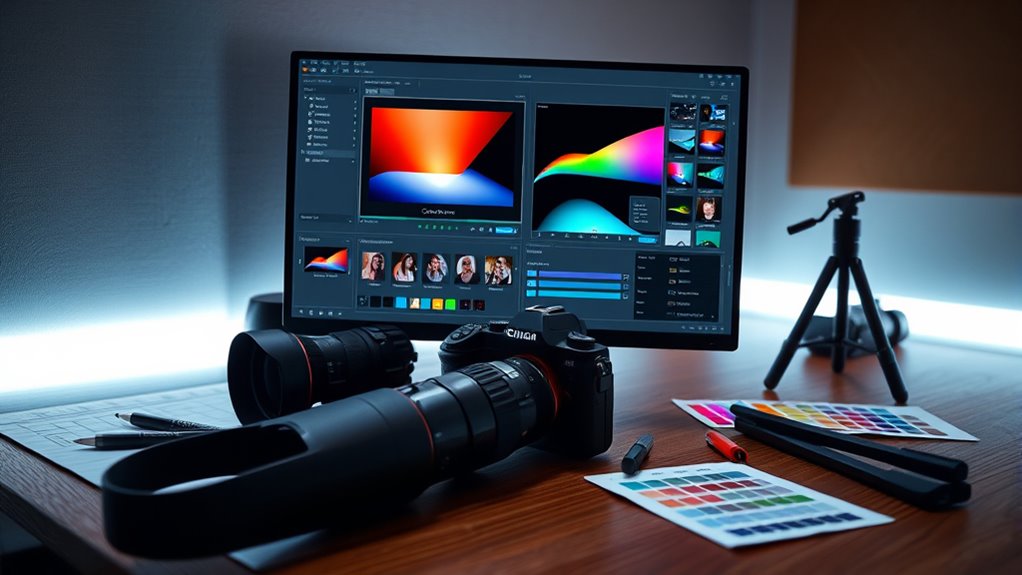

AI tools for post-processing and editing help you enhance your videos quickly and easily. They automatically adjust color grading, fix noise, and stabilize footage, reducing manual work. These tools learn your preferences over time, ensuring your style stays consistent across projects. They also integrate multiple editing features into one platform, saving you time and effort. To discover how these AI solutions can elevate your editing game, keep exploring the options available.
Key Takeaways
- AI-driven tools automatically adjust color grading, contrast, and saturation for consistent, cinematic looks across multiple clips.
- Automated noise reduction preserves textures while eliminating unwanted grain and digital noise efficiently.
- All-in-one platforms integrate color correction, noise reduction, stabilization, and more to streamline workflows.
- AI tools learn user preferences over time, delivering tailored adjustments that match specific aesthetic goals.
- Advanced visualization features like projector technology enhance review processes and improve final content quality.
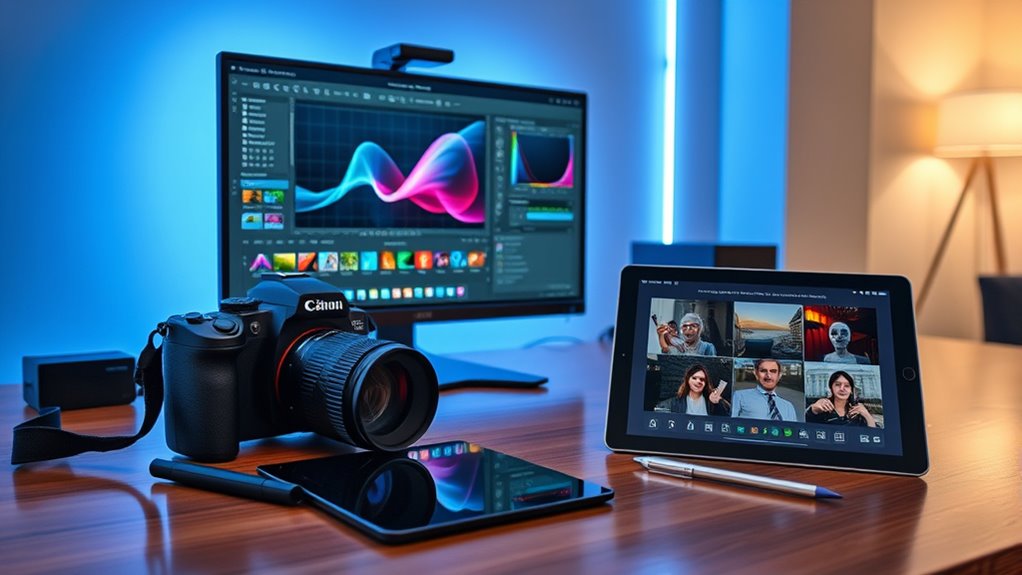
In today’s fast-paced digital world, AI tools have revolutionized how you approach post-processing and editing tasks. No longer do you need to spend hours manually adjusting colors or battling noise in your footage. Instead, AI-driven solutions automatically analyze your videos and images, saving you time and effort while delivering professional results. One of the most impactful innovations is AI-driven color grading. This technology intelligently assesses your footage, adjusting brightness, contrast, saturation, and hues to create a balanced, cinematic look without the need for intricate manual tweaks. With AI-powered color grading, you can achieve a consistent style across multiple clips in a fraction of the time it would take manually. These tools learn your preferred aesthetic over time, tailoring adjustments to your specific taste, which means your projects look polished and cohesive every time. Automated color grading is especially useful when working under tight deadlines or with large batches of footage, ensuring efficiency without sacrificing quality. Alongside color grading, automated noise reduction has become a game-changer. Noisy footage can ruin the visual experience, but AI algorithms now identify and eliminate unwanted grain, speckles, or digital noise with remarkable precision. Unlike traditional noise reduction methods that often blur details or create a plasticky look, AI-based noise reduction preserves fine textures and sharpness, maintaining the integrity of your footage. These tools analyze the noise patterns and intelligently distinguish them from actual details, providing a cleaner, clearer image while retaining natural textures. The automation aspect means you don’t need to manually fine-tune noise reduction settings for every shot; the AI adapts to different environments, lighting conditions, and camera sensors automatically. This not only speeds up your workflow but also ensures consistency across your entire project. Many AI tools also combine these features, offering integrated solutions that handle color grading, noise reduction, stabilization, and more, all in a single platform. This seamless integration simplifies your editing process, allowing you to focus more on your creative vision rather than technical adjustments. As these AI tools continue to evolve, they become smarter at understanding your preferences and delivering results that match your artistic intent. Whether you’re an amateur content creator or a professional filmmaker, embracing AI-driven post-processing tools can elevate your work, making it look more polished and professional with minimal effort. They empower you to produce high-quality content faster, freeing up time to focus on storytelling or other creative aspects. Additionally, the use of projector technology in video editing workflows can enhance visualization and review processes, making it easier to anticipate the final look of your content. Overall, AI-driven color grading and automated noise reduction are revolutionizing the post-production landscape, giving you powerful, intuitive tools to achieve stunning visuals efficiently.

ADOBE PREMIERE PRO MASTERY 2026: The Complete Step-by-Step Guide to Video Editing, AI Tools, Color Grading, Audio Mixing, Professional Workflow for Beginners & Advanced YouTube & Film Creators
As an affiliate, we earn on qualifying purchases.
As an affiliate, we earn on qualifying purchases.
Frequently Asked Questions
Can AI Tools Replace Professional Editors Entirely?
AI tools can’t fully replace professional editors because automation challenges still exist, especially with complex, nuanced editing tasks. While AI can handle routine adjustments efficiently, it struggles with creative limitations like tone, style, and context. You’ll find AI useful for speeding up workflows, but for the depth and insight a skilled editor provides, human expertise remains essential. Relying solely on AI risks losing the unique voice and quality editors bring to projects.
How Do AI Tools Handle Complex Image Manipulations?
AI tools handle complex image manipulations with astonishing precision, often outperforming human capabilities. Their algorithms are highly accurate, allowing you to seamlessly adjust intricate details like lighting, textures, and object removal. The user interface makes these tasks intuitive, so you can effortlessly execute advanced edits without technical expertise. While they may not replace a professional entirely, they dramatically speed up complex image work, making you feel like a digital wizard in just minutes.
Are AI Editing Tools Suitable for All Types of Media?
AI editing tools are suitable for many media types, but not all. You can use automated color grading for videos and images or generate AI captions for social media posts. However, complex projects might still need manual adjustments. You’ll find these tools handy for quick edits and enhancing content, but for highly creative or nuanced work, combining AI with manual editing delivers the best results.
What Are the Privacy Concerns With Ai-Powered Editing?
You should be aware that privacy concerns with AI-powered editing include data security risks, as your personal or sensitive content might be stored or transmitted insecurely. Ethical implications also arise, such as unauthorized use of your data or deepfakes. To protect yourself, confirm the tools you use prioritize data security and understand how your information is handled, so you can make informed decisions and safeguard your privacy.
How Do AI Tools Improve Workflow Efficiency?
Think of AI tools as your efficiency turbocharge, transforming your workflow like a well-oiled machine. They automate repetitive tasks, saving you time and reducing errors, which highlights their automation benefits. However, they don’t replace your creative spark, so be mindful of creative limitations. By streamlining editing processes, you focus more on innovation and less on mundane chores, making your overall workflow sharper and more productive.

Wireless Microphone for iPhone iPad and Android Phone, 2 Pack Wireless Lavalier Lapel Mic with Noise Reduction, Plug and Play Mini Microphone for Video Recording Interview Podcast YouTube TikTok Vlog
Easy Automatic Connection: The wireless lavalier microphone is easy to set up. Plug and play with no adapters,…
As an affiliate, we earn on qualifying purchases.
As an affiliate, we earn on qualifying purchases.
Conclusion
Think of AI tools as your digital palette, transforming raw strokes into a masterpiece. They serve as your faithful brush, refining details and adding vibrant touches that bring your vision to life. With each edit, you’re sculpting a clearer, more vivid image—like a sculptor revealing the beauty hidden within marble. Embrace these tools as your creative compass, guiding you through the intricate landscape of post-processing, and watch your work shine with newfound clarity and depth.

AI Prompt Engineering Bible (7 Books in 1): Beginner-to-Pro System to Master ChatGPT and Generative AI for Powerful Results and Real Income (The Generative AI Creator Series)
As an affiliate, we earn on qualifying purchases.
As an affiliate, we earn on qualifying purchases.
![Movavi Video Editor 2026 Personal License [PC Download]](https://m.media-amazon.com/images/I/411V4+wskgL._SL500_.jpg)
Movavi Video Editor 2026 Personal License [PC Download]
Boost your videos with rad transitions, titles, and intros
As an affiliate, we earn on qualifying purchases.
As an affiliate, we earn on qualifying purchases.