
If you shoot large volumes of photos, balancing NAS and cloud backup options is essential. NAS gives you fast, local access and control, ideal for editing and quick retrieval, while cloud storage offers off-site safety and remote access, perfect for redundancy and backup. Your choice depends on your workflow, budget, and scalability needs. Stay with us as we explore how to pick the best system to protect your valuable images.
Key Takeaways
- NAS offers fast, local access ideal for large files, while cloud backup provides remote accessibility and off-site safety.
- NAS requires higher initial investment but minimal ongoing costs; cloud storage scales with subscription fees.
- Combining NAS and cloud ensures comprehensive protection against hardware failure, theft, and natural disasters.
- Cloud solutions offer seamless scalability for growing photo libraries; NAS may need hardware upgrades for expansion.
- A hybrid approach balances quick local workflow access with remote multi-device backup security.

BUFFALO LinkStation 210 6TB 1-Bay NAS Network Attached Storage with HDD Hard Drives Included NAS Storage that Works as Home Cloud or Network Storage Device for Home
- Centralized Storage with RAID: RAID-enabled NAS for backup and storage
- Easy Network Connectivity: Connect to router for shared device access
- Compatible with Windows and macOS: Works seamlessly with major OS platforms
As an affiliate, we earn on qualifying purchases.
As an affiliate, we earn on qualifying purchases.
What Are the Basics of NAS and Cloud Backup for Photographers
For photographers, understanding the basics of NAS and cloud backup is essential to safeguard your work. NAS (Network-Attached Storage) provides a centralized device within your setup, allowing easy photo organization and quick access to your files. It supports backup redundancy by enabling multiple drives, so if one fails, your images remain protected. Additionally, NAS systems often include features like RAID configurations, which enhance data protection by distributing data across multiple drives. Knowing how data redundancy works helps you optimize your backup strategy for reliability. The integration of digital displays in modern NAS devices allows users to monitor system status in real-time, improving management and maintenance. Incorporating network security measures into your NAS setup further safeguards your stored images from unauthorized access. Cloud backup, on the other hand, stores your photos remotely on servers maintained by providers, ensuring your work is safe even if your physical devices are compromised. Both methods help prevent data loss, but they operate differently. NAS offers local control and faster access, while cloud backup offers off-site security and seamless remote access. Knowing these fundamentals helps you choose the right backup solution tailored to your photography workflow. Additionally, understanding regional flavors and insights can inspire your creative process when organizing and archiving your photos.
As an affiliate, we earn on qualifying purchases.
How Do Costs Compare Between NAS and Cloud Storage?
When comparing NAS and cloud storage costs, it’s important to contemplate both upfront investment and ongoing expenses. A NAS setup requires a significant initial cost for hardware, drives, and possibly a dedicated server, which can be a sizable one-time expense. However, once set up, maintenance and bandwidth costs are minimal. Cloud storage, on the other hand, typically involves a subscription fee that scales with your storage needs, offering predictable monthly charges. This makes budget planning easier, especially for photographers with fluctuating storage demands. Over time, cloud costs can add up, potentially surpassing the initial NAS investment. Your choice depends on your budget, shooting volume, and long-term storage needs. Additionally, understanding the contrast ratio of your storage solution can influence how well your images are preserved and accessed over time. Considering the electric horsepower of different storage options can also give insight into their performance and reliability, especially when handling large photo libraries. Evaluating the initial setup costs can help determine which option is more feasible for your current financial situation, while also factoring in the scalability of each solution to accommodate future growth. Moreover, assessing the long-term maintenance requirements can help you choose a storage method that aligns with your workflow and technical expertise.

Aiffro K100 All-SSD NAS Storage | Intel N100 | 8GB LPDDR5 4800MHz | 4 Bays 2280 M.2 SSD Up to 16TB | 2.5GbE RJ45 | Mini Pocket NAS | Set for Truenas, Freenas, Unraid, Windows, OMV
- Full-Flash Four-Bay NAS: Supports four NVMe SSDs for high performance
- High Performance & Low Power: Powered by Intel N100, energy-efficient with 3.40GHz
- Data Protection Features: Includes backup, encryption, access control, RAID
As an affiliate, we earn on qualifying purchases.
As an affiliate, we earn on qualifying purchases.
Which Backup Method Is Faster and Easier to Access?
When it comes to speed and ease of access, you’ll find that NAS offers quick, local connections, making your data readily available. Cloud storage, on the other hand, depends on your internet connection, which can introduce delays but allows access from anywhere. Consider your priorities—faster local access or convenient remote availability—when choosing the right backup method. Additionally, smart pool automation systems demonstrate how integrating reliable backup options can enhance overall performance and user experience. For photographers who handle large image files, halal-friendly storage options ensure compliance while maintaining efficiency. Moreover, understanding the importance of content formats can help you select solutions optimized for large media files and future scalability. Ensuring your backup method supports storage capacity growth is also crucial for long-term data security. To further improve workflow, assessing the backup speed of each method can help you find a solution that balances performance with reliability.
Speed of Access
Access speed plays a crucial role in choosing between NAS and cloud backup solutions. Your ability to access files quickly depends on factors like network speed, storage redundancy, and data encryption. NAS offers immediate, local access, making it faster for large files or frequent retrievals. Cloud access, however, depends on your internet connection, which can introduce latency. Here’s a comparison:
| Aspect | NAS | Cloud |
|---|---|---|
| Speed of access | Fast, local network | Variable, internet-dependent |
| Data encryption | On-device, quick access | Remote, may introduce delay |
| Storage redundancy | Local backups, quick restore | Cloud redundancy, slower restore |
Furthermore, optimizing network performance through proper configuration can significantly improve data transfer speeds for both methods. Additionally, understanding performance parts like flywheels and engine upgrades can optimize your system for better data handling and transfer speeds. To maximize data transfer speeds, considering hardware upgrades or network enhancements can make a noticeable difference. Regularly updating your security protocols also helps maintain fast and safe access to your data. Being aware of redundancy options can help ensure your backups are reliable and quickly restorable in case of failure.
Ease of Use
Choosing the right backup method also depends on how easy it is to use and how quickly you can access your files. With a NAS, you benefit from local storage redundancy, making file retrieval straightforward and fast, especially on your network. It’s designed for easy access without internet dependence, so you can work quickly and efficiently. Additionally, network speed plays a crucial role in data transfer rates when accessing files on a NAS. Cloud storage, on the other hand, offers remote access from anywhere, but may involve a learning curve and depend on internet speed. Setting up cloud backups can be simpler initially, yet accessing large files remotely might take longer. Overall, NAS provides a more immediate and user-friendly experience for frequent access, while cloud solutions excel in remote access but may introduce slight delays. Your choice hinges on your need for speed versus convenience. Additionally, digital literacy is essential for managing and troubleshooting your backup systems effectively. Being familiar with backup system operation ensures you can resolve issues quickly and maintain data integrity.
off-site photo backup cloud service
As an affiliate, we earn on qualifying purchases.
As an affiliate, we earn on qualifying purchases.
Are Your Photos Secure in NAS and Cloud Solutions?

Are your photos truly secure whether stored on a NAS device or in the cloud? Relying solely on one storage method can leave you vulnerable. To protect against hardware failure, theft, or natural disasters, you need local backups and remote redundancy. With a NAS, you can set up regular local backups, ensuring your photos stay safe even if the device fails. Cloud solutions automatically provide remote redundancy, safeguarding your images off-site. However, no system is foolproof; cyberattacks or data corruption can still occur. Encrypting your files adds an extra layer of security. Ultimately, combining local backups with cloud storage offers the best protection, giving you peace of mind that your photos are secure, no matter what happens.
Can Your Storage Scale as Your Photo Library Grows?
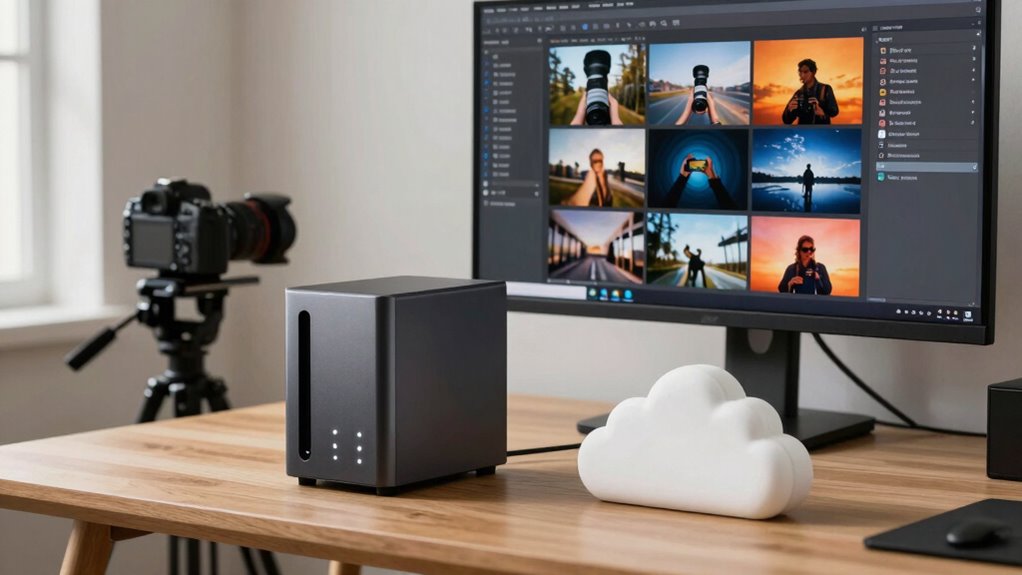
As your photo collection expands, guaranteeing your storage can keep up becomes increasingly important. With larger libraries, you need a system that scales efficiently to accommodate new images without slowing down your workflow. Cloud storage offers flexible expansion, allowing you to add space on demand, which is ideal for ongoing photo editing projects and high-volume shoots. NAS solutions can also scale, but often require hardware upgrades or additional drives, which take time and investment. Backup automation becomes critical here, as it ensures new photos are protected automatically, regardless of your storage choice. Both options can grow with your library, but cloud services typically provide more seamless scalability, helping you focus on shooting and editing without worrying about outgrowing your storage.
Which Backup System Fits Your Photography Workflow?
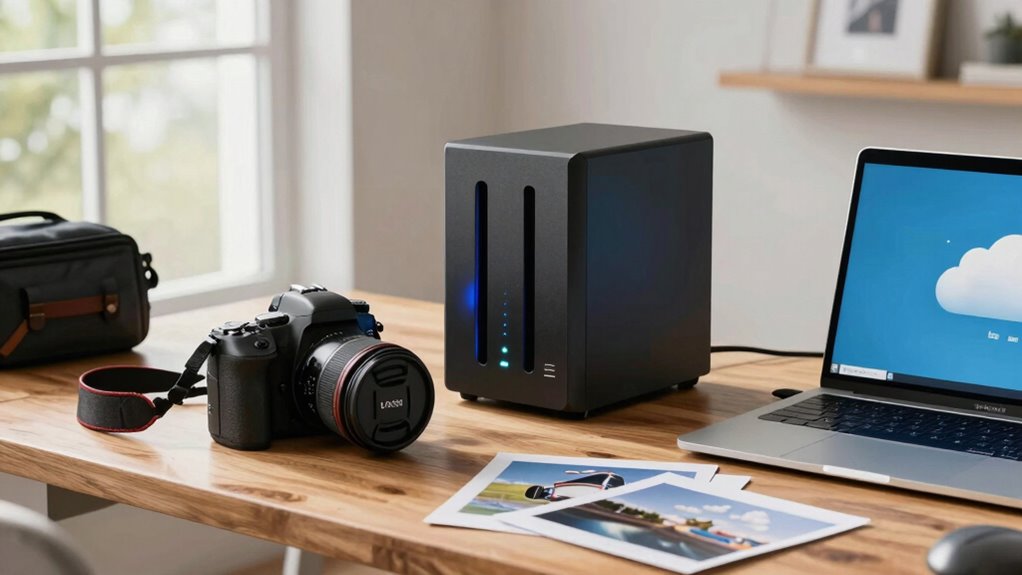
Selecting a backup system that aligns with your photography workflow is essential to keep your images safe and accessible. Consider how you handle storage redundancy—does your system automatically duplicate files to prevent data loss? If so, a NAS with RAID configurations might suit your needs. Alternatively, cloud backups often include built-in data encryption, ensuring your photos stay private and protected during transfer and storage. Think about your shooting frequency and access patterns: do you need quick local retrieval or remote access from multiple devices? Your workflow’s demands influence whether a NAS or cloud solution fits best. Both options can incorporate robust security features, but the key is choosing one that integrates seamlessly into your routine, offering reliable data encryption and redundancy without adding complexity.
How to Decide Between NAS and Cloud Backup for Large Volumes?
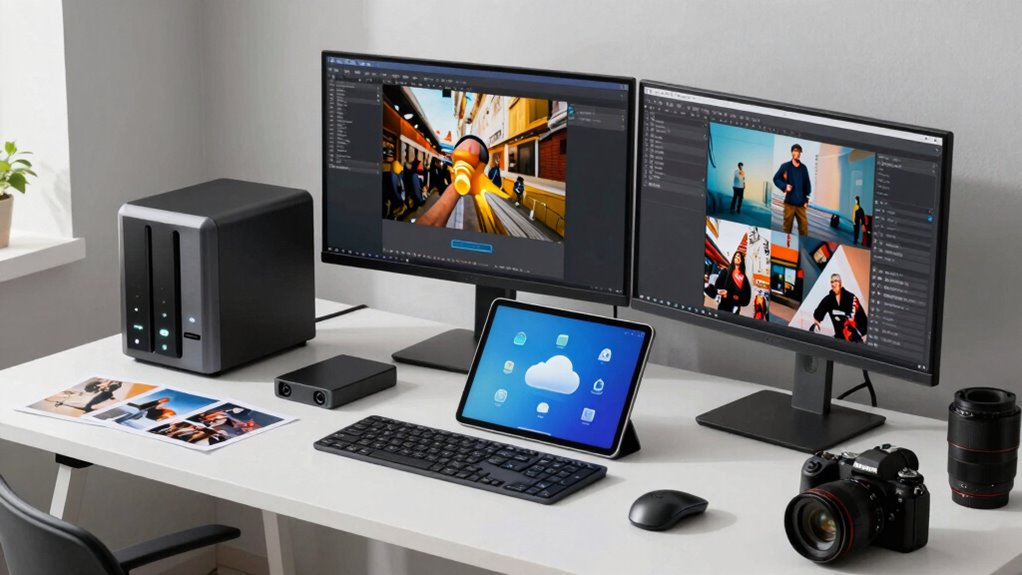
When deciding between NAS and cloud backup for large volumes, you need to contemplate factors like storage capacity, cost, and transfer speeds. If you prioritize storage redundancy, a NAS offers local backups with multiple drives for data protection. It’s ideal for quick access and maintaining control over data synchronization. Cloud backup, on the other hand, provides off-site security, reducing risks from physical damage, though it may involve higher ongoing costs and slower transfer speeds. Consider your workflow: if you need rapid access and frequent backups, NAS might suit you better. For long-term storage and disaster recovery, cloud services excel. Ultimately, evaluate your budget, speed requirements, and preference for managing data locally versus remotely to determine the best fit.
Frequently Asked Questions
How Do I Choose Between RAID and Cloud Redundancy Options?
You should choose based on your needs for redundancy and security. If you want quick local access and fault tolerance, go with a RAID configuration suited to your data size and RAID level. For off-site safety and cloud security, opt for cloud backup. Combining both offers maximum protection—RAID for fast access and cloud for disaster recovery. Consider your budget, data sensitivity, and access speed when making your decision.
What Are the Best Practices for Backing up During Travel?
When traveling, you should regularly back up your photos using remote access to upload to a secure cloud service. Make certain your data is encrypted during transfer and storage to protect your work. Carry a portable drive to back up directly from your camera or laptop, and avoid relying on a single backup method. Consistently updating your backups and verifying their integrity keeps your data safe on the go.
How Do I Restore Files Efficiently From NAS or Cloud?
Imagine you’re on a shoot abroad, needing quick access to your latest edits. To restore files efficiently, use remote access to connect to your NAS or cloud service. Data synchronization guarantees your files are up-to-date across devices. You simply log in, select your files, and download or open them directly. This seamless process saves time, keeps your workflow smooth, and gets you back to shooting faster.
Are There Compatibility Issues With Different Editing Software?
You might encounter some software compatibility issues depending on your editing software and storage setup. To keep your editing workflow smooth, guarantee your NAS or cloud service supports the file formats and software versions you use. Check for updates or plugins that enhance compatibility. Using widely supported file formats like JPEG, TIFF, or PSD helps avoid hiccups. Test your setup before critical projects to prevent surprises and maintain an efficient editing process.
What Are the Environmental Impacts of Each Storage Method?
You might wonder about the environmental impacts of each storage method. Using a NAS generally consumes less energy and has a smaller carbon footprint since it’s local, but it still requires power and physical resources. Cloud storage, on the other hand, relies on large data centers that consume significant energy, increasing its carbon footprint. Your choice affects the environment, so consider energy efficiency and sustainability when deciding.
Conclusion
Ultimately, choosing between NAS and cloud backup is like selecting your own adventure—each path offers unique strengths. Think of NAS as your fortress, guarding your treasures on-site, while cloud is the skyward voyage, offering limitless reach. Consider your needs, budget, and workflow, and you’ll find the perfect fit. Like a seasoned traveler choosing their route, trust your instincts and embrace the backup solution that keeps your creative journey secure and unstoppable.