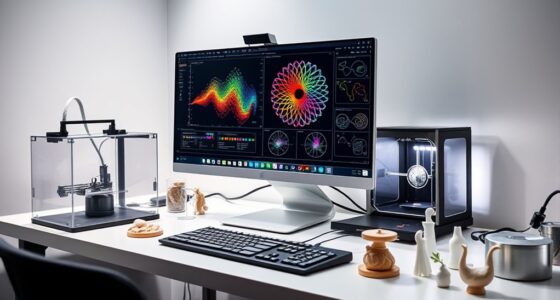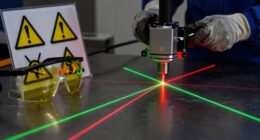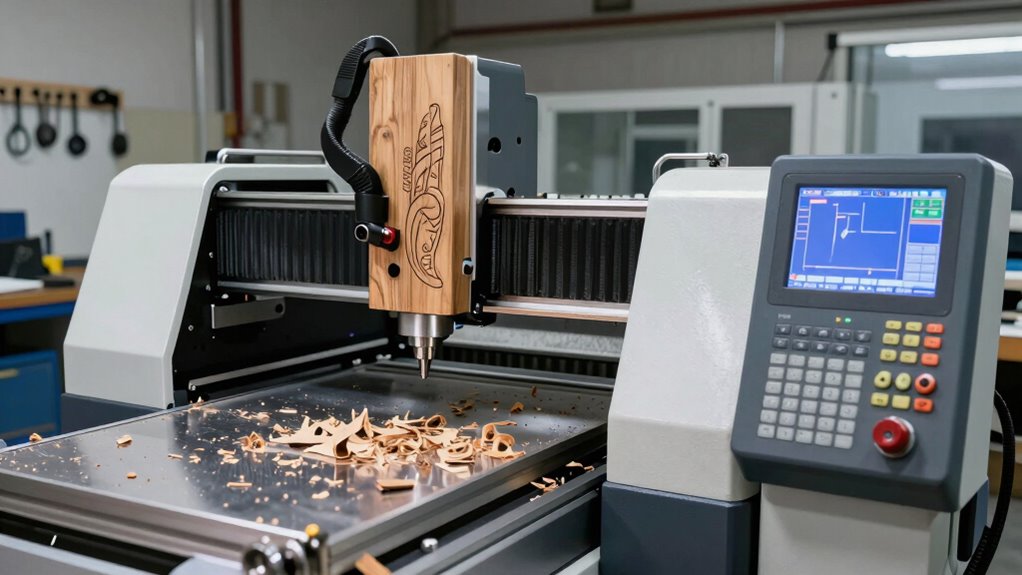
To sound like a pro using CNC, you’ll need to understand key terms like G-code, toolpath, feed rate, and spindle speed. These words help you communicate with machines, troubleshoot issues, and refine your projects. Knowing about tools, materials, and calibration also boosts your confidence. mastering this vocabulary makes your workflow smoother and your art more precise. Keep exploring, and you’ll discover the skills to bring your creative ideas to life with CNC.
Key Takeaways
- Understand essential CNC terminology like G-code, toolpath, feed rate, and spindle speed to communicate confidently about machine operations.
- Learn about different CNC tools and materials to select appropriate options for your artistic projects.
- Familiarize yourself with software interfaces, design conversion, and troubleshooting to streamline your workflow.
- Know safety practices and calibration techniques to ensure precise results and professional-quality artwork.
- Explore artistic techniques and creative applications that integrate CNC capabilities to expand your artistic expression.

Laser Engraver 10W Laser Engraving Machine for Wood Metal Acrylic Glass Stone, Powerful DIY CNC Portable Laser Cutter 7.9" x 11.8" (Near A4) Offline Engraving Carverall K15 Pro, 10000mW, Class 1
Perfect A4 Size: The Carverall K15 Pro Laser Engraver hits the sweet spot—roomy enough for wooden signs, leather…
As an affiliate, we earn on qualifying purchases.
As an affiliate, we earn on qualifying purchases.
What Is CNC Machining and Why Is It Great for Artists?
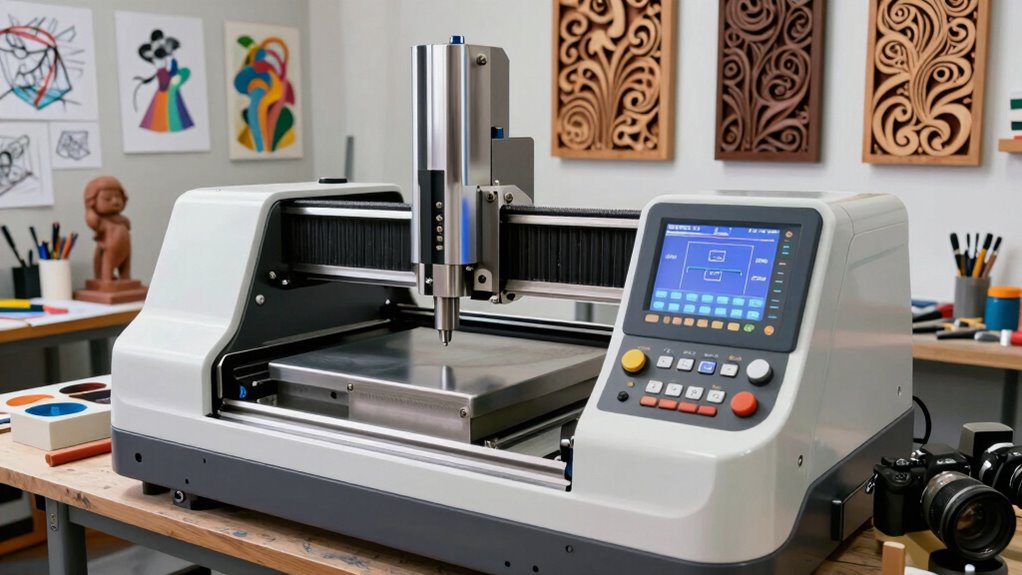
CNC machining is a precise manufacturing process that uses computer-controlled tools to cut and shape materials like wood, metal, or plastic. As an artist, it can release new creative possibilities and turn your artistic inspiration into tangible designs. With CNC, you can produce intricate patterns and detailed sculptures efficiently, making complex ideas a reality. Additionally, understanding digital concepts is crucial for mastering modern CNC techniques and integrating them into your artistic workflow. Having a clear understanding of machine operation helps you troubleshoot issues and optimize your creative process. However, safety should always come first. Learning CNC safety tips is essential to avoid accidents and keep your workspace secure. Always wear proper protective gear, keep your work area clean, and understand your machine’s functions before operating it. By combining your artistic vision with safe CNC practices, you’ll gain the confidence to experiment and create with precision and ease.

FoxAlien Masuter Pro 3-Axis CNC Router Machine, Beginner Hobby Engraving Machine All-Metal Structure for Wood Acrylic MDF Nylon Routing Milling Carving
All-Aluminum Structure & Enhanced Stability: Engineered with an all-metal framework and linear rail Z-axis, the FoxAlien Masuter Pro…
As an affiliate, we earn on qualifying purchases.
As an affiliate, we earn on qualifying purchases.
Essential CNC Terms Every Artist Should Know
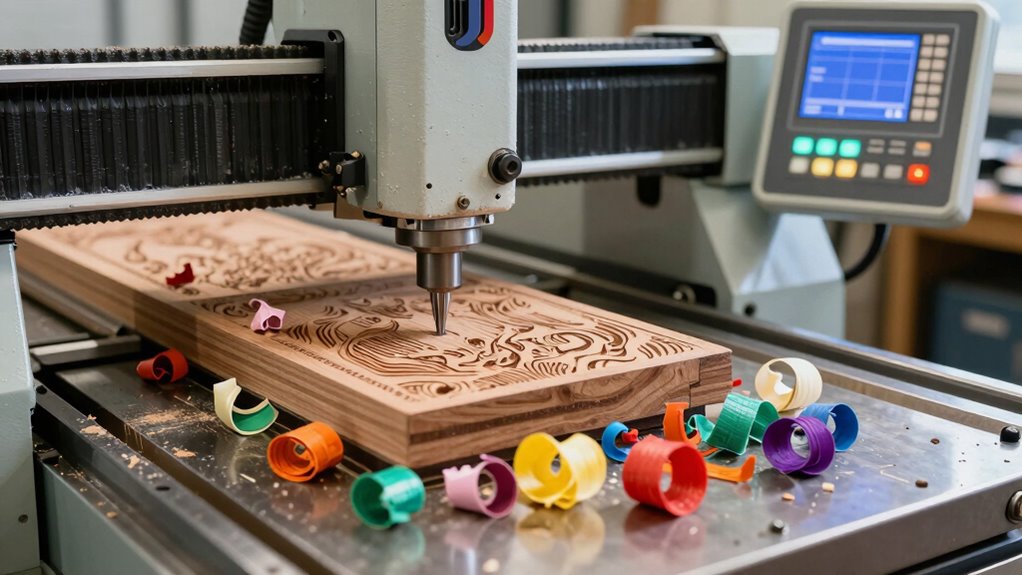
Are you familiar with the key terms that will help you navigate the world of CNC machining? Understanding essential CNC terms is vital for translating your artistic inspiration into precise designs. Terms like “G-code” refer to the language CNC machines understand, guiding movements and operations. “Toolpath” describes the route the cutting tool follows, based on your design and CNC design principles. “Cutting bits” are the tools that shape your material, while “feed rate” controls how quickly the tool moves through the material. Additionally, knowing “spindle speed” helps optimize cut quality. Mastering these terms enables you to communicate effectively, troubleshoot issues, and refine your craft. Proper knowledge of CNC machine components ensures your projects align with your creative vision while adhering to proper CNC design principles.
FoxAlien Masuter Pro 3-Axis CNC Router Machine, Beginner Hobby Engraving Machine All-Metal Structure for Wood Acrylic MDF Nylon Routing Milling Carving
All-Aluminum Structure & Enhanced Stability: Engineered with an all-metal framework and linear rail Z-axis, the FoxAlien Masuter Pro…
As an affiliate, we earn on qualifying purchases.
As an affiliate, we earn on qualifying purchases.
CNC Tools for Artists: Types and Creative Uses
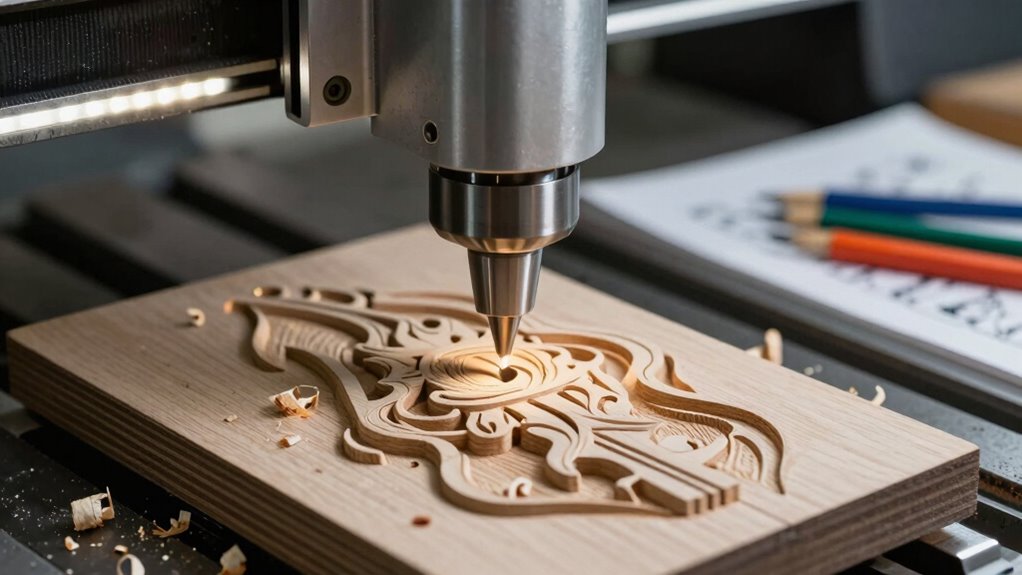
Understanding the different types of CNC tools opens up a world of creative possibilities for artists. Laser engraving allows you to add detailed designs, text, or images onto various surfaces like wood, acrylic, or metal, creating intricate and precise artwork. 3D carving takes this further by shaping materials into complex, dimensional forms, perfect for sculptures or decorative pieces. With laser engraving, you can produce fine lines and detailed patterns quickly, while 3D carving offers depth and texture. These tools enable you to experiment with textures, layers, and materials, pushing your artistic boundaries. Mastering material versatility with CNC tools allows artists to work across a wide range of mediums, expanding their creative options. Developing technical skills ensures you can operate these advanced tools effectively, enhancing the quality of your projects. Additionally, understanding tool maintenance is crucial for ensuring consistent results and prolonging the lifespan of your equipment. Properly managing CNC machine settings can significantly improve your workflow and output quality. Whether you’re customizing jewelry, creating artistic panels, or designing unique sculptures, mastering these CNC tools enhances your ability to bring your ideas to life with precision and professional quality****.

NEIKO 53880A Forestry Helmet for Safety with Shield and Earmuffs, Chainsaw Helmet with Face Shield, Hard Hat Safety Gear Equipment, Protective Face Shield and Mesh Shield for Face Protection
CHAINSAW HELMET WITH FACE SHIELD AND EARMUFFS: This hard hat with face shield serves as protective equipment with…
As an affiliate, we earn on qualifying purchases.
As an affiliate, we earn on qualifying purchases.
How CNC Software Works and What You Need to Get Started
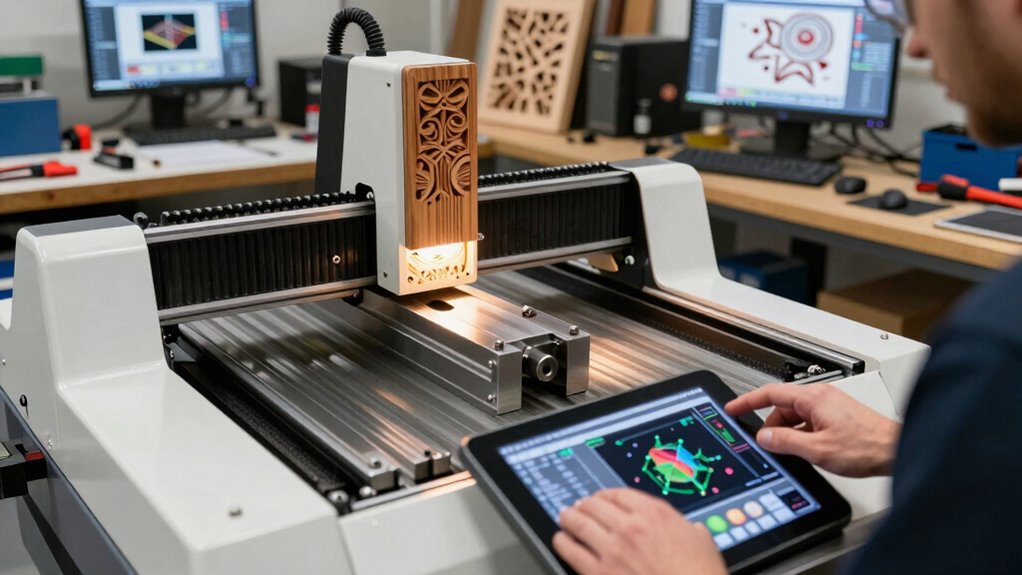
Ever wonder how your artistic ideas transform into precise movements on a CNC machine? It all starts with the software. The software interface is where you load your designs, adjust settings, and prepare your project. It’s user-friendly and often customizable, letting you tailor tools and workflows to fit your style. Once you finalize your design, the software converts it into a language your CNC machine understands—usually G-code—but that’s a topic for later. To get started, you’ll need a compatible computer, the CNC software, and your design files. Many programs offer features like visual previews and easy editing, making it accessible even for beginners. With the right software and some practice, you’ll quickly turn your creative visions into tangible, precise work.
G-Code Explained: The Language Your CNC Machine Uses
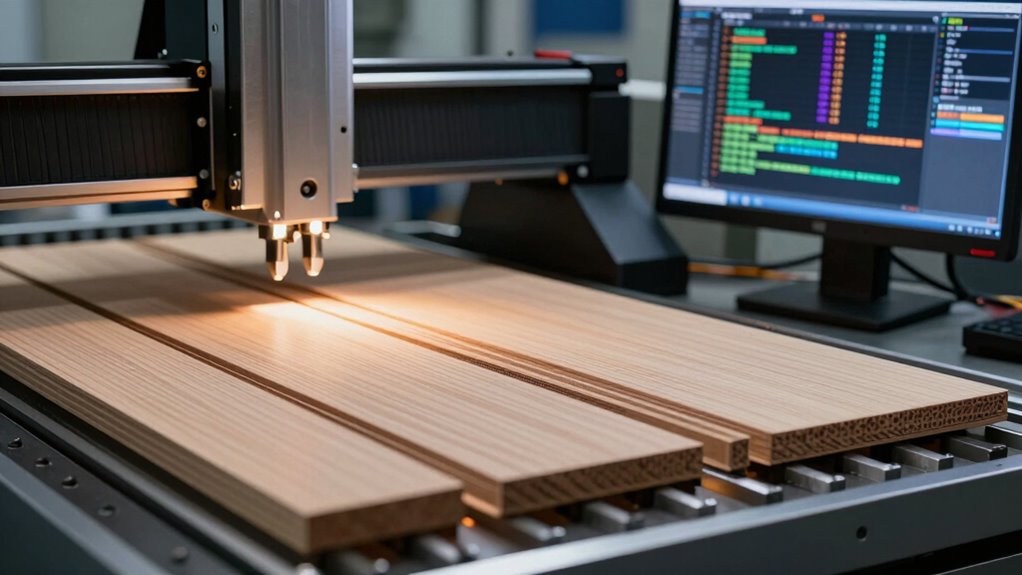
Once your design is ready in the CNC software, it needs to be translated into a language the machine can interpret. That language is G-code, which uses specific machine commands and g code syntax to tell your CNC machine what to do. These commands control movement, speed, and tool changes, making precise cuts possible. Understanding G-code helps you troubleshoot and customize your projects effectively. Additionally, familiarity with vetted – floating on water concepts can help you optimize your machine’s performance in various environments. Recognizing machine calibration principles ensures your CNC operates at optimal accuracy and precision. Being aware of G-code programming best practices allows for smoother operation and more complex designs. Mastering machine parameters can further enhance your control over the machining process.
Materials Commonly Used in CNC Art Projects
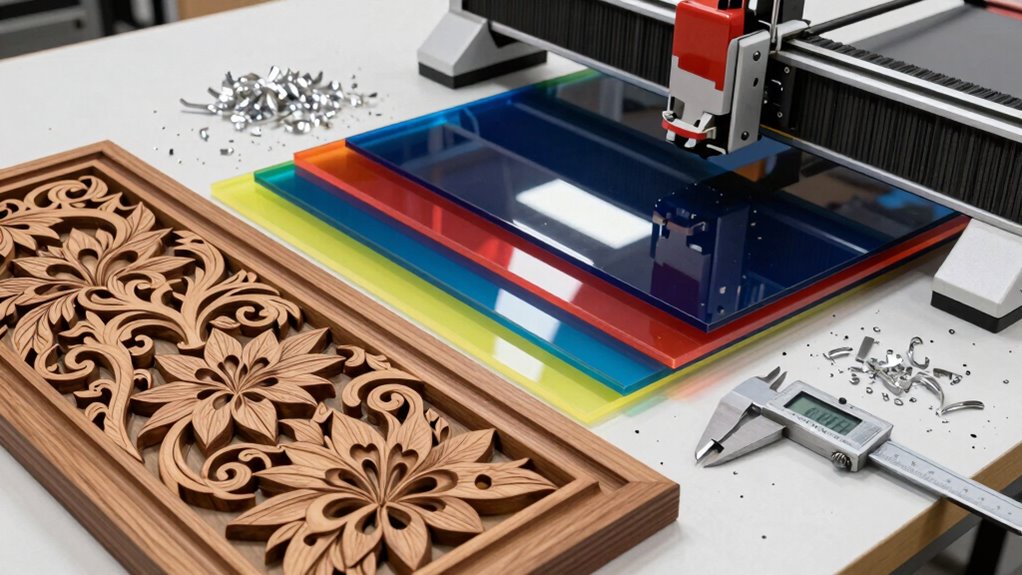
Choosing the right material is essential for achieving the best results in your CNC art projects. Material selection impacts not only the visual appeal but also how easily your CNC machine cuts and how smooth the surface finishing turns out. Common options include wood, plastics, and metals, each offering unique textures and durability. Soft woods like pine are beginner-friendly and produce cleaner cuts, while hardwoods like maple add sophistication. Plastics such as acrylic are versatile and lightweight. Metals like aluminum require more power but enable detailed, durable pieces. Keep in mind that surface finishing varies with material; some materials may need sanding or polishing to achieve a professional look. Paying attention to the environmental impact of your chosen material can help you craft more sustainable projects. Selecting the appropriate material guarantees your project meets your artistic vision and technical needs. Additionally, understanding the material properties can help you optimize your CNC process and enhance the final outcome. Being aware of the material compatibility ensures your chosen materials work well with your CNC equipment and techniques. Exploring the material behavior under different cutting conditions can further improve your results and prevent potential issues. Moreover, considering the material availability can influence project timelines and costs, especially for larger or more complex projects.
Setting Up and Calibrating Your CNC Machine for Art
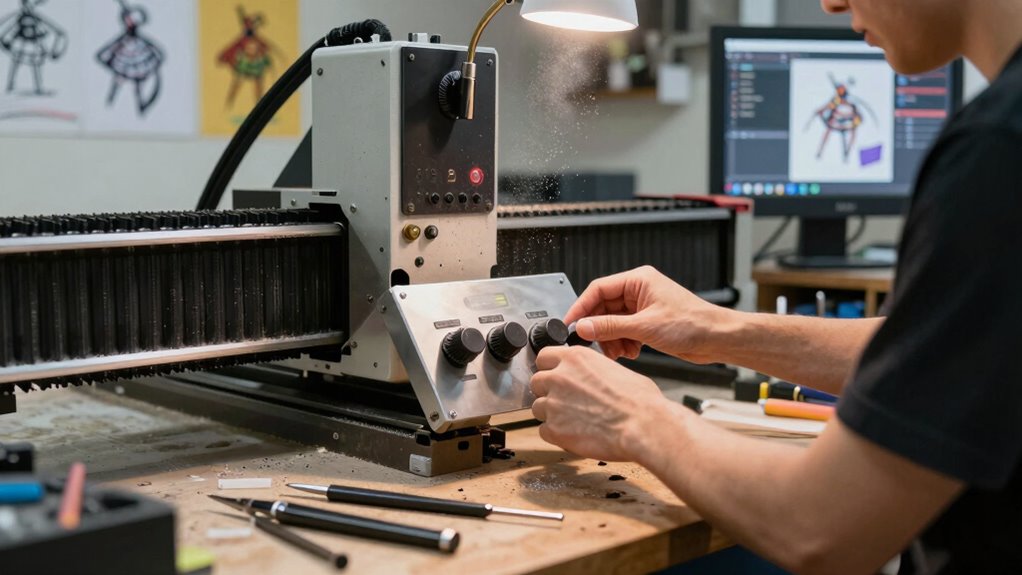
Properly setting up and calibrating your CNC machine is key to turning your artistic vision into reality. Start by performing a thorough machine calibration to ensure all axes move accurately and consistently. This involves checking the machine’s coordinate system and making adjustments to eliminate any inaccuracies. Next, focus on tool alignment—make sure your cutting tools are properly secured and aligned with the machine’s spindle. Misaligned tools can lead to uneven cuts or damaging your workpiece. Double-check that the tool’s tip is correctly positioned relative to the machine’s zero point. Taking these steps ensures precision and smooth operation, providing a solid foundation for your art projects. Proper calibration and tool alignment prevent errors, saving time and materials while producing professional results. Additionally, understanding traditional practices can help you incorporate culturally relevant techniques that enhance the uniqueness of your artwork.
Troubleshooting Common CNC Issues Artists Encounter
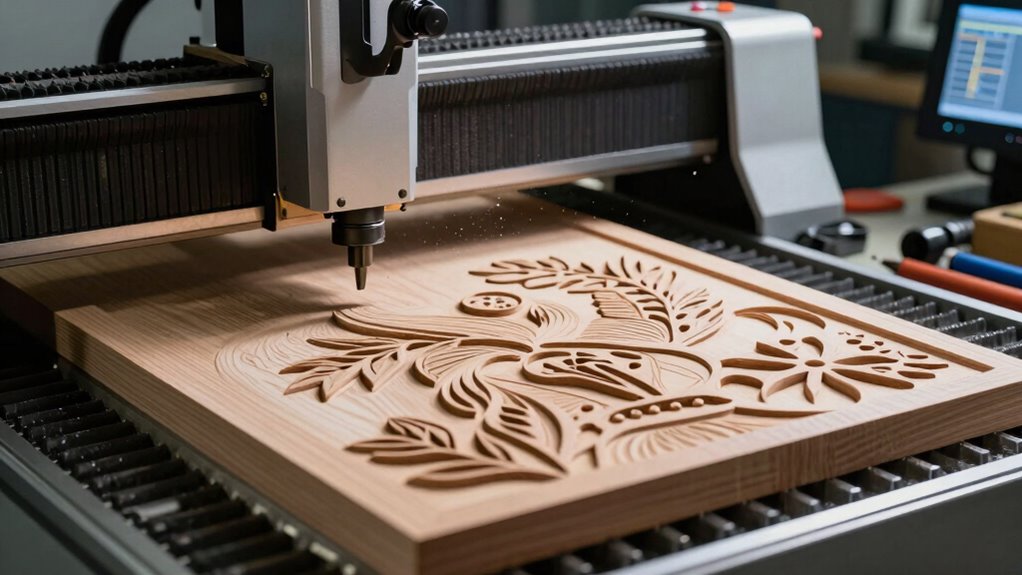
Even experienced artists can encounter issues with their CNC machines, but identifying and resolving these problems quickly keeps your projects on track. Common issues include material defects and software errors. Here’s how to troubleshoot:
- Check material quality—material defects like warping or impurities can cause inconsistent cuts. Performing material testing can help identify these issues before starting a project. Additionally, understanding the properties of different materials can guide you in selecting the best options for your work. Being aware of common defects in materials can prevent many troubleshooting headaches. Consulting natural materials and their characteristics can also improve your material choices.
- Review your software settings—incorrect parameters may lead to errors or misaligned cuts.
- Inspect your machine’s calibration—improper calibration can cause inaccuracies.
- Examine connections and cables—loose or damaged wiring might trigger software errors or hardware issues.
- Understand the importance of proper machine maintenance—regular upkeep can prevent many common problems.
Next Steps: How to Learn More and Start Creating With CNC
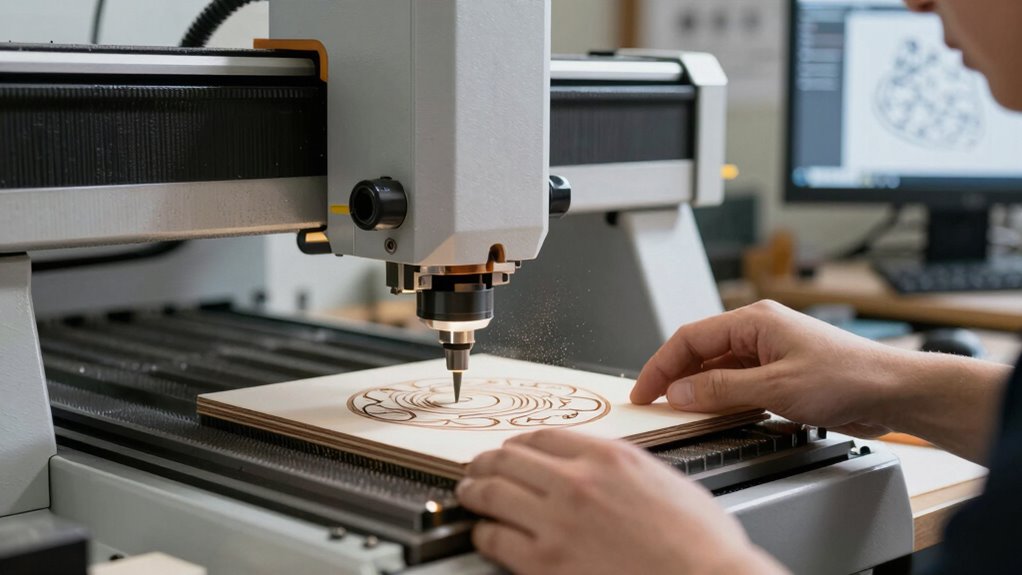
Getting started with CNC machines may seem intimidating at first, but there are straightforward ways to learn and begin creating your own projects. To deepen your skills, explore online tutorials, join artist communities, and take workshops focused on advanced techniques. These resources help you master complex designs and refine your craftsmanship. As you gain confidence, incorporate artistic inspiration from different styles and mediums, pushing the boundaries of what you can create with CNC. Practice regularly, experiment with new materials, and challenge yourself to develop unique projects. Remember, technical skills combined with your creative vision will turn CNC into a powerful tool for artistic expression. With persistence and curiosity, you’ll soon be producing impressive work that showcases your personal style.
Frequently Asked Questions
What Safety Precautions Should I Follow When Operating CNC Machines?
When operating CNC machines, you should always wear safety gear like goggles, ear protection, and gloves to protect yourself. Make sure to keep the workspace clean and follow proper machine maintenance routines to prevent malfunctions. Never bypass safety features, and stay alert while the machine is running. Regularly inspect tools and parts for damage, and turn off the machine before making adjustments to guarantee your safety at all times.
Can CNC Machines Create Detailed 3D Sculptures for Art Projects?
Like Da Vinci’s sketches, CNC machines can craft intricate 3D sculptures for your art projects. By combining precise 3D modeling and careful material selection, you can produce detailed, lifelike pieces. The machine’s accuracy allows for complex textures and forms, transforming your digital designs into tangible masterpieces. Just guarantee you optimize your designs for CNC cutting, and choose the right materials to bring your artistic vision to life with professional finesse.
How Do I Choose the Right CNC Machine Size for My Artwork?
You should choose a CNC machine size based on your artwork’s dimensions and material compatibility. Measure your typical project size to guarantee the workspace fits comfortably, leaving room for movement and setup. Consider the materials you’ll work with often—some machines handle thicker or denser materials better. Picking a machine that aligns with your project scale and material needs helps you work efficiently and produces the best results without limitations.
Are There Eco-Friendly Materials Suitable for CNC Art?
Did you know that eco-friendly materials account for 30% of new CNC projects? You can choose biodegradable plastics or recycled composites, which are both sustainable options. These materials reduce waste and environmental impact while still allowing you to create detailed, high-quality artwork. By selecting eco-friendly options, you not only support sustainability but also expand your creative possibilities with responsibly sourced materials that are perfect for CNC carving.
How Can I Incorporate CNC Techniques Into Mixed-Media Art?
You can incorporate CNC techniques into mixed-media art by using digital layering to design intricate patterns and textures. Then, carve or cut these designs into various materials like wood, acrylic, or metal. Combine the CNC-created elements with traditional mediums such as paint, collage, or fabric to add mixed media textures. This approach adds depth and complexity, making your art visually engaging and uniquely crafted through a harmonious blend of digital and manual techniques.
Conclusion
Now that you’ve got the basics down, you’re ready to bring your artistic visions to life with CNC. Think of it as your modern-day paintbrush, turning ideas into reality with precision and flair. Don’t fear the learning curve—like mastering a new instrument, it gets easier with practice. So, immerse yourself, experiment, and remember: even da Vinci would’ve loved to have a CNC machine in his studio. Your masterpiece awaits!