
TL;DR

Get art and craft supplies delivered free with Prime
- Fast, free delivery on millions of items
- Prime Video, Amazon Music and more included
- Member-only deals all year
You can convert a single video into a complete publishing kit—like social media posts, media kits, and articles—without relying on cloud services. It saves time, enhances privacy, and gives you full control over your files, perfect for indie creators and small publishers.
Imagine finishing a video and immediately having a full toolkit of assets ready for publishing. No waiting for uploads, no cloud subscriptions, just your own machine working for you. This isn’t a distant dream; it’s now possible with tools like ChannelHelm, which turn one video into a complete publishing kit—locally.
Whether you’re an indie author, course creator, or small publisher, this approach cuts through the clutter. You get faster turnaround, more privacy, and full ownership of your media. Ready to see how it works? Let’s dig into the core idea: turning one video into a multi-platform publishing machine—without the cloud.
Key Takeaways
- A single video can produce a complete set of publishing assets—ready for social, press, and marketing—without leaving your machine.
- Local workflows boost privacy, speed, and control—ideal for sensitive projects and tight deadlines.
- The process integrates seamlessly into publishing pipelines, reducing manual effort and accelerating launches, much like the benefits discussed in this comprehensive guide on creating publishing kits without the cloud.
- While powerful, these tools still benefit from human oversight to ensure strategic messaging.
- Hardware matters: a decent laptop or desktop makes processing faster and more efficient.
As an affiliate, we earn on qualifying purchases.
What does ‘one video in, a whole publishing kit out’ actually produce?
Think of a single, finished video transforming into a suite of assets: social media posts, a media kit, articles, and more. For example, upload a 10-minute webinar, and it can generate:
- A set of social posts tailored for Facebook, Instagram, and LinkedIn
- A media kit with high-res and low-res cover images, author bio, and a summary sheet
- Short clips for TikTok, Instagram Reels, or Shorts, with auto-generated descriptions
- A detailed blog draft and email newsletter snippets
- Metadata like tags and categories optimized for distribution
This process condenses hours of manual work into minutes, with the AI analyzing the video’s content, themes, and key moments to produce ready-to-publish assets, similar to how AI tools can automate content repurposing.

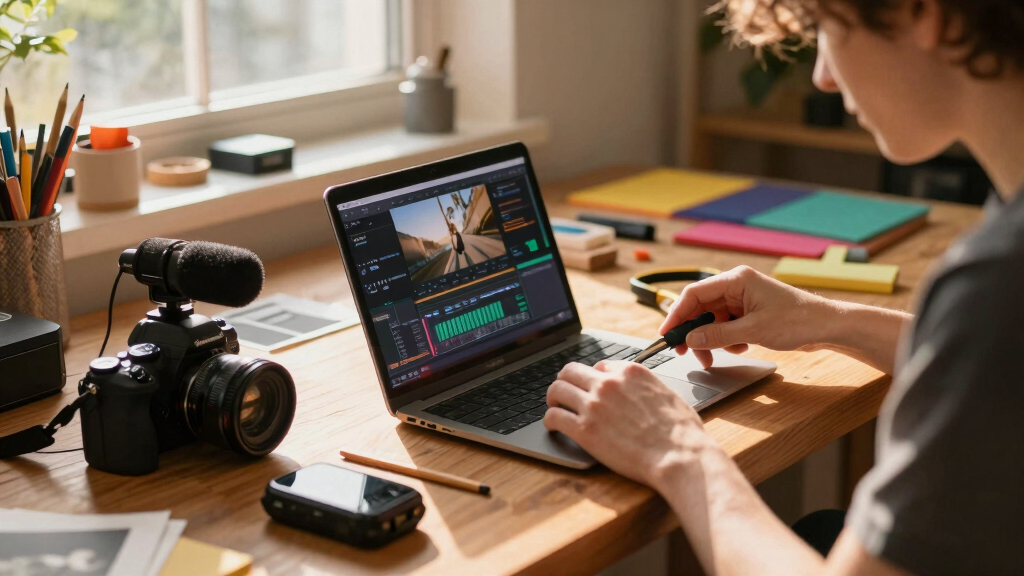
video to social media asset converter
As an affiliate, we earn on qualifying purchases.
As an affiliate, we earn on qualifying purchases.
Why ‘without the cloud’ makes all the difference
Using tools that operate entirely on your local machine isn’t just about avoiding internet bills. It’s about privacy, speed, and control. When you process videos locally, your sensitive content stays on your device—no third-party servers storing or accessing your work.
Imagine you’re working on a confidential product launch. Cloud tools might risk leaks or delays. With a local workflow, you get instant results, no uploads, and full ownership. Plus, processing speeds often double or triple since you’re not waiting on cloud servers.
For instance, a creator using a local system reported cutting their editing time in half compared to cloud-based workflows, thanks to immediate access and control.
Beyond privacy, the speed advantage is crucial for time-sensitive projects. When processing happens locally, you eliminate the latency associated with uploading and downloading large files, which can be especially beneficial for projects with tight deadlines. However, this approach also requires a more powerful machine capable of handling intensive tasks, which might mean higher upfront costs but pays off in efficiency and security.

As an affiliate, we earn on qualifying purchases.
The full publishing kit: what comes out of one video?
Here’s a detailed breakdown of typical deliverables a local system can generate from one video:
| Asset Type | Purpose | Example |
|---|---|---|
| Titles & Descriptions | Grab attention and optimize for search | Five catchy YouTube titles with scores for character count |
| Social Media Posts | Promotion across platforms | Instagram stories, TikTok clips, LinkedIn updates |
| Media Kit | Press, reviews, or promotional use | High-res cover, author bio, one-sheet summary |
| Video Clips & Shorts | Snippets for engagement | 15-second TikTok highlight, vertical reels |
| Articles & Blog Drafts | Deeper content marketing | Summary blog post, newsletter snippets |
| Metadata & Tags | Better discoverability | Keywords, hashtags, categories |
Generating this array of assets from a single upload means you can streamline your entire content distribution process, reducing manual effort and minimizing the risk of inconsistent messaging or branding, as explained in this detailed overview of local publishing workflows. Each asset can be tailored further to fit specific platform requirements or marketing strategies, giving you flexibility without the hassle of manual reformatting or multiple uploads.
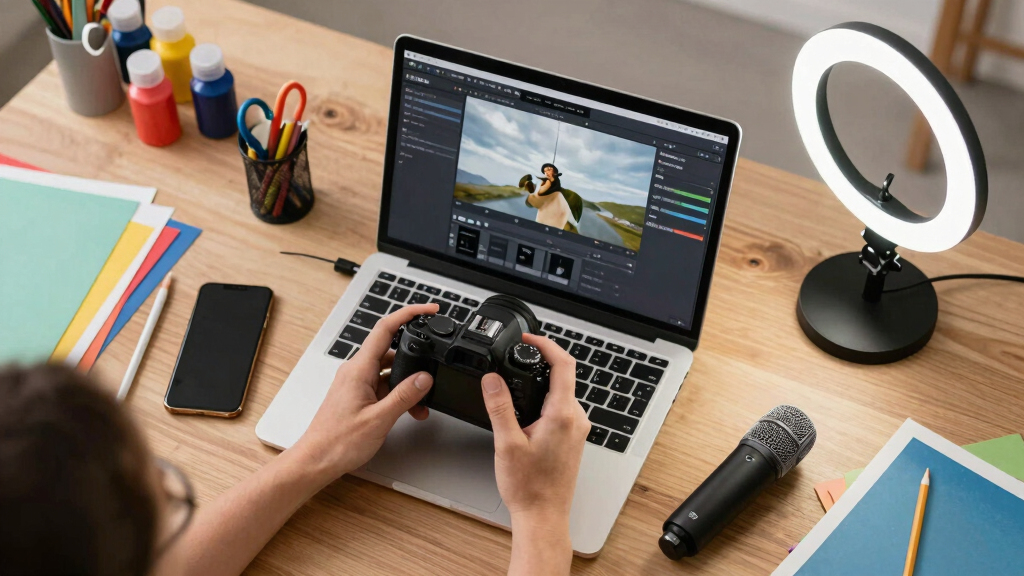
offline content repurposing software
As an affiliate, we earn on qualifying purchases.
As an affiliate, we earn on qualifying purchases.
Who benefits most from this local, one-video-to-publishing approach?
This workflow is perfect for indie authors, educators, course creators, and small publishers, especially those interested in crafting and content creation techniques. Anyone who wants quick turnaround without sacrificing control. For example, a nonfiction author recording a webinar can generate a book launch kit, social campaigns, and media pitches—all from a single recording.
Small teams or solo creators often lack the time or budget for cloud subscriptions or manual repackaging. With this system, they turn content into multiple assets in hours, not days.
Even coaches or speakers filming a quick talk can produce promotional material, blog posts, and social snippets instantly, making content marketing a breeze.
The core advantage here is autonomy. By managing the entire process locally, creators avoid dependency on external services, which can be unreliable or costly. This independence not only saves money but also allows for rapid iteration and customization, aligning assets closely with evolving project needs or branding changes.

Where does this fit in the publishing workflow?
This approach is the backbone of a streamlined publishing pipeline, similar to the strategies outlined in design and branding for content creators. Start with a raw video—an interview, a talk, or a demo. Then, use the tool to generate all necessary assets before a launch. It acts as the central hub, reducing repetitive tasks and manual editing.
For example, a course creator records a webinar, then instantly pulls out social clips, a course landing page draft, and email sequences. All are ready to go with minimal manual tweaking. This integrated process not only accelerates the pre-launch phase but also ensures consistency across all assets, reinforcing branding and messaging.
Such a workflow encourages a more agile content strategy, where creators can quickly respond to feedback, new opportunities, or shifts in market trends without the bottleneck of manual repurposing. It fosters a continuous content creation cycle that can adapt in real-time, making the entire publishing process more efficient and responsive.

Benefits vs. limitations: what you gain and what you give up
Benefits are clear: speed, privacy, full control, and the ability to operate offline. You generate high-quality assets without uploading sensitive content to third-party servers. Plus, the process is faster—saving hours from manual repackaging.
However, it’s important to understand the tradeoffs. AI-generated assets, while impressive, are not yet perfect; they often require human oversight to ensure messaging aligns with your intent and branding. Titles or descriptions generated automatically might be generic or lack nuance, necessitating manual editing for maximum impact. Furthermore, complex projects with layered narratives or visual effects may not be fully automatable and will demand manual refinement.
Hardware considerations are also critical. While many tools run on modest laptops, high-resolution video processing is resource-intensive and benefits from a more powerful machine. This means initial investment in suitable hardware can be necessary, especially if you work with large files regularly. Lastly, mastering these tools requires some technical familiarity, which might involve a learning curve but ultimately results in greater control and customization.

Common questions—what you really want to know
Here are some of the most asked questions about this local, video-to-publishing workflow:

- What exactly does ‘one video in, a whole publishing kit out’ produce? It generates social posts, media kits, clips, articles, metadata, and more—ready for immediate use or editing.
- Is processing fully local, and what hardware is needed? Yes, it runs on your machine. A mid-range laptop can handle most tasks, but a desktop with a dedicated GPU speeds things up. The choice depends on your volume and complexity of projects.
- Does it work offline? Absolutely. All processing happens on your device, no internet required after setup. This ensures your data remains private and accessible even in low-connectivity environments.
- How much editing is still needed? Minimal tweaks—titles, descriptions, or clips—are often enough before publishing. Human oversight ensures assets are aligned with your messaging and branding standards.
Real-world examples of this workflow in action
Take a small author who shot a 20-minute interview for their upcoming book launch. Using a local tool, they create:
- A media kit with images and summaries for reviewers
- Multiple short clips for social media, tailored to each platform’s style
- A blog post draft that highlights key insights from the interview
- Social posts ready to publish immediately, saving hours of manual editing
All done on a modest laptop, with no cloud uploads. The author can pivot instantly if a new review or quote comes in, adjusting assets on the fly. This flexibility enables rapid response to market developments, ensuring that promotional efforts stay current and relevant, which is critical in competitive publishing environments.
Frequently Asked Questions
What kinds of videos work best for this workflow?
Talking head videos, webinars, demos, or lectures work well because the system analyzes spoken content and visuals. Action-packed or highly visual content can also generate rich assets, but complexity may require more manual editing.
Can I generate files for Amazon KDP or Shopify directly?
Yes, many tools can output formatted files suitable for print-on-demand platforms like KDP or e-commerce sites like Shopify. The key is setting the right templates and export formats during the process.
How do I avoid hallucinations or inaccuracies in the assets?
AI tools provide drafts that need human review. Double-check titles, summaries, and key quotes. Using provenance data helps track the source prompts, so you know where each asset originated. This oversight is crucial because AI, while powerful, can sometimes generate plausible but incorrect content, which could mislead your audience or misrepresent your message if left unchecked.
Conclusion
Turning one video into a full publishing kit without relying on the cloud isn’t just a tech trick—it’s a game-changer for creators who value speed, privacy, and ownership. This approach makes content repurposing faster, smarter, and more reliable.
Imagine finishing a video and having everything you need to publish, promote, and pitch—instantly. That’s the future of independent publishing, and it’s already here. Are you ready to take control?

Halloween Picks
halloween
As an affiliate, we earn on qualifying purchases.