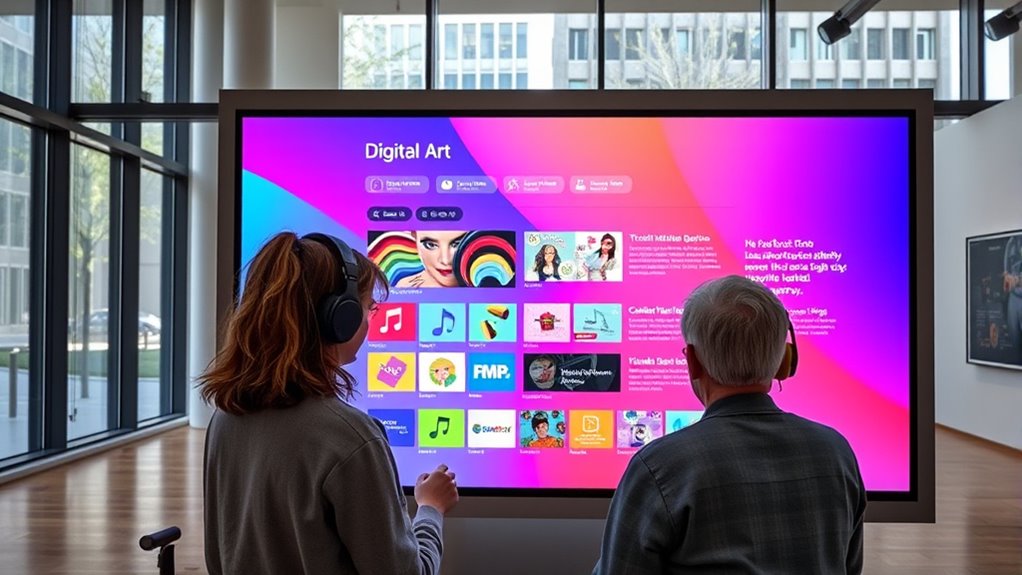

Accessibility in digital art platforms means that you can use the tools regardless of your abilities. Many platforms include assistive technologies like screen readers, voice commands, and eye-tracking devices to support diverse needs. You can also customize interfaces with larger icons, high-contrast schemes, and personalized settings. By prioritizing accessibility, platforms make sure you have equal opportunities to express your creativity. If you keep exploring, you’ll discover how these features can truly enhance your artistic experience.
Key Takeaways
- Accessibility features enable artists with diverse abilities to participate fully in digital art creation.
- Assistive technologies like screen readers and eye-tracking enhance usability for users with impairments.
- Customization options such as high-contrast modes and simplified interfaces improve user comfort.
- Integration of accessibility into platform design promotes an inclusive and equitable artistic community.
- Accessible design supports diverse creative expressions, ensuring equal rights to digital art participation.
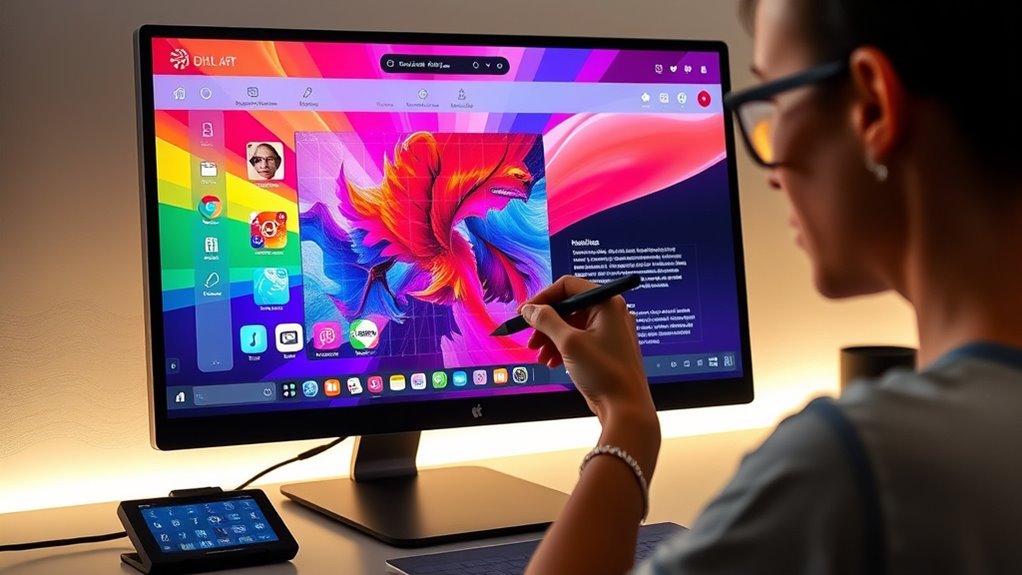
Digital art platforms are transforming how artists create and share their work, but their accessibility remains a crucial concern. When you’re exploring these platforms, it’s important to recognize that not everyone has the same ability to navigate or utilize the tools effectively. Accessibility features like assistive technologies and user customization options are essential in ensuring that all artists, regardless of physical or cognitive differences, can participate fully. Assistive technologies, such as screen readers, voice commands, or eye-tracking devices, can bridge gaps for artists with visual impairments or motor challenges. These technologies enable you to interact with digital art tools in ways that suit your specific needs, removing barriers that might otherwise limit creative expression. For example, if you find traditional input devices difficult, using voice recognition can allow you to control brush strokes or layer adjustments hands-free, empowering you to focus on your artistic vision. Additionally, understanding how accessibility integration enhances user experience can help you make the most of these features effectively.
User customization is equally critical because it allows you to tailor the platform’s interface and functions to your preferences. You might prefer larger icons, high-contrast color schemes, or simplified tool layouts to reduce visual clutter and improve usability. Many platforms now let you adjust brush sensitivity, color palettes, and workspace layouts, giving you a more personalized experience that aligns with your workflow. This flexibility means you don’t have to conform to a one-size-fits-all interface; instead, you can optimize your environment for comfort and efficiency. By customizing these features, you can work more intuitively and with fewer distractions, which is especially beneficial if you experience fatigue, sensory sensitivities, or other challenges.
The integration of assistive technologies and user customization options reflects a growing recognition that accessibility isn’t an afterthought but a core part of digital art platform design. Developers are increasingly prioritizing features that support diverse user needs, making it easier for you to engage creatively without feeling excluded. As you navigate these platforms, it’s worth exploring their accessibility settings thoroughly. Many platforms offer tutorials or community forums where you can learn how to set up and maximize these features. Taking advantage of these tools not only enhances your creative process but also affirms your right to equal participation in digital art. Ultimately, accessible design fosters a more inclusive artistic community, allowing everyone — you included — to share your unique perspective without unnecessary obstacles.
Frequently Asked Questions
How Do Digital Art Platforms Ensure Accessibility for Users With Disabilities?
Digital art platforms guarantee accessibility by implementing inclusive design, making sure features are usable for everyone. You can often customize settings like contrast, font size, and keyboard navigation to suit your needs. These platforms also incorporate assistive technologies, such as screen readers and voice commands, so you can create and explore art seamlessly. By prioritizing user customization and inclusive design, they make digital art accessible and enjoyable for all users.
What Assistive Technologies Are Compatible With Popular Digital Art Platforms?
You can use various assistive technologies with popular digital art platforms, thanks to hardware integration and user customization options. Screen readers, alternative input devices, and voice commands often work seamlessly, allowing you to navigate and create comfortably. Many platforms also support customized controls, enabling you to tailor the experience to your needs. This flexibility helps guarantee you stay engaged and productive, regardless of your accessibility requirements.
Are There Specific Guidelines for Designing Accessible Digital Art Interfaces?
Yes, there are specific guidelines for designing accessible digital art interfaces. You should guarantee good color contrast to help users distinguish elements easily, and implement keyboard navigation so users can create and explore art without relying solely on a mouse. Following these guidelines makes your platform more inclusive, allowing artists of all abilities to enjoy and contribute to digital art. Always test your interface with these principles in mind to improve accessibility.
How Can Artists With Disabilities Contribute to Digital Art Platform Development?
Oh, sure, you might think artists with disabilities are just the audience, but they actually play a vital role in shaping inclusive design. By sharing their user feedback, they help developers create better features for everyone. Their insights guarantee platforms are truly accessible, turning their unique perspectives into powerful contributions. So, don’t overlook their voices—embrace their input to craft digital art spaces that are welcoming and innovative for all.
What Are the Challenges in Implementing Accessibility Features Across Diverse Platforms?
You face challenges implementing accessibility features across diverse platforms because achieving universal design requires balancing technical constraints and user needs. Cultural considerations add complexity, as designs must respect different cultural norms and languages, making consistent accessibility harder. You need adaptable solutions that work on various devices and account for diverse user backgrounds. Addressing these challenges involves ongoing collaboration, testing, and embracing inclusive practices to create truly accessible digital art experiences.
Conclusion
By prioritizing accessibility, you’re not just making digital art platforms more inclusive—you’re challenging the idea that art should be limited by ability. Imagine a world where everyone, regardless of their challenges, can create and experience art fully. It’s a bold theory, but one worth testing. When you embrace accessibility, you unleash creativity’s true potential for all, proving that art’s power is limitless if we open the doors wide enough.