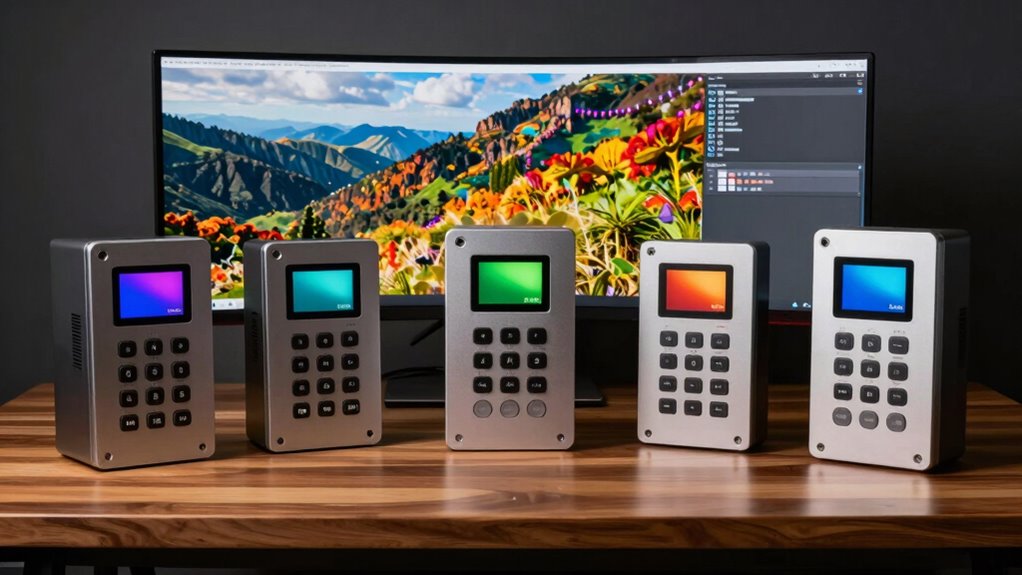
Choosing the right monitor calibration device is essential for photographers who demand color accuracy and consistency. The Datacolor SpyderExpress stands out for quick setup and support for high-end display tech, making it ideal for professionals pressed for time. The Calibrite Display Pro HL offers advanced luminance measurement for those working with very bright screens, while the Calibrite Display 123 provides a simple, reliable option for photographers needing straightforward calibration. These picks balance ease of use, compatibility, and precision, but each has tradeoffs that can influence your decision based on your workflow and display technology.

Get art and craft supplies delivered free with Prime
- Fast, free delivery on millions of items
- Prime Video, Amazon Music and more included
- Member-only deals all year
Key Takeaways
- The Datacolor SpyderExpress excels for quick calibration across multiple high-end displays, but may face software complexities.
- The Calibrite Display Pro HL is best for users with bright, high-luminance screens who need precise calibration tools.
- The Calibrite Display 123 offers an accessible calibration experience for photographers who prefer simplicity and reliability.
- Products vary in display compatibility, with some supporting OLED, mini-LED, and high-luminance projectors, while others are more limited.
- Tradeoffs include ease of use versus advanced features, with some devices requiring more technical setup or specific software.
| Datacolor SpyderExpress Monitor Calibrator & Screen Color Calibrator |  | Best Overall for Speed and Compatibility | Product Dimensions: 2.6 x 4.8 x 4.8 inches | Item Weight: 5 ounces | ASIN: B0FMJFPTVG | VIEW ON AMAZON | See Our Full Breakdown |
| Datacolor Spyder Monitor Calibrator & Screen Color Calibration Tool |  | Best for Versatility and User-Friendliness | Product Dimensions: 3 x 3 x 2 inches | Item Weight: 5 ounces | ASIN: B0DDYDLPJ4 | VIEW ON AMAZON | See Our Full Breakdown |
| Calibrite Display Pro HL Monitor Calibration Colorimeter for LCD, Mini LED, and OLED Displays |  | Best for High-Luminance, Advanced Calibration | Measurement Range: up to 3000 nits | Display Compatibility: LCD, Mini LED, OLED, projectors | Software: Calibrite PROFILER for Mac and Windows | VIEW ON AMAZON | See Our Full Breakdown |
| Calibrite Creator Kit with Display 123 Colorimeter and ColorChecker Passport Video 2 |  | Best for Capture and Color Workflow | Package Dimensions: 7.36 x 5.63 x 2.72 inches | Item Weight: 0.005 ounces | ASIN: B0DPNBYLDB | VIEW ON AMAZON | See Our Full Breakdown |
| Calibrite Display 123 Monitor Calibration Colorimeter for Photo Editing and Color Accurate Viewing |  | Best for Simplicity and Dual-Display Calibration | Connection: USB C | Supports: 2 displays | Dimensions: approx. 34mm tall x 37mm diameter | VIEW ON AMAZON | See Our Full Breakdown |
| monitor calibration devices for photographer | Item Weight | ASIN | Model Number |
|---|---|---|---|
| Datacolor SpyderExpress Monito | 5 ounces | B0FMJFPTVG | SP2024EXP |
| Datacolor Spyder Monitor Calib | 5 ounces | B0DDYDLPJ4 | SP2024 |
| Calibrite Display Pro HL Monit | — | — | — |
| Calibrite Creator Kit with Dis | 0.005 ounces | B0DPNBYLDB | CC123-PPV2 |
| Calibrite Display 123 Monitor | — | — | — |
More Details on Our Top Picks
Datacolor SpyderExpress Monitor Calibrator & Screen Color Calibrator
The Datacolor SpyderExpress stands out for its rapid calibration process, supporting the latest high-end screens such as Liquid Retina XDR and mini-LED. It calibrates up to three displays in just 90 seconds, making it perfect for busy professionals who need quick, reliable results. Its software supports features like ambient light adjustment and multi-display profiling, though some users find the setup process slightly complex, especially when connecting multiple displays. Compared with more advanced calibrators, its speed and ease of use make it ideal for those who need rapid turnarounds but aren’t seeking ultra-fine control.
Pros:- Supports the latest display tech like Liquid Retina XDR and mini-LED
- Quick calibration in approximately 90 seconds
- Multi-display profiling with software upgrades
- Easy to set up with straightforward calibration steps
Cons:- Limited to calibration of up to 3 displays
- Requires software download and connection, which may be complex for some
- Occasional software or calibration glitches reported
Best for: Photographers who need fast, reliable calibration across multiple high-end displays
Not ideal for: Users requiring highly detailed, customizable calibration profiles or working with more than three screens
- Product Dimensions:2.6 x 4.8 x 4.8 inches
- Item Weight:5 ounces
- ASIN:B0FMJFPTVG
- Model Number:SP2024EXP
Our verdict“A versatile choice for professionals needing fast, accurate calibration for multiple high-end screens.”
Datacolor Spyder Monitor Calibrator & Screen Color Calibration Tool
The Datacolor Spyder Monitor Calibrator is designed to work across a broad range of displays, including OLED, mini-LED, and Apple Liquid Retina XDR. Its quick setup and ambient light sensor help maintain accurate colors in various lighting conditions. The software is accessible for beginners but also offers enough flexibility for advanced users. However, it requires a nonstandard battery, which may complicate maintenance. Compared to specialized high-luminance calibrators, it balances ease of use with decent accuracy, making it suitable for photographers who want reliable results without complex setup.
Pros:- Compatible with OLED, mini-LED, and Liquid Retina XDR
- Fast calibration process (~90 seconds)
- Ambient light sensor improves consistency
- User-friendly software for all skill levels
Cons:- Requires a nonstandard battery that may be hard to find
- Limited advanced calibration options
- Price and availability can vary
Best for: Photographers seeking versatile calibration for diverse display types, especially in variable lighting
Not ideal for: Those needing ultra-high luminance calibration or advanced profiling features
- Product Dimensions:3 x 3 x 2 inches
- Item Weight:5 ounces
- ASIN:B0DDYDLPJ4
- Model Number:SP2024
- Batteries:1 nonstandard battery required
Our verdict“An adaptable, easy-to-use calibrator suited for photographers working with multiple display types in varying lighting conditions.”
Calibrite Display Pro HL Monitor Calibration Colorimeter for LCD, Mini LED, and OLED Displays
The Calibrite Display Pro HL is geared toward professionals working with very bright displays, capable of measuring luminance up to 3000 nits. Its advanced measurement capabilities and support for multiple display types—including LCD, Mini LED, OLED, and projectors—make it a powerful tool for color-critical workflows. The device pairs with Calibrite’s PROFILER software for precise profiling and validation, providing detailed control over calibration quality. However, its setup can be complex for casual users, and its higher price reflects its advanced features.
Pros:- Supports display luminance up to 3000 nits
- Compatible with multiple high-end display types and projectors
- Advanced profiling and validation tools
- Flexible workflow for professional-grade calibration
Cons:- Requires compatible software and hardware setup
- Complex for casual users
- Price not specified, generally premium
Best for: Photographers and videographers working with high-brightness screens or projectors requiring detailed calibration
Not ideal for: Casual users or those on a tight budget who need simple calibration tools
- Measurement Range:up to 3000 nits
- Display Compatibility:LCD, Mini LED, OLED, projectors
- Software:Calibrite PROFILER for Mac and Windows
- Connection:USB C with USB A adapter
- Mounting:Built-in 1/4″ mount thread
- Includes:Travel storage pouch
Our verdict“A high-end calibration device for professionals demanding precise control over bright, modern display technologies.”
Calibrite Creator Kit with Display 123 Colorimeter and ColorChecker Passport Video 2
The Calibrite Creator Kit combines a monitor calibration device with a camera calibration tool, making it ideal for photographers and videographers aiming for consistent color from capture through editing. The Display 123 colorimeter provides reliable calibration for monitors, while the Passport Video 2 adds control over camera settings and color accuracy in video capture. Its integration simplifies workflows but offers limited info on device compatibility and setup specifics, which may require additional research for some users.
Pros:- Ensures consistent color calibration for monitors and cameras
- Simplifies complex color workflows
- Ideal for professional photo and video work
- Includes a dedicated color management tool for capture
Cons:- Limited info on device compatibility and software details
- May require additional calibration tools for specific workflows
- Price not specified
Best for: Photographers and videographers who need comprehensive color management from capture to post-production
Not ideal for: Users seeking solely a monitor calibration device or working with older hardware
- Package Dimensions:7.36 x 5.63 x 2.72 inches
- Item Weight:0.005 ounces
- ASIN:B0DPNBYLDB
- Model Number:CC123-PPV2
- First Available:November 15, 2024
Our verdict“A comprehensive kit for professionals managing both capture and display calibration, streamlining color workflows.”
Calibrite Display 123 Monitor Calibration Colorimeter for Photo Editing and Color Accurate Viewing
The Calibrite Display 123 offers a straightforward calibration process for up to two monitors, making it suitable for photographers who need consistent colors across screens without fuss. Its guided workflow and before-and-after comparison features help ensure accurate results, especially for those new to calibration or working on dual-monitor setups. Its limited support for more than two displays and the need for USB C connection may restrict some users with older setups, but overall, it provides a reliable, user-friendly calibration experience.
Pros:- Supports calibration of up to two displays
- Easy guided workflow and comparison view
- Compact and portable design
- Suitable for beginners and professionals alike
Cons:- Limited to two monitors
- Requires USB C connection which may not be compatible with older computers
- Small size may require careful handling
Best for: Photographers who want quick, dependable calibration for two monitors in a simple interface
Not ideal for: Professionals with multi-monitor setups beyond two screens or those requiring advanced calibration options
- Connection:USB C
- Supports:2 displays
- Dimensions:approx. 34mm tall x 37mm diameter
- Features:Before and after comparison, adjustable counterweight
Our verdict“A practical, beginner-friendly calibrator for photographers working with dual monitors needing quick, accurate results.”
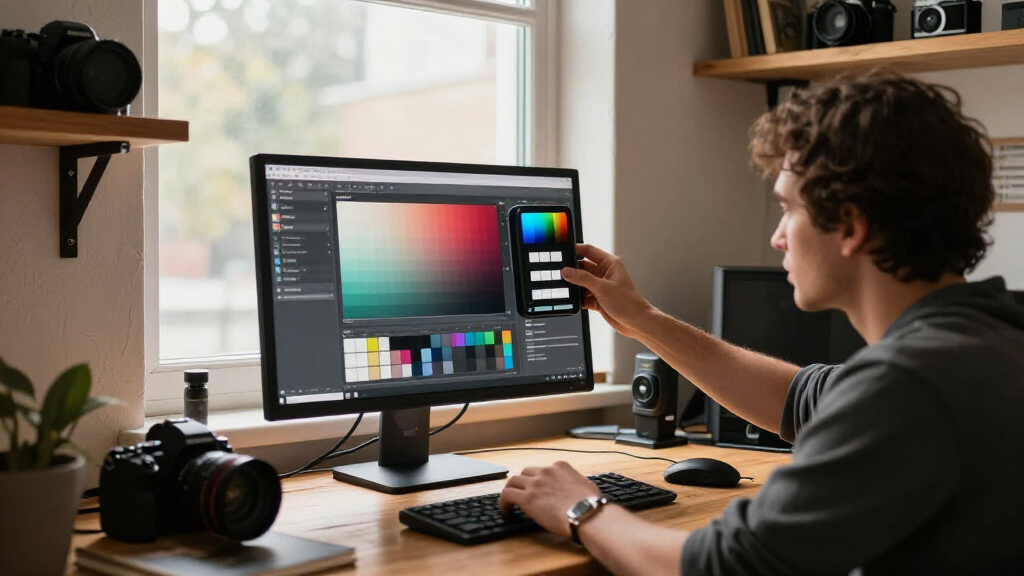
How We Picked
Our selections are based on a combination of compatibility with modern display technologies, calibration accuracy, ease of use, and value for photographers. We prioritized devices that support the latest display types like OLED and mini-LED, and those that offer quick, reliable calibration processes. We also considered user reviews, software usability, and the ability to handle professional workflows, ensuring each product fills a distinct role for different types of photographers.
| monitor calibration devices for photographer | ASIN | Model Number |
|---|---|---|
| Datacolor SpyderExpress Monito | B0FMJFPTVG | SP2024EXP |
| Datacolor Spyder Monitor Calib | B0DDYDLPJ4 | SP2024 |
| Calibrite Display Pro HL Monit | — | — |
| Calibrite Creator Kit with Dis | B0DPNBYLDB | CC123-PPV2 |
| Calibrite Display 123 Monitor | — | — |
Factors to Consider When Choosing Monitor Calibration Devices For Photographers
When selecting a monitor calibration device, photographers should consider display types, workflow complexity, and specific needs like luminance measurement or multi-display support. Calibration tools range from simple, quick solutions suited for beginners to advanced devices offering detailed profiling for high-end displays. Compatibility with your monitor technology and ease of software use are key factors that influence the best choice for your setup.Compatibility with Display Types
Photographers working with OLED, mini-LED, or high-brightness displays need calibration tools that support these technologies. Devices like the Calibrite Display Pro HL are designed for high luminance and advanced profiling, while more basic tools may struggle with these modern screens. Always check whether your display type is supported to avoid calibration inaccuracies.
Ease of Use vs. Advanced Features
If you prefer a straightforward, plug-and-play experience, options like the Calibrite Display 123 are ideal, providing guided workflows and quick results. For those demanding detailed control over color and luminance, more complex tools like the Calibrite Display Pro HL offer features that require a steeper learning curve but deliver higher precision. Consider your comfort level with calibration software when choosing.
Workflow and Multi-Display Support
Professionals often work across multiple screens, so multi-display support is critical. The Datacolor SpyderExpress supports up to three screens efficiently, making it suitable for multi-monitor setups. Meanwhile, simple calibrators like the Display 123 support only two, which may suffice for many photographers but can be limiting for advanced multi-screen workflows.
Frequently Asked Questions
How often should I calibrate my monitor?
Calibration frequency depends on your workflow and display type, but generally, calibrating every 2 to 4 weeks helps maintain color accuracy. High-end displays or those used in professional editing might require more frequent calibration to ensure consistent results.
Can I calibrate multiple monitors with one device?
Yes, many calibration devices support multiple displays, but the number varies. For example, the Datacolor SpyderExpress can calibrate up to three screens, making it suitable for multi-monitor setups. However, devices like the Display 123 are limited to two monitors, so assess your needs before choosing.
What display types do these calibration devices support?
Most modern calibration tools support a wide array of displays, including LCD, OLED, mini-LED, and high-luminance screens. Devices like the Calibrite Display Pro HL are specifically designed for high-brightness displays up to 3000 nits, while others provide broad compatibility with common display technologies.
Is calibration software difficult to use?
Calibration software ranges from very user-friendly interfaces with guided steps, like the Display 123, to more complex systems requiring some technical understanding, such as the Display Pro HL. Your familiarity with calibration processes and software will influence which device feels more manageable.
What should I consider when choosing a calibration device?
Key factors include display compatibility, the level of calibration precision needed, ease of use, workflow support (like multi-display), and budget. Think about whether you need quick results or detailed profiling, and select a device that aligns with your specific creative workflow.
Conclusion
For photographers seeking fast, reliable calibration across multiple high-end displays, the Datacolor SpyderExpress offers a compelling mix of speed and versatility. Those working with very bright screens or requiring detailed luminance control should consider the Calibrite Display Pro HL, despite its complexity and higher cost. Beginners or photographers with dual monitors will find the Calibrite Display 123 an accessible, dependable choice. Ultimately, your choice depends on your display technology, workflow demands, and comfort with calibration software.
Halloween Picks

Max Fun 10-Foot Halloween Dragon and Pumpkin Inflatable Archway with LED Lights

Vexalify 11-Inch Halloween Pumpkin Fog Machine with 12-Color Lights

Gemmy 6-Foot Leatherface Animatronic Halloween Decoration
As an affiliate, we earn on qualifying purchases.