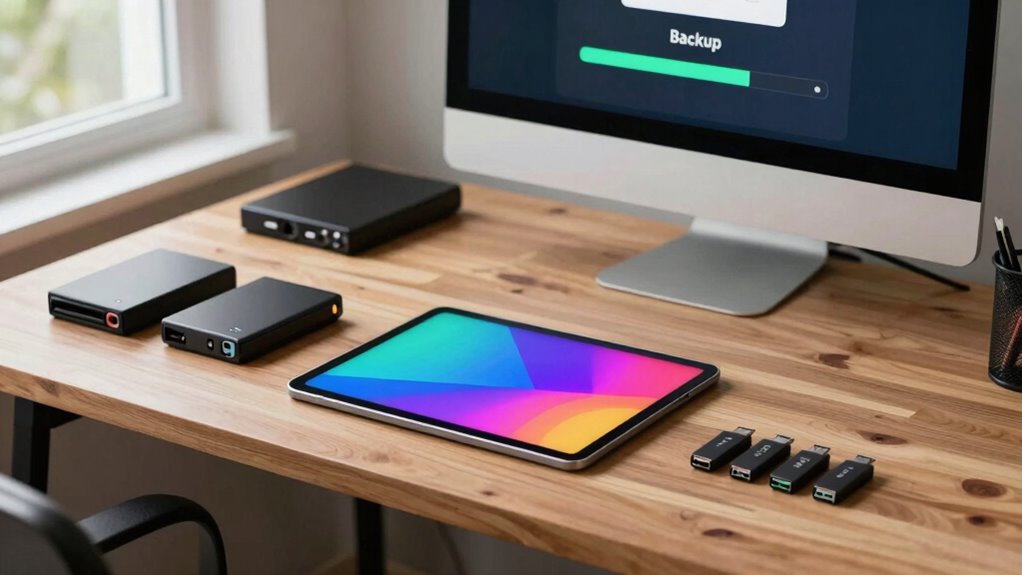

To protect your art business, follow the “3-2-1” backup rule by keeping at least three copies of your files on two different storage types, with one stored offsite. Use reliable external drives or cloud services like Dropbox or Google Drive to guarantee your work stays safe from hardware failure, theft, or disasters. Staying consistent with backups and testing recovery methods helps prevent data loss. Keep exploring to learn how to set up this essential system smoothly.
Key Takeaways
- The 3-2-1 rule recommends keeping three copies of your art files on two different storage media, with one stored offsite.
- Regular backups using reliable devices and cloud services protect against hardware failure, theft, and environmental damage.
- Offsite backups ensure data safety from disasters like fire or natural calamities.
- Testing backup restoration periodically confirms data integrity and recovery readiness.
- Automating backups and encrypting files enhance security and reduce the risk of data loss.

Seagate Portable 2TB External Hard Drive HDD — USB 3.0 for PC, Mac, PlayStation, & Xbox -1-Year Rescue Service (STGX2000400)
Easily store and access 2TB to content on the go with the Seagate Portable Drive, a USB external…
As an affiliate, we earn on qualifying purchases.
As an affiliate, we earn on qualifying purchases.
Why Every Artist Needs a Backup Plan for Their Art Files

Every artist relies on their digital files to showcase, sell, and preserve their work, so having a backup plan is essential. You need a solid approach to digital organization, guaranteeing your files are easy to find and manage. Creative storage solutions help keep your artwork safe from hardware failures, accidental deletion, or theft. Without a reliable backup, losing your digital files could mean losing years of hard work and income. By establishing a backup plan, you protect your art’s future, maintain your professional reputation, and avoid stressful setbacks. Implementing effective digital organization and creative storage methods ensures your files stay secure, accessible, and well-structured. Additionally, understanding digital content formats can help you choose the most appropriate storage solutions for your artwork. Recognizing the importance of contrast ratio can also help you better evaluate the visual quality of your digital images and ensure consistent presentation across platforms. Incorporating cloud storage options provides an additional layer of security and accessibility, giving you peace of mind wherever you are. Considering data redundancy strategies can further safeguard your files against unexpected failures, providing an extra layer of security. Exploring optical drives or enterprise USB backups can also be effective for creating off-site or physical copies of your most important files. This proactive step allows you to focus on creating, knowing your digital assets are protected.
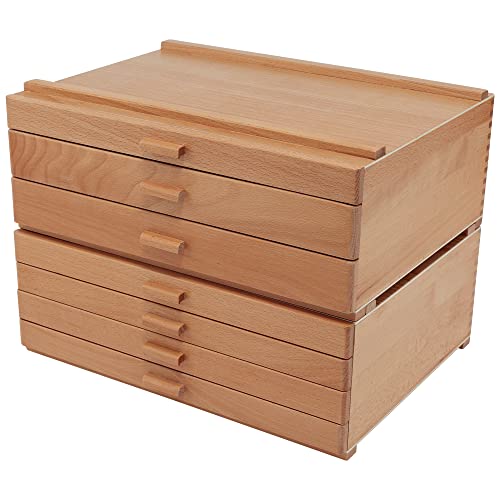
HG Art Concepts Artists Storage Chests – Premium Studio Organizer for Paint Tubes, Brushes, Pencils, Markers, & More! – 3 Drawer & 4 Drawer
Features: Available in: 3 or 4 drawer configurations, natural finish, birch and birch veneer, matches most wooden easel…
As an affiliate, we earn on qualifying purchases.
As an affiliate, we earn on qualifying purchases.
What Is the 3-2-1 Backup Rule and How It Protects Your Art Business
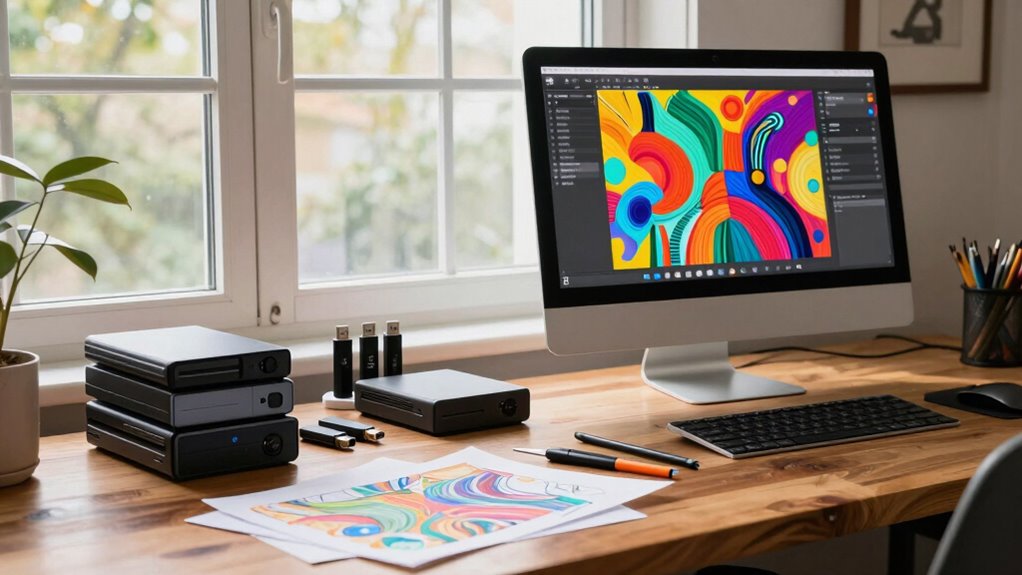
The 3-2-1 backup rule is a simple yet powerful strategy to safeguard your art files. It involves keeping three copies of your data on two different types of storage, with one copy offsite. This approach guarantees your work is safe, even if one backup fails or gets lost. Incorporating secure storage solutions into your backup plan can further enhance your data protection. For example, understanding the importance of offsite backups ensures your work remains protected from local disasters or theft. Additionally, staying informed about media literacy helps you recognize and avoid potential threats to your digital assets. Being aware of sustainable foraging practices can also remind you to handle your digital data responsibly and ethically, ensuring long-term security. Recognizing the value of resilient backups can help you adapt your strategy as technology evolves.
Core Backup Strategy
Implementing a solid backup strategy is essential for safeguarding your art business, and the 3-2-1 backup rule is one of the most effective methods. This core approach guarantees your data remains protected even if one backup fails. To follow the rule, keep at least three copies of your files: your original data and two backups. Store these backups in different formats, such as cloud storage and physical backups. Cloud storage offers remote access and automatic syncing, reducing risk from local issues. Physical backups, like external drives or USBs, provide quick recovery without internet dependence. By combining these methods, you minimize the chance of losing your valuable artwork or business data. Remember, diversifying your storage options is key to a resilient backup system. Utilizing energy-efficient solar solutions can also provide reliable off-grid power for your backup devices during outages or remote work situations.
Multiple Storage Locations
Having multiple storage locations for your backups is the backbone of the 3-2-1 backup rule. By maintaining redundant storage, you guarantee that your art files are saved in more than one place, reducing the risk of total loss. An offsite backup adds an extra layer of protection by keeping copies away from your primary location, safeguarding against theft, fire, or natural disasters. This approach means if something happens to your main device or local backups, you still have secure copies elsewhere. Using different types of storage media and locations helps diversify your backup strategy, making it more resilient. Ultimately, multiple storage locations give you peace of mind, knowing your valuable art business data is protected from unexpected events.
Data Recovery Assurance
Understanding the 3-2-1 backup rule is essential for guaranteeing your art business can recover quickly from data loss. This rule promotes data redundancy, meaning you keep multiple copies of your files across different locations. To enhance data recovery assurance, consider encrypting your backups with file encryption, protecting sensitive artwork and client information from unauthorized access. Having at least three copies of your data—one primary and two backups—reduces the risk of total loss. Store these backups on different media and in separate physical locations. This setup ensures that if one backup becomes corrupted or compromised, others remain intact for quick recovery. Incorporating file encryption into your backups further safeguards your valuable data, giving you confidence that your art business can bounce back swiftly after any data mishap.

8GB Flash Drive 10 Pack Bulk USB Flash Drives, USB2.0 Thumb Drive USB Stick for Data Storage Backup, Jump Drive Pen Drive Zip Drive Memory Stick with Indicator, USB Storage Flash Drive Swivel Design
10 Pack USB Sticks: 10 pieces of USB flash drives are fit for a variety of scenarios. Whether…
As an affiliate, we earn on qualifying purchases.
As an affiliate, we earn on qualifying purchases.
Common Threats That Put Your Art Files at Risk

Your art files face risks from hardware failures that can suddenly erase your work, and cyber threats like hacking or malware that can compromise or steal your data. These threats happen unexpectedly and can cause serious setbacks if you’re not prepared. Understanding these dangers is the first step to protecting your valuable creations. Regularly updating your computer security software and practicing safe browsing habits can help mitigate some of these risks. Additionally, being aware of data backup strategies ensures that your artwork remains safe even if an incident occurs. Implementing soundproofing techniques can also help minimize disruptions caused by noisy environments, keeping your creative process undisturbed.
Hardware Failures
Hardware failures can strike unexpectedly, risking the loss of your valuable art files. These failures often stem from hardware vulnerabilities like hard drive crashes or power surges. To guard against this, you need data redundancy—keeping copies of your work in multiple locations. Relying on just one device increases the risk of total loss if it fails. Regularly backing up your files to external drives or cloud storage ensures you can recover quickly. Remember, hardware failures aren’t always predictable, but their impact can be minimized with proactive backups. Recognizing hardware vulnerabilities can also help you anticipate and prevent potential failures before they happen. Additionally, understanding hardware vulnerabilities related to environmental factors, such as temperature and humidity fluctuations, can further protect your hardware assets. Monitoring environmental conditions is essential to prevent hardware damage caused by unsuitable storage environments. Paying attention to hardware maintenance routines can significantly extend the lifespan of your devices. Prioritize maintaining multiple copies of your art files across different hardware to safeguard your creative work. Staying vigilant about hardware vulnerabilities helps you avoid catastrophic data loss and keeps your art business running smoothly.
Cyber Threats
Have you considered how cyber threats could silently jeopardize your art files? Phishing scams often target artists through fake emails or links, tricking you into revealing passwords or downloading malware. Ransomware attacks are equally dangerous, locking your files and demanding payment for access. These threats can happen without warning, corrupting or stealing your valuable artwork and business data. Staying vigilant is essential—always verify email sources and avoid clicking suspicious links. Use strong, unique passwords and enable two-factor authentication to add extra protection. Regular backups are critical, but understanding these cyber risks helps you prevent them in the first place. Protecting your art files from cyber threats ensures your creative business remains safe and secure, especially when you understand the importance of cybersecurity measures and household safety. Implementing proper security protocols can further reduce your vulnerability to attacks and data breaches.
offsite backup solutions
As an affiliate, we earn on qualifying purchases.
As an affiliate, we earn on qualifying purchases.
How to Set Up the 3-2-1 Backup System Step by Step
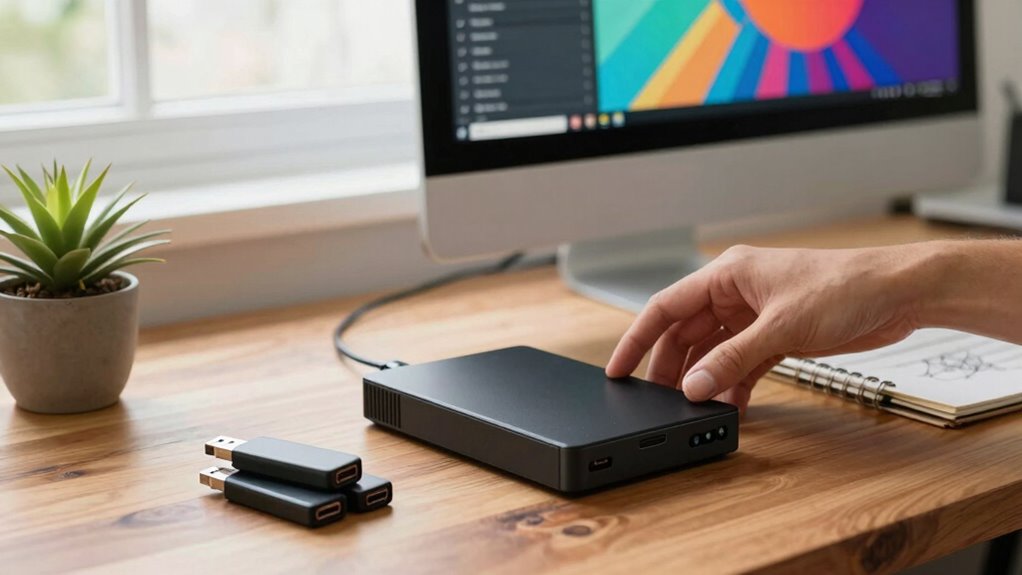
Setting up the 3-2-1 backup system is a straightforward way to protect your art files from loss. Start by creating one primary digital copy of your work on your computer. Then, make two additional backups: one on a local storage device like an external hard drive, and another on a separate cloud service. This approach enhances digital security and minimizes the risk of data loss. To optimize storage and ensure safety, consider these tips:
- Use reliable, high-quality storage devices for your local backup
- Keep your cloud backups in different services for added security
- Regularly update your backups to keep files current and protected
- Remember that spirituality can also offer peace of mind and a positive mindset during your creative process.
Choosing the Best Storage Devices and Cloud Services for Artists

Choosing the right storage devices and cloud services is essential for safeguarding your art files. You need to contemplate compatible storage device types, such as external hard drives, SSDs, or NAS systems, based on your workflow and budget. Cloud services like Dropbox, Google Drive, or specialized art storage platforms offer accessible options for backing up files off-site. When selecting storage, ensure they support your preferred digital file formats, whether JPEG, PNG, TIFF, or PSD, to prevent compatibility issues. Opt for devices with reliable durability and fast transfer speeds. Cloud services should provide strong security and easy recovery options. Combining physical storage with cloud backups creates a resilient system, ensuring your artwork remains safe, accessible, and ready for recovery whenever needed.
How to Regularly Test Your Backups and Ensure You Can Recover
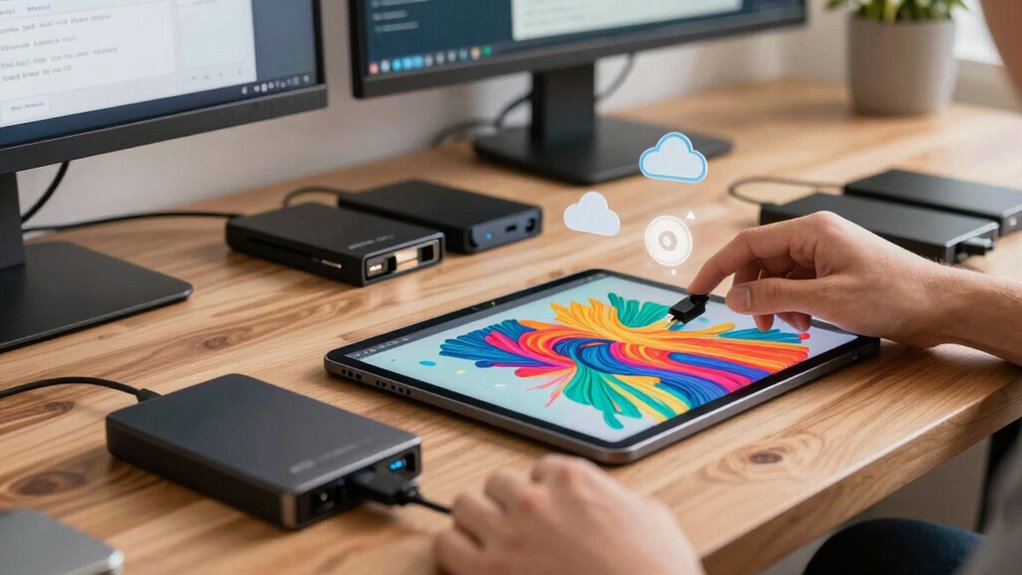
Regularly testing your backups is crucial to guarantee that your files can be successfully recovered when needed. Backup verification and recovery testing help identify issues before a disaster strikes. By performing these tests, you ensure your backups are complete and functional.
To do this effectively:
- Regularly restore a sample file or folder to verify backup integrity
- Test your entire system recovery process periodically to catch potential problems
- Keep detailed records of each test to track consistency and identify recurring issues
These steps help confirm that your backups are reliable and ready for when you need them most. Remember, consistent recovery testing minimizes surprises and ensures you can quickly restore your art business without loss or delay.
Automate Your Backups to Save Time and Avoid Forgetting
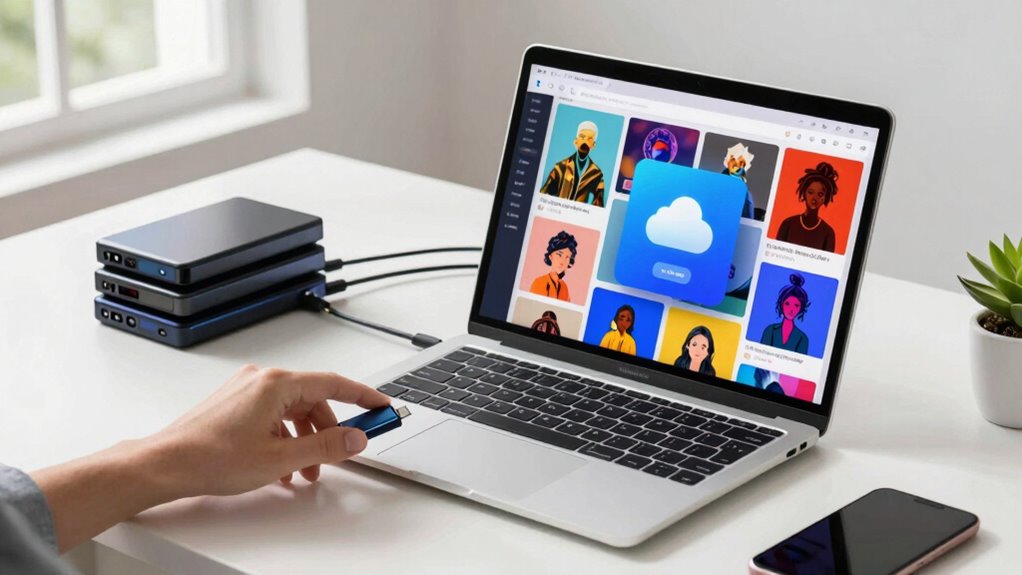
Once you’ve established a routine for testing your backups, the next step is to streamline the process through automation. Automated backups save you time and ensure you won’t forget to back up your files. Use backup software that supports file versioning, so you can easily revert to previous versions if needed. Set your system to encrypt backups automatically, keeping your art files secure from unauthorized access. Schedule regular backups during off-hours to minimize disruption. Automation reduces manual effort and helps maintain consistency, giving you peace of mind that your work is always protected. With these tools in place, your backup process becomes reliable and efficient, allowing you to focus more on creating art and less on technical worries.
Keep Your Backup System Up to Date and Stay Protected
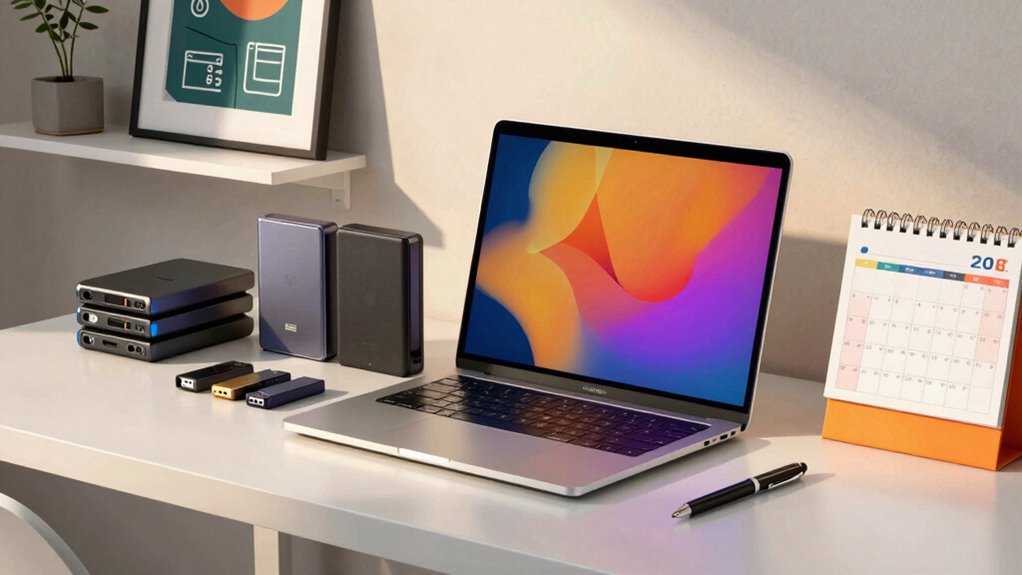
To keep your backup system effective, maintaining up-to-date your software and security measures is vital. Regular updates ensure your backup tools, especially cloud storage services, are protected against vulnerabilities. Always enable data encryption, both during transfer and at rest, to safeguard sensitive artwork and business data. Staying current prevents malware and hacking attempts from compromising your backups. Additionally, monitor your backup status regularly to catch errors early. Remember, outdated security can expose your backups to risks, so schedule automatic updates whenever possible.
- Enable automatic software and security updates
- Use strong, unique passwords for cloud storage accounts
- Regularly verify backups for integrity and completeness
Frequently Asked Questions
How Often Should I Update My Backup Copies?
You should update your backup copies regularly, ideally weekly or after significant projects. Incorporate incremental backups to save only changes since your last backup, which keeps your data current without taking too much time. Guarantee storage redundancy by maintaining copies in different locations or devices. This way, your art business data stays protected against loss, corruption, or hardware failure, giving you peace of mind and quick recovery when needed.
What Are the Costs Associated With Different Storage Options?
You get what you pay for, so consider costs carefully. Cloud storage plans can start as low as a few dollars a month, offering scalability and convenience. Physical drives, like external hard drives, have a one-time cost ranging from $50 to several hundred dollars depending on capacity. Cloud options save space but may incur ongoing fees, while physical drives require upfront investment but no monthly charges. Choose based on your budget and needs.
Can I Use Multiple Cloud Services Simultaneously?
Yes, you can use multiple cloud services simultaneously to enhance data redundancy. By doing so, you diversify your cloud storage options, reducing the risk of data loss if one service experiences downtime or issues. This approach guarantees your art business data is more secure and accessible. Just make sure to organize your files across platforms efficiently so you can easily manage and retrieve your backups when needed.
How Do I Securely Delete Old Backup Files?
Securely delete old backup files by practicing precise data sanitization, ensuring your sensitive data stays safe. First, select trusted tools designed for secure deletion, like shredders or overwrite utilities. Then, verify the deletion to confirm the files are unrecoverable. Don’t forget to consistently clean out clutter, preventing potential privacy pitfalls. Proper data sanitization and secure deletion keep your backup boundaries safe, shielding your art business from potential breaches and data disasters.
What Are the Signs That My Backup System Is Failing?
You’ll notice your backup system is failing if backup verification reports errors or incomplete data, indicating corruption or missed files. Unexpected backup failures or slow performance also raise red flags. Regularly check data redundancy by restoring files to ensure backups remain intact and reliable. If your backups aren’t consistent or you can’t verify their integrity, it’s time to troubleshoot or update your backup system to prevent data loss.
Conclusion
So, now that you’ve mastered the art of backup mastery with the 3-2-1 rule, there’s just one thing left: actually doing it. Because nothing screams “professional artist” like losing years of work to a sudden digital catastrophe—except maybe ignoring backups altogether. Embrace automation, stay vigilant, and keep those files safe. After all, your future masterpieces deserve more than a gamble with fate; they deserve a solid backup plan—because luck isn’t a strategy.