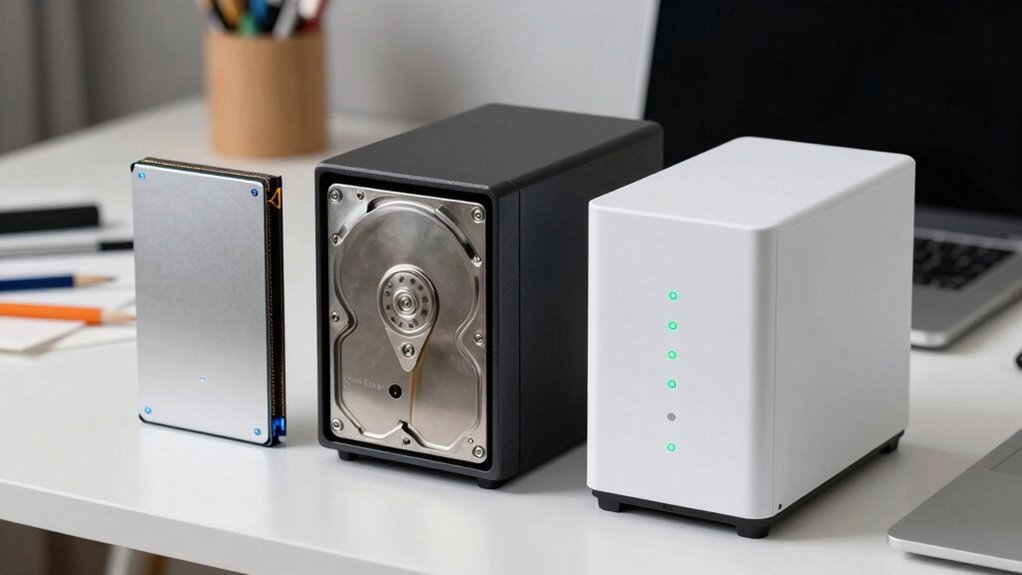
Choosing the right storage for your art depends on your needs and budget. SSDs offer fast access and reliability for active projects, while HDDs are cost-effective for storing large files long-term. NAS devices combine ample storage with easy network access and cloud sync, providing protection and flexibility. To build a solid backup plan, you need to balance speed, capacity, and security. Stay with us to discover how to set up the ultimate art storage and backup system.
Key Takeaways
- SSDs offer fast access and reliability, ideal for active projects, while HDDs provide large, cost-effective storage for archives.
- NAS combines network accessibility and large capacity, supporting remote work and automatic cloud backups for artists.
- Regular backups across SSDs, HDDs, and cloud storage ensure data security and prevent loss from hardware failure.
- Proper device maintenance, encryption, and security measures safeguard sensitive art files across all storage options.
- Balancing speed, capacity, cost, and security is key to building an effective, durable backup plan for creative workflows.
As an affiliate, we earn on qualifying purchases.
Why Artists Need a Solid Backup Strategy for Their Work
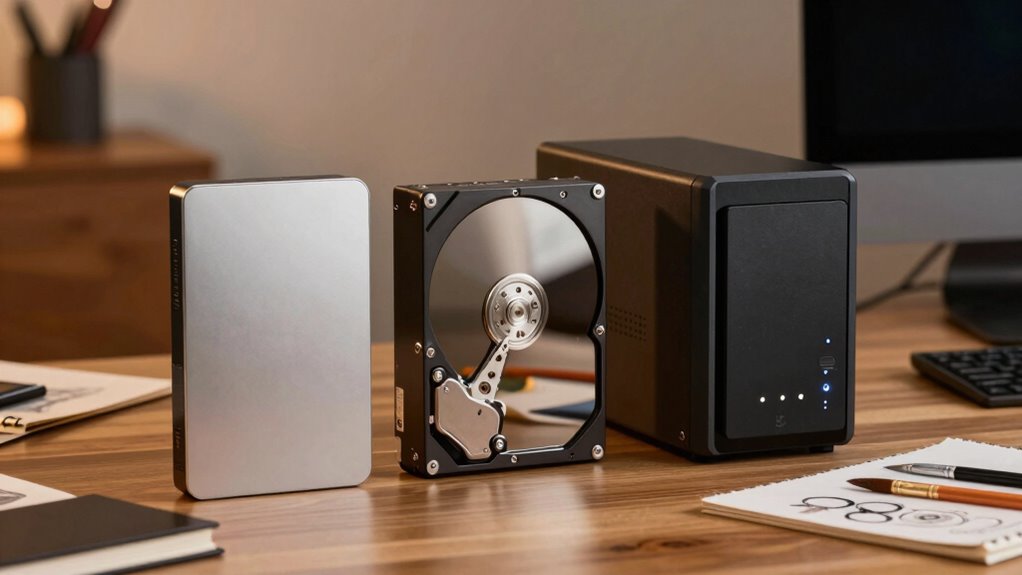
Have you ever lost your artwork due to a hard drive failure or accidental deletion? That’s why having a solid backup strategy is essential. Cloud synchronization allows you to automatically back up your files to secure servers, ensuring your work is safe even if your device fails. Data encryption adds an extra layer of security, protecting your creative assets from unauthorized access. By regularly syncing your files to the cloud and encrypting sensitive data, you reduce the risk of losing valuable projects. A reliable backup plan not only safeguards your work but also provides peace of mind, so you can focus on your art without fear of irreversible loss. Incorporating high contrast ratios into your viewing setup can enhance your ability to review and edit your work with greater detail. Additionally, understanding the importance of data redundancy can help ensure your backups are resilient against hardware failures or other disasters. Implementing off-site storage solutions is also a key part of a comprehensive backup strategy, protecting your data from local threats like theft or natural disasters. Utilizing automatic backups and verifying their success regularly can prevent unforeseen data loss and ensure your creative process remains uninterrupted. Recognizing the value of performance cookies can also help optimize your backup workflows by tracking system efficiency. Protect your creative vision today with a thorough backup approach.
large capacity HDD for data backup
As an affiliate, we earn on qualifying purchases.
As an affiliate, we earn on qualifying purchases.
What Are the Main Storage Options for Artists? SSDs, HDDs, and NAS Explained

When choosing storage options, you need to contemplate both capacity and speed to match your workflow. Accessibility is also key—deciding whether you want local storage or network access can impact your daily work. Understanding these factors helps you pick the best solution for your artistic needs. Additionally, considering safety tips for storage devices can help prevent data loss or damage. For artists working with sensitive or valuable files, selecting reliable storage solutions ensures your creative work remains protected and accessible when needed.
Storage Capacity and Speed
Choosing the right storage option depends largely on your needs for capacity and speed. SSDs offer rapid data transfer rates, making them ideal for working with large files and quick access. HDDs provide higher capacities at a lower cost, suitable for archiving and storing extensive project libraries. NAS devices combine large storage with network accessibility, often supporting cloud synchronization for seamless backups. When selecting a solution, consider how quickly you need to access your files and how much data you plan to store. Data encryption is crucial for protecting your work, especially when using cloud or network-based storage. Incorporating smart furniture solutions like ladder racks or smart beds can help optimize your workspace for better organization and efficiency. Additionally, understanding data management practices can improve your workflow and safeguard your creative assets. Moreover, being aware of storage security measures can prevent data loss or theft, ensuring your valuable work remains protected. Implementing regular backups is essential to avoid permanent data loss in case of hardware failure or cyber threats. Balancing capacity, speed, and security ensures your creative process remains smooth and your files stay safe.
Accessibility and Network Options
Your storage needs aren’t just about capacity and speed; accessibility plays a key role in how efficiently you can work. With the right setup, you can easily access your files anytime, anywhere. Consider these options:
- Cloud synchronization allows seamless remote access, so you can work on your projects from different devices.
- NAS devices enable centralized storage, giving you quick access across your home or studio network.
- SSDs and HDDs connect directly to your computer, offering instant access but limited remote capabilities.
- Combining NAS with cloud sync provides a flexible, accessible backup plan, ensuring your work is always available and protected.
- Understanding modern storage options helps you choose the best solution for your specific needs, especially as advancements like microplastics in dust can impact indoor air quality and device longevity.
- Additionally, considering network security is essential to protect your valuable creative files from unauthorized access and potential threats.
network attached storage NAS for creative files
As an affiliate, we earn on qualifying purchases.
As an affiliate, we earn on qualifying purchases.
Why Choose SSDs for Your Art Files? Speed and Reliability for Creatives

Solid-state drives (SSDs) offer unmatched speed and dependability, making them ideal for managing large art files. With faster read and write speeds, you can access your projects instantly, saving you time and reducing frustration. SSDs also provide enhanced reliability, minimizing the risk of data loss during power failures or accidental shutdowns. Unlike traditional HDDs, SSDs have no moving parts, which means fewer mechanical failures and longer lifespan. When combining SSDs with cloud storage, you get an extra layer of security, ensuring your work is protected through data encryption and remote backups. This setup helps you work seamlessly without worrying about delays or hardware issues, giving you an confidence to focus on your creativity while your files stay safe and accessible. Incorporating hardware durability can further protect your data from physical damage and extend the longevity of your storage solutions.
Additionally, choosing storage devices with reliable performance is crucial to prevent potential disruptions during intensive creative sessions.
cloud backup service for artists
As an affiliate, we earn on qualifying purchases.
As an affiliate, we earn on qualifying purchases.
Are HDDs a Cost-Effective Storage Solution for Large Art Files?
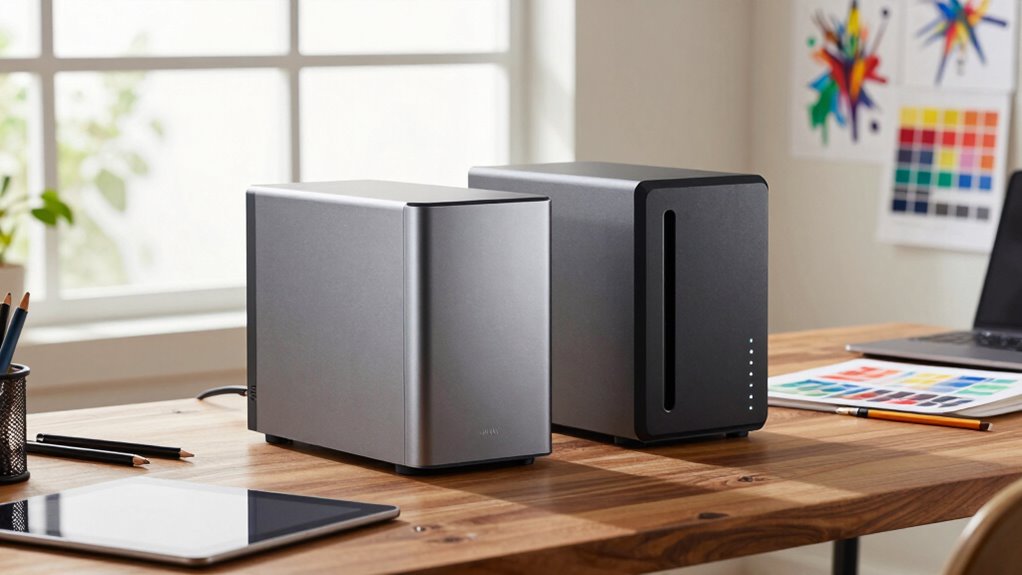
HDDs often offer a lower cost per gigabyte, making them appealing for large art files on a budget. However, consider their storage durability and how long they last compared to other options. Also, assess whether their speed and accessibility meet your needs for managing large files efficiently. For reliable performance, selecting vetted storage devices is crucial to prevent data loss.
Cost Per Gigabyte
Hard disk drives (HDDs) typically offer the lowest cost per gigabyte among storage options, making them an attractive choice for storing large art files on a budget. This affordability allows you to expand your storage without breaking the bank. To maximize cost efficiency:
- You can store extensive archives locally, minimizing reliance on costly cloud storage.
- While HDDs are inexpensive, consider data encryption to protect your work, especially if you connect via network.
- Using HDDs for bulk storage reduces expenses compared to SSDs, which are faster but pricier.
- Keep in mind, although HDDs are cost-effective, regular backups to cloud storage ensure your files stay safe from physical damage or failure.
Balancing cost per gigabyte with data security is key to a reliable, budget-friendly backup plan.
Storage Durability and Longevity
While HDDs are generally affordable, their durability and lifespan can vary considerably depending on usage and environmental conditions. On average, HDD storage lifespan ranges from 3 to 5 years, but heavy use or exposure to heat, humidity, and shocks can shorten this. Over time, mechanical parts wear down, increasing the risk of data loss and compromising data integrity. For artists handling large, valuable files, this means you might need frequent backups and replacements to safeguard your work. Although HDDs offer a cost-effective solution upfront, their limited lifespan can lead to higher long-term costs if you prioritize data security and preservation. Proper handling and storage conditions can help extend the lifespan of HDDs and protect your data. Additionally, understanding storage environment factors can help you optimize the longevity of your drives. Regularly monitoring hardware health can also alert you to potential failures before data loss occurs. If durability and consistent data integrity are critical, consider combining HDDs with more reliable storage options like SSDs or NAS systems.
Accessibility and Speed
When considering storage options for large art files, speed and accessibility play a significant role in your workflow. HDDs are cost-effective but may lag behind in quick access. Here’s what to contemplate:
- Read/Write Speeds: HDDs typically have slower transfer rates, which can delay opening or saving large files.
- File Sharing: While HDDs connect directly, integrating cloud storage enables instant sharing with collaborators.
- Access Time: HDDs require physical connection, whereas cloud storage offers remote access anytime.
- Workflow Efficiency: For rapid edits, SSDs or NAS devices deliver faster performance, but HDDs still serve well for backups and archiving.
- Gear Care Tips: Properly maintaining your storage devices ensures longevity and optimal performance, which is especially important for gear care tips related to your digital assets.
Ultimately, balancing cost with speed and accessibility depends on your needs for file sharing and quick retrieval during creative projects.
How Do NAS Devices Keep Your Art Safe and Accessible?
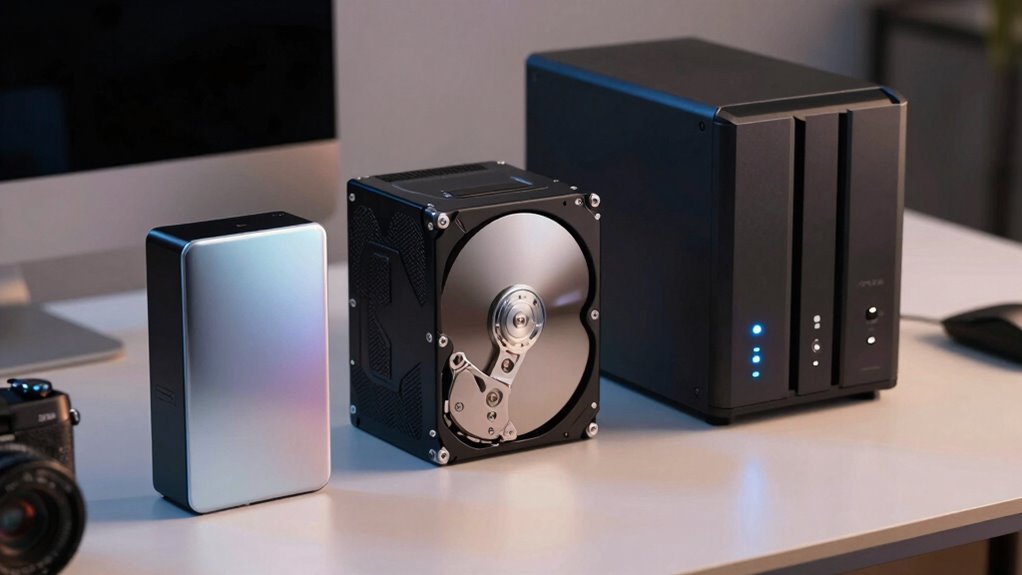
NAS devices keep your art safe and accessible by storing your files centrally and protecting them with robust security features. They automatically back up your work and enable cloud synchronization, ensuring your files stay current across multiple platforms. With remote access, you can view, edit, or share your art from anywhere, whether you’re in your studio or on the go. These devices often include user authentication, encryption, and other security measures to prevent unauthorized access. By maintaining a centralized location for your files, NAS reduces the risk of data loss from hardware failure or accidental deletion. Plus, the ability to access your art remotely ensures you’re always connected, making collaboration and review simpler and more secure.
How to Pick the Best Storage Solution for Your Creative Needs and Budget
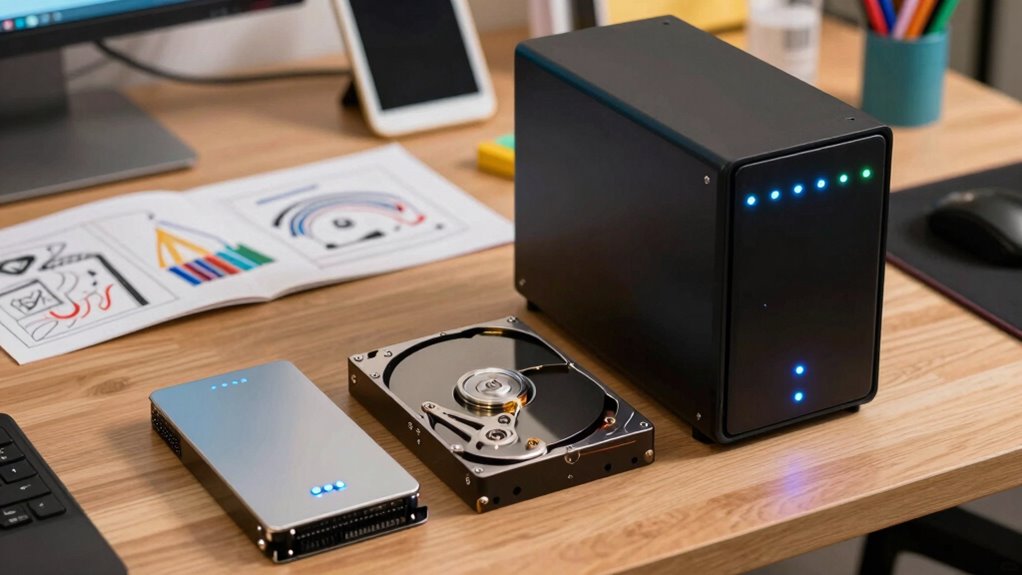
Choosing the right storage solution depends on understanding your specific creative needs and budget constraints. First, assess your storage capacity requirements—do you handle large files regularly? Second, consider speed: SSDs offer rapid access, perfect for editing. Third, evaluate your budget—HDDs are cost-effective, while NAS systems provide scalability. Fourth, factor in security: look for options with data encryption and cloud storage integration for remote access. Cloud storage adds flexibility but may incur ongoing costs, so weigh the benefits against your budget. By analyzing these factors, you can select a solution that balances performance, security, and affordability, ensuring your creative work stays safe, accessible, and well-organized without overspending.
Building a Strong Backup Plan: Step-by-Step Guide for Artists
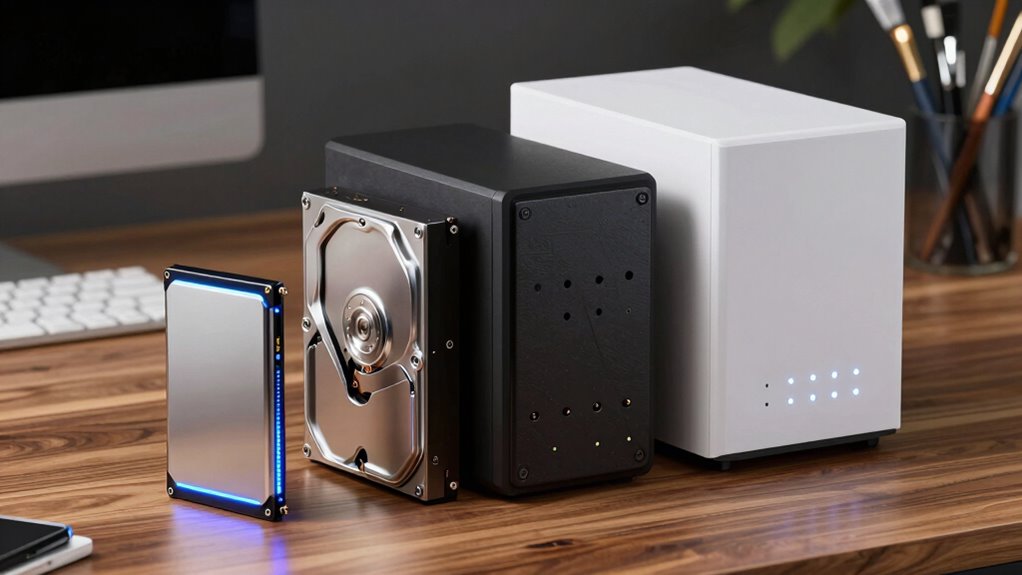
Creating a strong backup plan is essential for artists to protect their valuable work from unexpected loss or hardware failures. Start by identifying your most important files and storing copies in multiple locations. Use cloud synchronization to automatically back up your work regularly, ensuring you always have an up-to-date version accessible remotely. Encrypt sensitive data to keep your files secure from unauthorized access, especially when transmitting or storing in the cloud. Establish a schedule for routine backups, and test your recovery process periodically to ensure everything works smoothly. Keep your backup devices—whether SSDs, HDDs, or NAS—organized and updated. By combining cloud sync, data encryption, and consistent routines, you’ll build a resilient backup plan that safeguards your creative efforts effectively.
Common Backup Mistakes Artists Make and How to Avoid Them
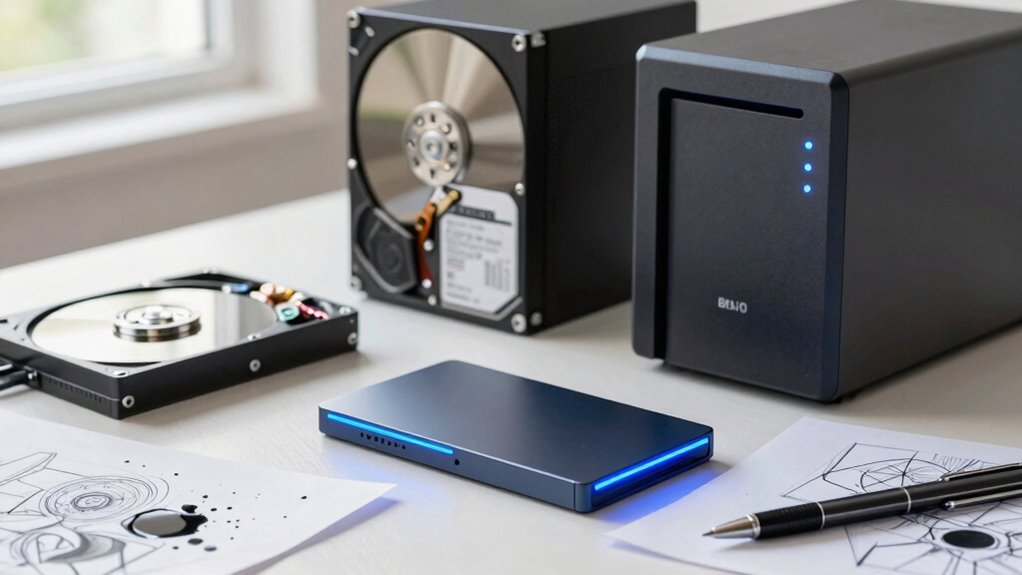
Many artists overlook common backup mistakes that can jeopardize their work, leaving them vulnerable to data loss. First, relying solely on local storage like SSDs or HDDs ignores the importance of cloud storage for off-site safety. Second, neglecting data encryption risks exposing your files to unauthorized access, especially when using cloud solutions. Third, backing up infrequently or only once leaves gaps in your data security, so establish regular routines. Fourth, failing to verify backups means you might unknowingly rely on corrupted or incomplete files. To avoid these pitfalls, diversify your backup methods, use data encryption for sensitive files, and schedule consistent backups. This approach ensures your creative work stays protected against hardware failure, theft, or accidental deletion.
Tips for Maintaining and Updating Your Art Backup System Over Time
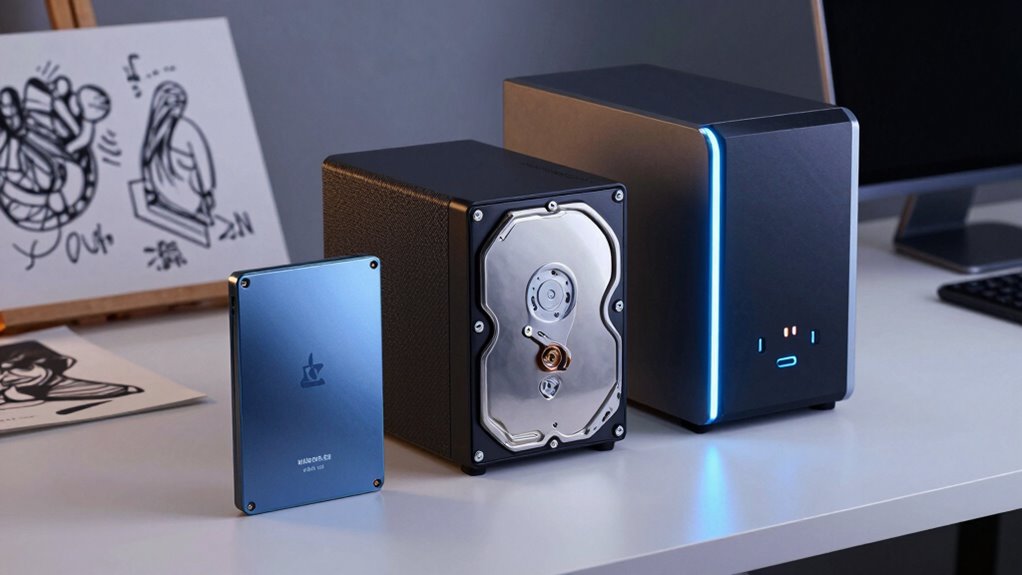
To keep your art backup system effective over time, regular maintenance and updates are essential. Start by routinely checking your storage devices for signs of wear or failure. Confirm your cloud synchronization settings are up to date, so your latest work is always backed up securely. Implement strong encryption protocols to protect your files during transfer and storage, especially when using cloud services. Regularly update your backup software and firmware to benefit from security patches and new features. Test restores periodically to confirm your backups are intact and functional. Keep your hardware and software aligned with evolving security standards to prevent vulnerabilities. Consistent attention to these details ensures your art remains safe, accessible, and protected against data loss or breaches over time.
Frequently Asked Questions
How Often Should Artists Back up Their Work?
You should back up your work regularly, ideally daily or after each creative session. Implement redundant backups to guarantee your files are safe from hardware failure. Establish a backup scheduling routine that fits your workflow, so you don’t forget. This way, you’ll protect your art and minimize potential losses, giving you peace of mind knowing your valuable work is securely stored across multiple devices or locations.
Can Cloud Storage Replace Physical Backup Devices?
Cloud storage can replace physical backups, but it shouldn’t be your only safeguard. While it offers convenience and remote access, physical backups like external drives or NAS devices provide a tangible safety net during outages or cyberattacks. Relying solely on cloud storage leaves you vulnerable to internet issues or data breaches. For complete peace of mind, combine cloud storage with physical backups—protect your art from all angles.
What Security Measures Protect Stored Art Files?
You protect your stored art files using strong security measures like encryption protocols and access control. Encryption keeps your files safe from unauthorized viewing, while access control ensures only you or trusted collaborators can open or modify your work. Regularly updating passwords, enabling multi-factor authentication, and choosing secure storage services further bolster your security. These steps help safeguard your creative assets against theft, loss, or hacking.
How Do I Recover Lost or Corrupted Art Data?
If you lose or corrupt art data, start by using recovery software to attempt retrieval. Make certain you have data redundancy in place, like backups on different drives or in the cloud, to prevent future loss. Avoid using the affected drive for new data to minimize overwriting. With the right recovery tools and a solid backup plan, you can restore your work and protect your creative assets effectively.
Are There Specific Backup Solutions for Large Video Files?
For large video files, you should use dedicated backup solutions like high-capacity external HDDs or NAS systems designed for video file management. These options offer ample storage capacity and reliable access. Be sure to plan your storage capacity carefully, considering future project needs. Automate backups with software that supports incremental updates, and regularly verify your backups to prevent data loss during storage capacity planning.
Conclusion
By choosing the right storage, you protect your creativity, preserve your progress, and guarantee your art endures. Build a backup plan that’s reliable, update it regularly, and avoid common pitfalls. Keep your files safe like a fortress, accessible like a trusted friend, and fast like your creative flow. With a solid strategy in place, you’ll face each project with confidence, knowing your art is secure, your future is bright, and your passion can truly thrive.