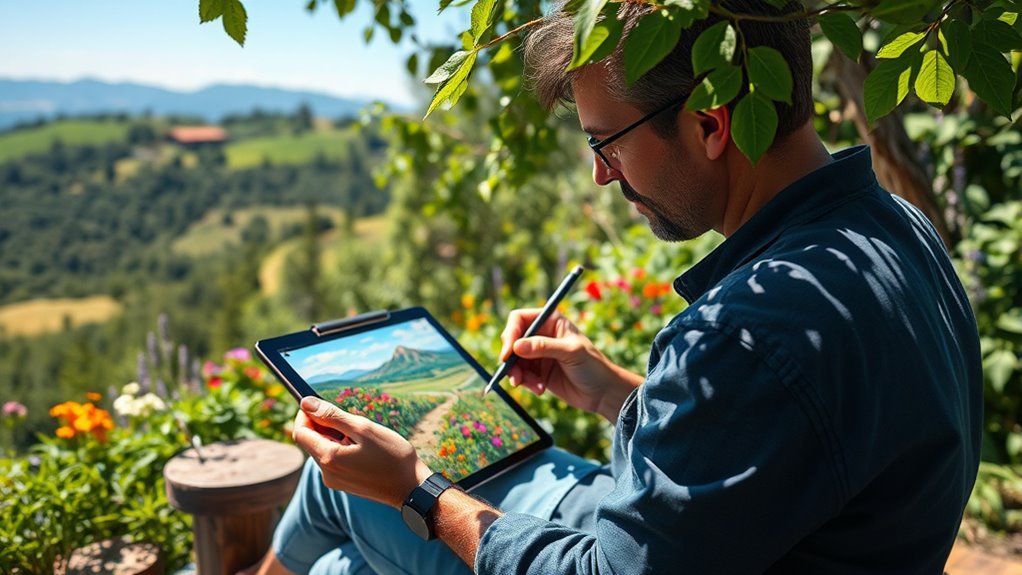

Using a digital tablet for plein-air painting lets you capture outdoor landscapes with ease and flexibility. You can access a wide palette of colors, blend seamlessly, and customize brushes to match your style. The touchscreen allows direct manipulation of colors and strokes, making experimentation quick and intuitive. Plus, you avoid the mess and weight of traditional materials, working efficiently outside. Keep exploring to discover how digital tools can elevate your outdoor art practice even further.
Key Takeaways
- Digital tablets enable outdoor plein-air painting without carrying bulky traditional art supplies.
- They offer instant access to a vast range of colors and seamless blending for vibrant landscapes.
- Customizable brushes and tools allow for realistic textures or creative effects suited to plein-air work.
- Touch interfaces facilitate direct color mixing and quick experimentation with minimal cleanup.
- Digital tools enhance flexibility, efficiency, and control in outdoor landscape art workflows.
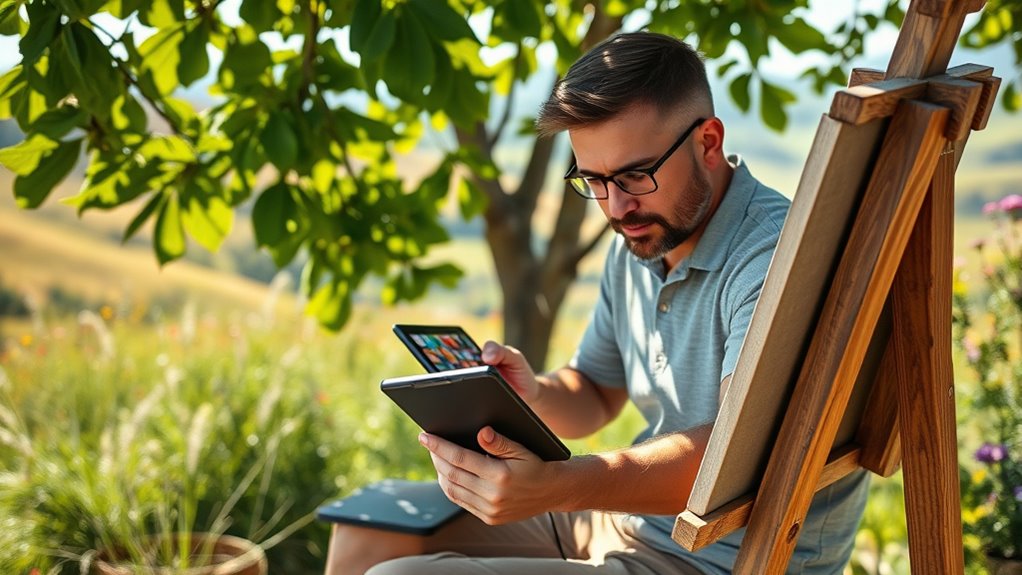
Plein-air painting has traditionally meant capturing landscapes outdoors with physical materials, but digital tablets are revolutionizing this art form. With a tablet, you can now experience the freedom of working outside without the bulk of paints, brushes, and canvases. Instead, you have a versatile digital palette at your fingertips, offering endless possibilities for color blending and brush customization. This flexibility allows you to experiment with colors seamlessly, mixing and blending tones directly on the screen without worrying about muddying your palette or running out of paint. You can effortlessly create smooth gradients or sharp progressions, giving your landscapes depth and vibrancy with just a few taps or strokes.
When you’re out in the field, the ability to customize your brushes becomes a game changer. Digital tablets let you tailor brushes to suit your style or the specific effects you want to achieve. Want a soft, textured brush for clouds or foliage? You can adjust the hardness, opacity, and flow to match your vision. Looking for a precise, fine-line brush for details? You can tweak settings instantly, saving you time and effort compared to traditional tools. This level of brush customization gives you control over every stroke, enabling you to mimic real-world brushwork or push into entirely new, digital techniques. As a result, your outdoor landscapes can be rendered with a realism that rivals traditional painting, or with a bold, abstract flair that’s uniquely digital.
Color blending on a tablet feels intuitive. The touch interface allows you to blend colors directly on your canvas, mimicking traditional techniques with greater ease. You can drag colors together to see them merge, or use blending tools and brushes to soften edges or create subtle gradations. This process encourages experimentation, letting you see instant results and adjust on the fly, which is particularly useful in the unpredictable environment of plein-air work. Plus, since digital colors don’t dry out, you can take your time to perfect blends, revisit earlier layers, or adjust hues without any mess or waste. Additionally, understanding how contrast ratio impacts the visual depth of your artwork can help you achieve more striking and vivid outdoor scenes.
![X14 Drawing Tablet • PicassoTab Largest 14" Screen, Included Learning Package [Premium Drawing Apps & Tutorials] Stylus Pen, No Computer Needed, Standalone Graphics Tablet for Digital Artists -PX14](https://m.media-amazon.com/images/I/41wKxhGpMoL._SL500_.jpg)
X14 Drawing Tablet • PicassoTab Largest 14" Screen, Included Learning Package [Premium Drawing Apps & Tutorials] Stylus Pen, No Computer Needed, Standalone Graphics Tablet for Digital Artists -PX14
LARGEST PORTABLE DRAWING TABLET: Experience the X14, the ultimate drawing tablet with its impressive 14.1-inch Full HD screen....
As an affiliate, we earn on qualifying purchases.
Frequently Asked Questions
What Are the Best Digital Tablets for Plein-Air Painting?
You should consider tablets like the iPad Pro or Samsung Galaxy Tab S8 for plein-air painting, as they feature high screen resolution and support digital pens like the Apple Pencil or S Pen. These devices provide excellent color accuracy and responsiveness, making outdoor sketching seamless. Their portability and durable build allow you to capture nature’s beauty on the go, turning your plein-air ideas into digital masterpieces effortlessly.
How Do Digital Tablets Compare to Traditional Plein-Air Materials?
You’ll find digital tablets offer precision with their digital stylus, making detailed plein-air work easier than traditional brushes. They eliminate the need for physical supplies, reducing setup time by up to 50%. Plus, their battery life management allows for extended outdoor sessions, unlike traditional materials that dry quickly or require constant re-wetting. Overall, digital tablets provide convenience, precision, and versatility, making them a compelling alternative for plein-air artists.
Can Digital Tablets Improve Plein-Air Painting Speed?
Yes, digital tablets can improve your plein-air painting speed. They streamline your digital workflow, allowing you to quickly switch colors and undo mistakes without delays. Plus, their high color accuracy helps you capture accurate hues on the spot, saving time spent mixing or adjusting traditional paints. This efficiency lets you focus on your composition and brushwork, making your plein-air experience more productive and enjoyable.
What Accessories Are Essential for Outdoor Digital Plein-Air Art?
You need portable stands to stabilize your digital tablet outdoors, making painting easier and more comfortable. Screen protectors are essential to shield your device from dirt, scratches, and weather elements. Carry a lightweight, adjustable stand and durable screen protectors to make certain your setup stays protected and steady during your plein-air sessions. These accessories help you focus on your art without worrying about environmental damage or device stability.
How Do Weather Conditions Affect Digital Tablet Use Outdoors?
Weather influence can turn your outdoor digital art session into a wild dance with nature. Temperature effects might make your tablet sluggish or cause screen flickers, like a flickering candle in the breeze. Bright sunlight can wash out your display, forcing you to shade your device or use an anti-glare cover. Rain, snow, or high humidity threaten to turn your creative haven into a soggy mess, so stay prepared and adaptable.

XPPen Artist 15.6 Pro V2 Drawing Tablet with Screen, 16K Pen Pressure Stylus Digital Art Tablet with Full-Laminated Anti-Glare Glass Adjustable Stand 8 Shortcut Keys Work for PC Mac Linux Android
PLEASE NOTE: The XPPen Artist 15.6 Pro V2 needs to connect with a computer to use. You need...
As an affiliate, we earn on qualifying purchases.
Conclusion
As you explore plein-air painting with digital tablets, you’ll discover a new freedom to create outdoors without traditional mess. Did you know that 65% of artists now prefer digital tools for outdoor work? This shift means you can capture the beauty around you more spontaneously and sustainably. So, grab your tablet, step outside, and embrace the modern way to paint—your next masterpiece is just a brushstroke away.

Wacom Intuos Small Graphics Drawing Tablet, Includes Training & Software; 4 Customizable ExpressKeys Compatible with Chromebook Mac Android & Windows, Black
Wacom Intuos Small Graphics Drawing Tablet: Enjoy industry leading tablet performance in superior control and precision with Wacom's...
As an affiliate, we earn on qualifying purchases.

Wacom MovinkPad 11, Android Mobile Drawing Tablet, 11" with Battery-Free Slim Pro Pen 3, 8GB RAM/128 GB Storage, Quick Draw Feature, Anti-Glare Etched Glass Matte Screen, No Computer Needed
ALL-IN-ONE DESIGN: 11.45" anti-glare etched glass screen, Android 14, 8 GB memory/128 GB storage, battery-free, slim barrel Pro...
As an affiliate, we earn on qualifying purchases.