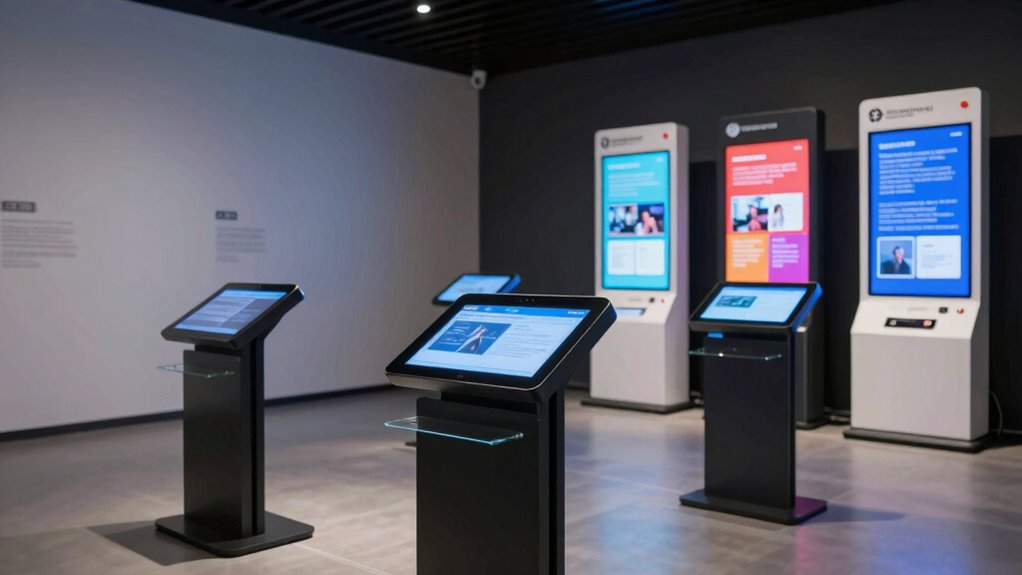

Digital labels and kiosks modernize your exhibits by replacing cluttered paper signs with interactive, touchless displays that improve accessibility for all visitors. They support multimedia content, augmented reality, and customizable features that engage and educate audiences more effectively. With intuitive design and inclusive options like Braille and audio descriptions, these solutions enhance visitor experience and reduce visual clutter. Keep exploring to discover how to select and implement these technologies seamlessly into your exhibits.

Get art and craft supplies delivered free — and shop member deals
- Fast, free delivery on millions of items
- Access to Prime Big Deal Days deals on October 6–7
- Prime Video, Amazon Music and more included
Key Takeaways
- Digital labels replace physical tags, reducing clutter and creating a sleek, modern exhibit appearance.
- Interactive kiosks provide accessible information through touchless, multimedia interfaces, minimizing paper-based materials.
- Incorporating accessibility features like audio descriptions and adjustable text enhances inclusivity without visual clutter.
- Augmented reality and multimedia content offer immersive, space-efficient ways to present detailed exhibit information.
- Digital labels facilitate easy updates, eliminating the need for physical re-labeling and maintaining a clean, organized display.
As an affiliate, we earn on qualifying purchases.
What Are Digital Labels and Kiosks in Exhibits?
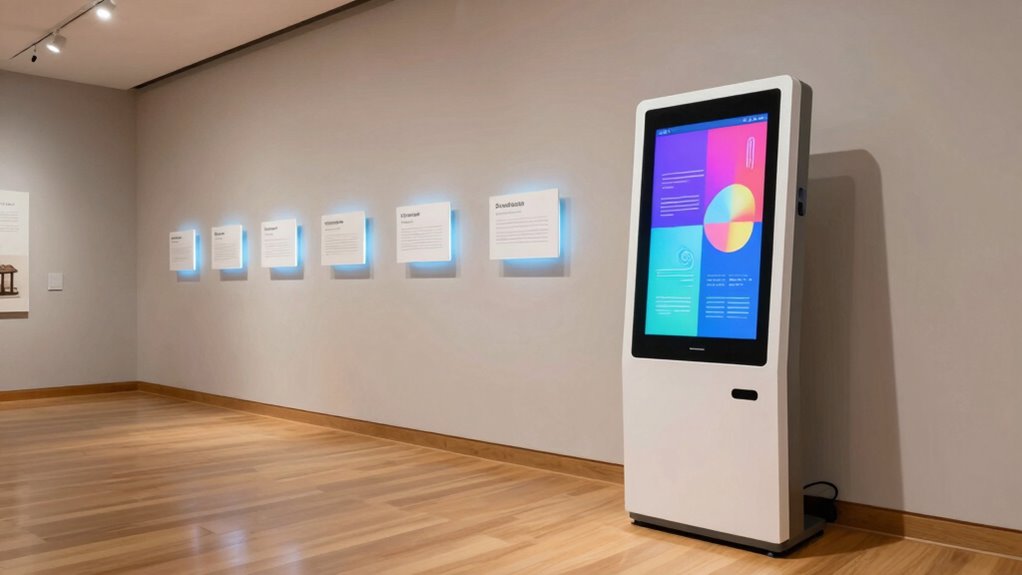
Have you ever wondered how museums and exhibitions deliver detailed information efficiently? Digital labels and kiosks are transforming how visitors engage with displays. These tools use touchless interfaces, allowing you to access information without physical contact, which enhances safety and hygiene. Digital labels often feature augmented reality, bringing exhibits to life with interactive visuals and additional content that you can explore on your device or kiosk screen. Kiosks serve as centralized stations where you can learn more about specific artifacts, browse multimedia content, or even participate in interactive quizzes. This technology reduces clutter by replacing traditional paper labels, making exhibits cleaner and more modern. Additionally, digital accessibility features ensure that information is available to a diverse audience, including those with visual or mobility impairments. The integration of interactive technology in exhibits promotes engagement and makes learning more immersive. Overall, digital labels and kiosks create a dynamic, immersive experience that makes learning engaging and accessible.
As an affiliate, we earn on qualifying purchases.
Why Digital Labels and Kiosks Make Exhibits More Engaging

Digital labels and kiosks make exhibits more compelling by providing instant, interactive access to information. With features like augmented reality, you can explore exhibits in new ways, making the experience immersive and memorable. Visitors can visualize artifacts in 3D or see additional content overlaid onto the display, increasing engagement and understanding. These tools also enable visitor personalization, allowing you to tailor content based on your interests or previous interactions. As a result, the experience becomes more relevant and intriguing, encouraging longer visits and deeper connections with the exhibits. Digital labels and kiosks turn passive viewing into active participation, making your visit more dynamic and educational. This interactive approach keeps visitors interested and enthusiastic to discover more.
As an affiliate, we earn on qualifying purchases.
Key Features to Evaluate in Digital Label and Kiosk Solutions

When choosing digital label and kiosk solutions, you want to focus on how easy they are to use. An intuitive user interface guarantees visitors can navigate smoothly without frustration. Additionally, content management flexibility lets you easily update information to keep your displays current and engaging. Incorporating reliable and user-friendly technology ensures consistent performance and enhances the overall exhibit experience.
User Interface Intuitiveness
User interface intuitiveness is essential because it directly impacts how easily you can navigate and operate digital labels and kiosks. A user-friendly design minimizes frustration and enhances the visitor experience. Look for solutions that incorporate gesture controls, allowing you to interact naturally without touching screens, making the experience more seamless. Voice commands further simplify access, enabling you to request information hands-free, which is especially helpful in crowded or busy environments. An intuitive interface features clear icons, logical layout, and simple prompts, so you can quickly find what you need without confusion. When evaluating digital labels and kiosks, prioritize those that respond accurately to gestures and voice inputs, ensuring smooth interactions and a more engaging, clutter-free exhibit. Understanding user needs is crucial in selecting solutions that truly enhance accessibility and ease of use. Additionally, considering auditory processing aspects can improve the overall inclusivity of the exhibit experience for visitors with diverse sensory needs.
Content Management Flexibility
Content management flexibility determines how easily you can update and customize digital labels and kiosks to keep information current and relevant. With flexible content management, you can quickly incorporate new details or seasonal updates, ensuring visitors always access accurate info. Features like Augmented Reality integration enable immersive experiences that can be updated without hardware changes. Additionally, consider how intuitive the staff training is; a solution with straightforward content controls reduces the learning curve, allowing staff to manage updates confidently. This flexibility ensures your exhibit remains dynamic and engaging, adapting to evolving needs or new discoveries. The ability to adapt to changing content requirements is essential for maintaining visitor interest and educational value. Ultimately, choosing a system that offers easy content management saves time, minimizes errors, and enhances visitor engagement through timely, relevant information.
As an affiliate, we earn on qualifying purchases.
How Digital Labels Improve Accessibility for All Visitors?

Digital labels and kiosks considerably enhance accessibility by providing clear, customizable information that adapts to diverse needs. You can easily incorporate features like Braille integration to assist visitors with visual impairments and include auditory descriptions for those who prefer listening. These features ensure everyone accesses exhibit details comfortably and independently. Additionally, digital labels can adjust font size, contrast, and language settings, making information more legible and understandable. This flexibility reduces physical clutter while expanding accessibility options. Moreover, integrating assistive technologies ensures that digital exhibits remain inclusive for visitors with various disabilities. Implementing adaptive interfaces allows for real-time customization based on individual user preferences, further enhancing the inclusive experience. Incorporating accessible design principles can also help create a seamless and inclusive environment for all visitors, supporting a more universal design approach that benefits everyone. For example, incorporating user-centered design strategies ensures that digital labels meet the diverse needs of all users effectively.
Designing Effective Digital Labels and Kiosks for Your Exhibit
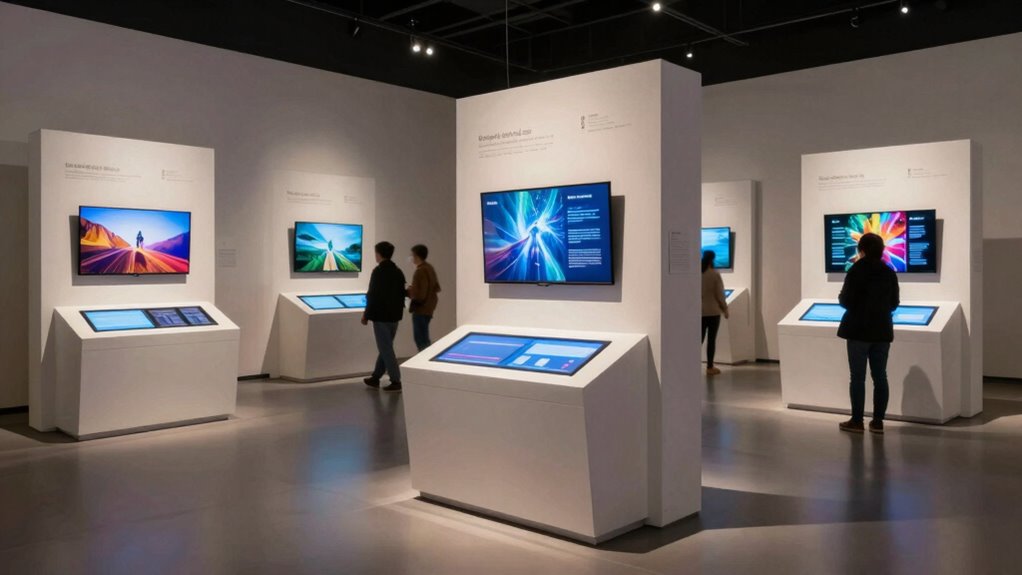
To create impactful digital labels and kiosks, you need a clear visual hierarchy that guides visitors effortlessly through your exhibit. Incorporate interactive engagement strategies to make the experience more memorable and informative. By focusing on these elements, you’ll guarantee your digital displays effectively communicate your message and capture visitor interest.
Clear Visual Hierarchy
Creating a clear visual hierarchy is essential for guiding visitors smoothly through your digital labels and kiosks. It helps users quickly identify key information and navigate seamlessly. To achieve this, prioritize consistency in design elements like font size, color, and placement, which strengthens your overall visual hierarchy. Use contrast strategically to emphasize important details and create a logical flow that directs attention naturally. Maintaining design consistency ensures that your exhibits look cohesive, reducing confusion. Focus on organizing content so that the most crucial information stands out. This careful organization aids in user comprehension and improves readability, keeping visitors engaged without overwhelming them. By carefully balancing these elements, you create an intuitive, accessible experience that enhances your exhibit’s effectiveness. Incorporating principles of visual hierarchy can further optimize the clarity and usability of your displays.
Interactive Engagement Strategies
Effective visual hierarchy sets the stage for user-friendly digital labels and kiosks, but engaging visitors requires more than just clear design. To boost interaction, incorporate augmented reality experiences that bring exhibits to life, allowing visitors to explore hidden layers of information. Gamification also encourages participation through quizzes, challenges, or rewards, making learning fun and memorable. Think of these strategies as a table:
| Engagement Method | Visitor Experience |
|---|---|
| Augmented Reality | Immersive, interactive content |
| Gamification | Motivating, playful learning |
| Quizzes & Challenges | Active participation, retention |
| Rewards & Badges | Incentivize exploration |
Additionally, employing digital literacy principles helps visitors critically engage with digital content and enhances overall comprehension. Developing digital literacy skills is essential for critical engagement in today’s technology-driven environment, especially as digital labels become more prevalent in museums and exhibits.
How to Choose and Implement Digital Labels and Kiosks

Choosing and implementing digital labels and kiosks requires careful consideration of your specific needs and environment. Think about how visitors will interact with the technology, and whether multimedia content like videos or virtual tours will enhance their experience. Consider the display size, durability, and ease of updates to keep content current. To guarantee a smooth integration, evaluate compatibility with existing systems and how accessible the kiosks will be for diverse visitors.
- Assess your space to determine ideal placement and visibility
- Choose user-friendly interfaces that support multimedia content and virtual tours
- Plan for ongoing maintenance and content updates to keep experiences fresh
Common Challenges When Moving to Digital Labels and How to Overcome Them
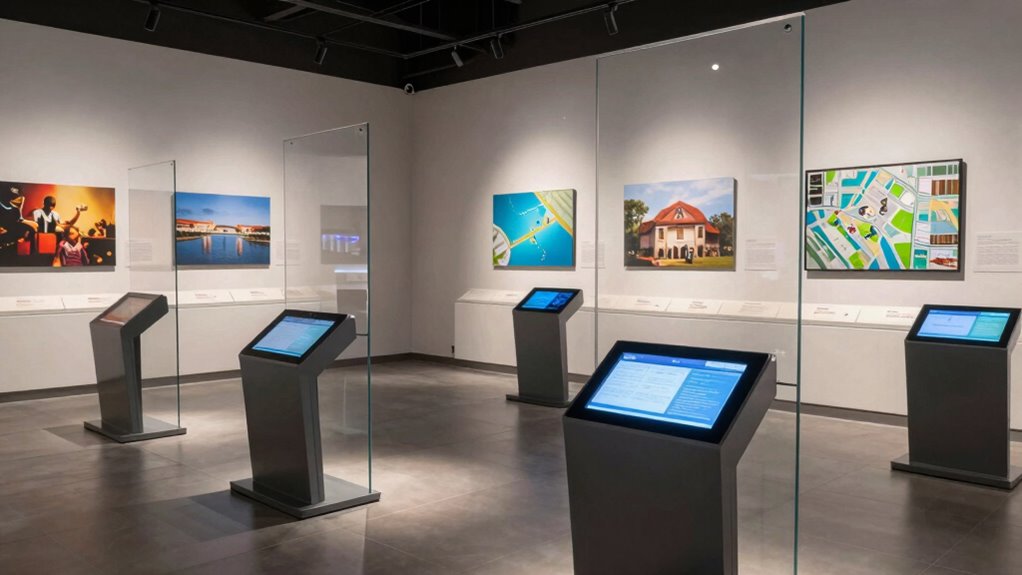
Switching to digital labels can present several hurdles, especially if you’re unfamiliar with the technology or facing resistance from staff or visitors. One common challenge is ensuring staff training is thorough, so your team feels confident managing and troubleshooting the new system. Without proper training, errors or delays may occur, frustrating visitors and staff alike. Additionally, technical support is essential for addressing issues promptly and minimizing downtime. Establishing a reliable support system helps prevent technical glitches from disrupting exhibits. Resistance from staff or visitors unfamiliar with digital labels can also pose obstacles; clear communication about benefits and ongoing support can ease this changeover. Moreover, understanding standby generator requirements and environmental considerations is crucial to ensure continuous operation of digital signage during power outages. Proper planning for power backup solutions can significantly reduce risks of operational interruptions. Implementing energy-efficient technology can further enhance sustainability and reduce long-term costs. By prioritizing staff training and reliable technical support, you can overcome these challenges and smoothly implement digital labels that enhance your exhibit experience.
Cost and ROI of Digital Labels and Kiosks in Museums
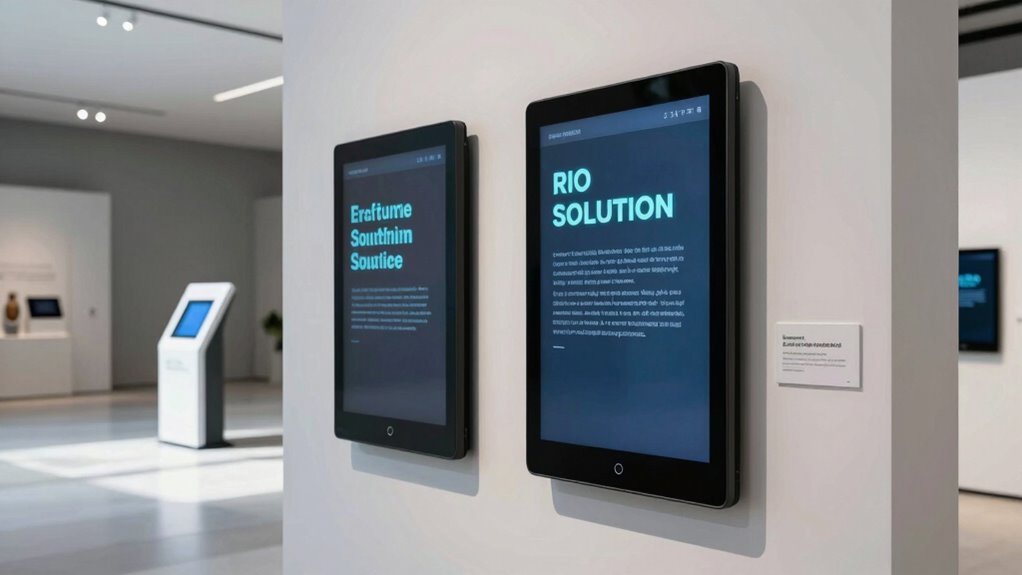
Implementing digital labels and kiosks involves upfront costs that can seem significant, but understanding their return on investment (ROI) helps justify the expenditure. A thorough cost analysis considers initial setup, maintenance, and updates, helping you gauge long-term savings and efficiency gains. Digital solutions can reduce printing costs and provide dynamic content updates, increasing visitor engagement. To evaluate ROI, factors like increased visitor satisfaction, extended exhibit lifespan, and data collection capabilities come into play. Incorporating natural light and wellness touches into exhibit design can further enhance visitor experience and satisfaction.
Future Trends in Digital Labels and Kiosk Technology
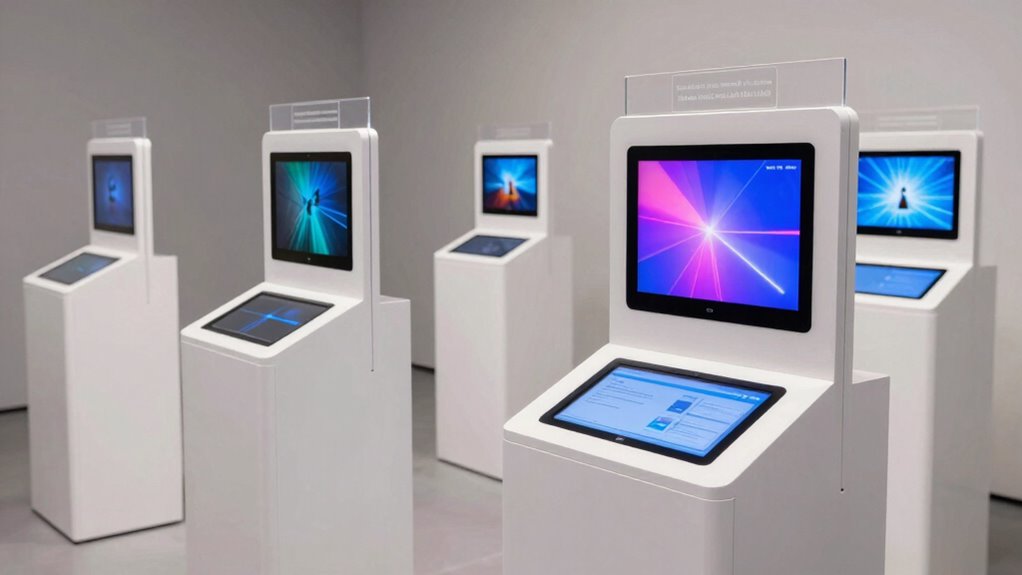
As technology continues to evolve, digital labels and kiosks are poised to become more intuitive, versatile, and integrated within museum experiences. Augmented reality will enhance visitor engagement by overlaying digital information directly onto exhibits, providing deeper insights without cluttering displays. Expect kiosks to incorporate more social media integration, allowing visitors to share their experiences instantly, fostering community and online engagement. Future trends also include AI-driven personalization, tailoring content based on visitor preferences, and seamless mobile connectivity, enabling visitors to access exhibit details on their devices. Additionally, advancements in digital preservation techniques will ensure that exhibits remain accessible and well-maintained for future generations. These advancements will make exhibits more interactive and accessible, bridging the gap between digital and physical experiences, and creating immersive, memorable visits that resonate long after leaving the museum.
Frequently Asked Questions
How Do Digital Labels Impact Visitor Flow and Exhibit Navigation?
Digital labels and kiosks enhance visitor flow by providing clear, interactive exhibit organization, which keeps visitors engaged and informed. You’ll find it easier to navigate exhibits as digital labels quickly provide relevant information without cluttering space. This seamless access encourages more visitor engagement, reduces congestion, and improves overall experience. As a result, visitors move smoothly through exhibits, maximizing their understanding and enjoyment without feeling overwhelmed or lost.
What Maintenance Is Required for Digital Kiosks and Labels?
Think of digital kiosks and labels as living trees needing care. You’ll perform regular software updates to keep them current and secure, much like watering roots. Hardware durability matters too; you check for wear and tear, ensuring screens and components stay resilient. Routine cleaning and occasional recalibration keep the exhibits inviting. With consistent maintenance, your digital displays will flourish, providing seamless, engaging experiences for visitors day after day.
Are Digital Labels Suitable for Outdoor or Harsh Environments?
Digital labels can be suitable for outdoor or harsh environments if they have proper weather resistance features. You should guarantee they are protected against elements like rain, dust, and extreme temperatures. Also, a reliable power supply is essential to keep them operational. Look for models with durable enclosures and weatherproof ratings, and consider solar or backup power options to maintain consistent operation in challenging conditions.
How Do Digital Labels Support Multilingual and Inclusive Accessibility?
Imagine you’re in a museum, and digital labels act like a friendly translator. They support multilingual support by displaying information in various languages, making the exhibit accessible to all visitors. With inclusive design, these labels adapt to different needs, offering features like adjustable font sizes and audio options. You can easily access information in your preferred language, ensuring everyone feels welcome and engaged without cluttering the exhibit space.
What Security Measures Protect Digital Kiosk and Label Systems From Vandalism?
You should implement robust cybersecurity protocols to safeguard digital kiosk and label systems from vandalism. These include firewalls, encryption, and regular security updates. Additionally, physical vandalism prevention measures like tamper-proof enclosures and surveillance cameras help deter malicious acts. By combining cybersecurity protocols with physical security, you create an extensive defense that ensures your digital exhibits remain accessible, secure, and free from vandalism threats.
Conclusion
By embracing digital labels and kiosks, you can transform your exhibit into an accessible, engaging space. For example, a museum that replaced traditional plaques with interactive kiosks saw increased visitor interaction and better accessibility for all. As technology advances, staying ahead means continuously exploring new features—like multilingual support or audio descriptions—to meet diverse needs. Ultimately, digital solutions not only enhance visitor experience but also future-proof your exhibit’s relevance and inclusivity.
Fall Picks
fall essentials
As an affiliate, we earn on qualifying purchases.