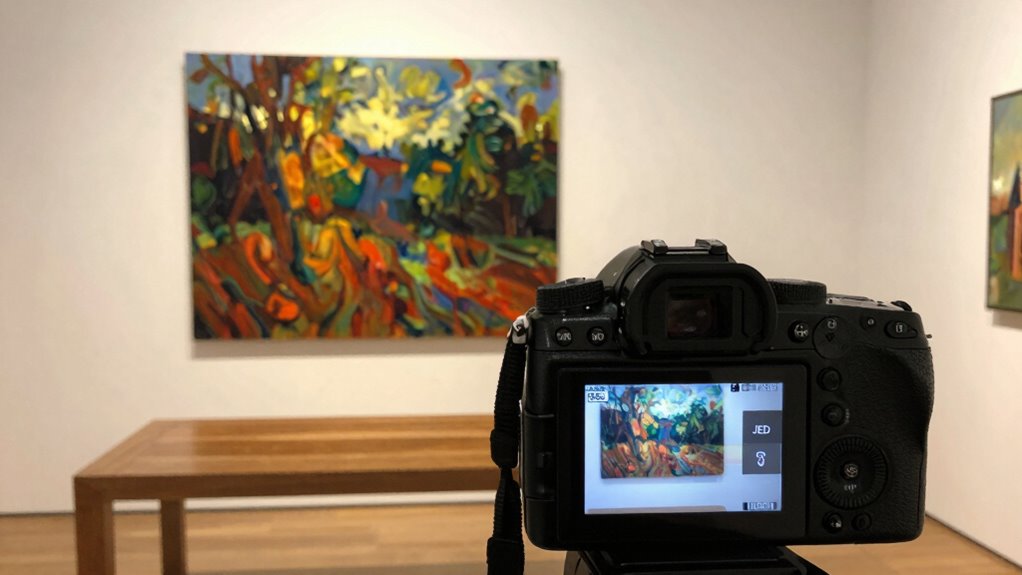

Choosing between RAW and JPEG depends on your goal for documenting artwork. RAW files capture unprocessed data, offering better color accuracy and editing flexibility, ideal for high-quality archiving. JPEGs are compressed for quick sharing and smaller storage but sacrifice some detail and color fidelity. If you want precise reproductions or future-proof your images, RAW is the better choice. Keep exploring to discover which format suits your specific needs and workflow.
Key Takeaways
- RAW files preserve maximum color accuracy and detail, ideal for high-quality artwork documentation and future editing.
- JPEGs are smaller and faster to share but can lose subtle color nuances due to compression, making them less suitable for archival purposes.
- Use RAW for professional archiving and detailed reproduction; JPEGs are better for quick sharing and casual viewing.
- RAW files require more storage and processing time, while JPEGs offer convenience and smaller file sizes.
- For long-term preservation and accurate presentation, formats like TIFF or PNG are preferable over JPEG.
![WavePad Free Audio Editor – Create Music and Sound Tracks with Audio Editing Tools and Effects [Download]](https://m.media-amazon.com/images/I/B1HPw+BmlXS._SL500_.png)
WavePad Free Audio Editor – Create Music and Sound Tracks with Audio Editing Tools and Effects [Download]
Easily edit music and audio tracks with one of the many music editing tools available.
As an affiliate, we earn on qualifying purchases.
As an affiliate, we earn on qualifying purchases.
RAW vs. JPEG for Artwork: What’s the Difference?
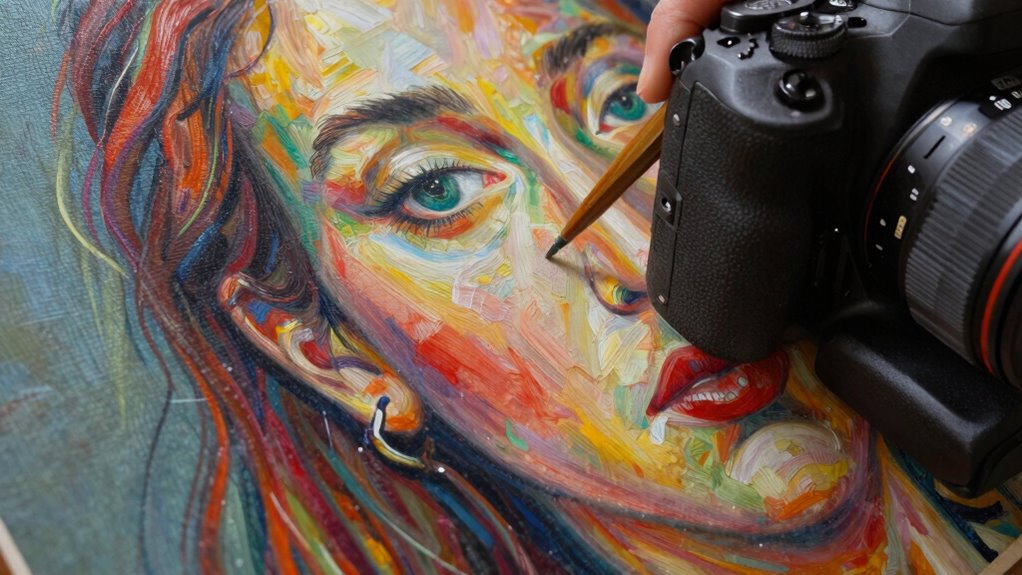
When choosing between RAW and JPEG formats for artwork, understanding their fundamental differences is essential. RAW files provide superior color accuracy because they contain unprocessed data directly from your camera sensor, allowing for detailed adjustments later. JPEGs, on the other hand, use file compression to reduce size, which can compromise color fidelity and detail. This compression process often results in a loss of subtle color nuances, making JPEGs less ideal for preserving the true appearance of your artwork. If you want maximum control over color rendering and quality, RAW is the better choice. Additionally, file compression impacts image quality and storage requirements, influencing your decision based on your project’s needs. It’s also important to consider workflow considerations, as RAW files typically require more processing time and specialized software. This is especially true when dealing with color management, which is crucial for accurate reproduction of artwork colors. Moreover, understanding file formats helps in selecting the most suitable option for different purposes. However, if you need smaller files for quick sharing or storage efficiency, JPEGs may suffice. Knowing these differences helps you choose the right format based on your project’s needs.
JPEG to RAW converter for artwork documentation
As an affiliate, we earn on qualifying purchases.
As an affiliate, we earn on qualifying purchases.
When Should Artists Use RAW or JPEG for Artwork Photos?
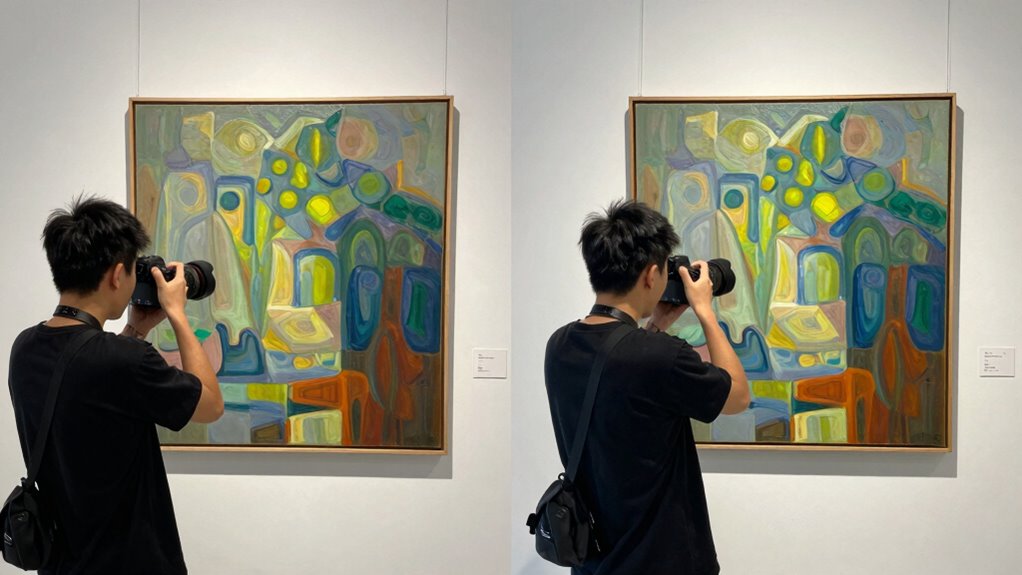
Choosing between RAW and JPEG for artwork photos depends on your specific goals and workflow. If you need high color accuracy and plan to make detailed edits, RAW is your best choice because it captures more image data and preserves color fidelity. RAW files allow you to adjust exposure and color without degrading quality, ideal for archiving or professional documentation. On the other hand, if you require quick sharing or need smaller files to save storage space, JPEGs are suitable due to their file compression. JPEGs are easier to upload and distribute, but they sacrifice some color accuracy and detail. Consider your end use—if accuracy and editing flexibility matter most, go with RAW; for convenience and speed, choose JPEG. Additionally, understanding family photoshoot fails can help photographers anticipate unexpected moments and capture authentic artwork documentation. Ensuring proper file management practices can also streamline your workflow and prevent data loss, especially when working with different file formats to suit various needs.

Pioneer Jumbo Scrapbook Storage Box, Sky Blue
Scrapbook storage box for scrapbooks, papers and supplies
As an affiliate, we earn on qualifying purchases.
As an affiliate, we earn on qualifying purchases.
Pros and Cons of Using RAW Files to Archive Your Artwork
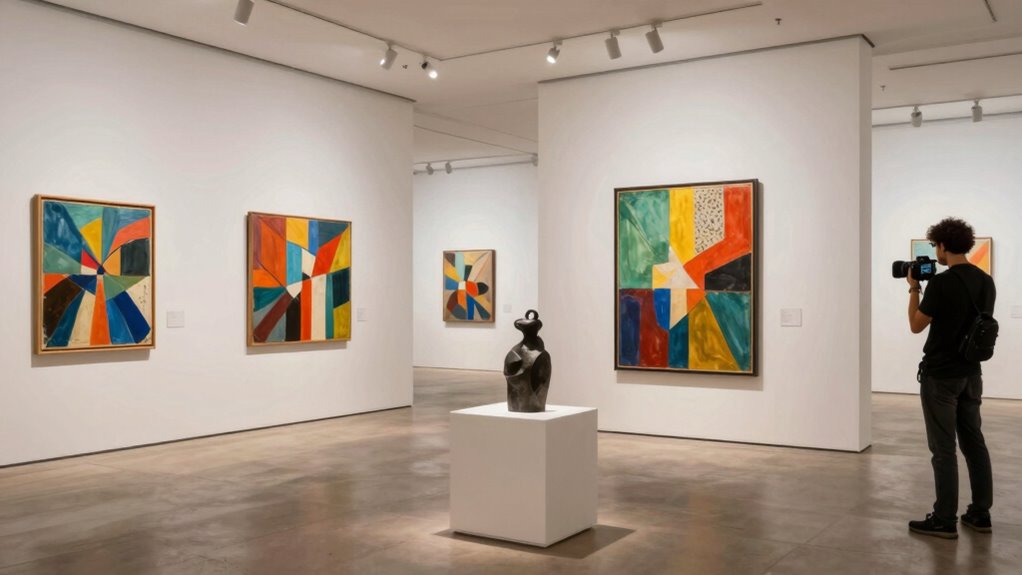
Using RAW files to archive your artwork offers significant advantages, but it also comes with some drawbacks. You gain superior color accuracy, capturing subtle shades and details essential for high-quality records. Additionally, RAW files are large, increasing storage needs and processing time. This can be inconvenient if you manage many images or limited space. Consider the following:
| Pros | Cons |
|---|---|
| High color accuracy for detailed edits | Large file size demands more storage |
| Preserves maximum image data | Longer processing and transfer times |
| Better for future re-editing | Requires specialized software |
| Maintains original quality | Less convenient for quick sharing |
| Ideal for archival purposes | More complex file management |
Additionally, managing large RAW files may require robust storage solutions, especially for professional or extensive archives. Proper file organization is crucial when working with large archives to ensure efficient retrieval and management of your artwork files. Furthermore, understanding color profiles can help optimize how your artwork is preserved and displayed across different devices.
Incorporating metadata into your RAW files can also enhance cataloging and future referencing of your artwork, making your archive even more comprehensive.
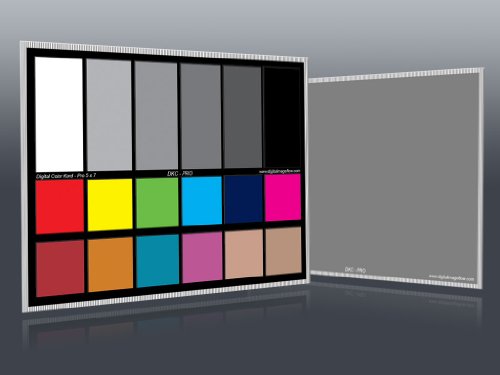
DGK Color Tools DKC-Pro 5" x 7" Set of 2 White Balance and Color Calibration Charts with 12% and 18% Gray – Pro Quality – Includes Frame Stand and User Guide
Professional version of our popular DKK Card with n-Chrome coated color targets
As an affiliate, we earn on qualifying purchases.
As an affiliate, we earn on qualifying purchases.
Is JPEG Good Enough for Quick Sharing and Less Critical Docs?
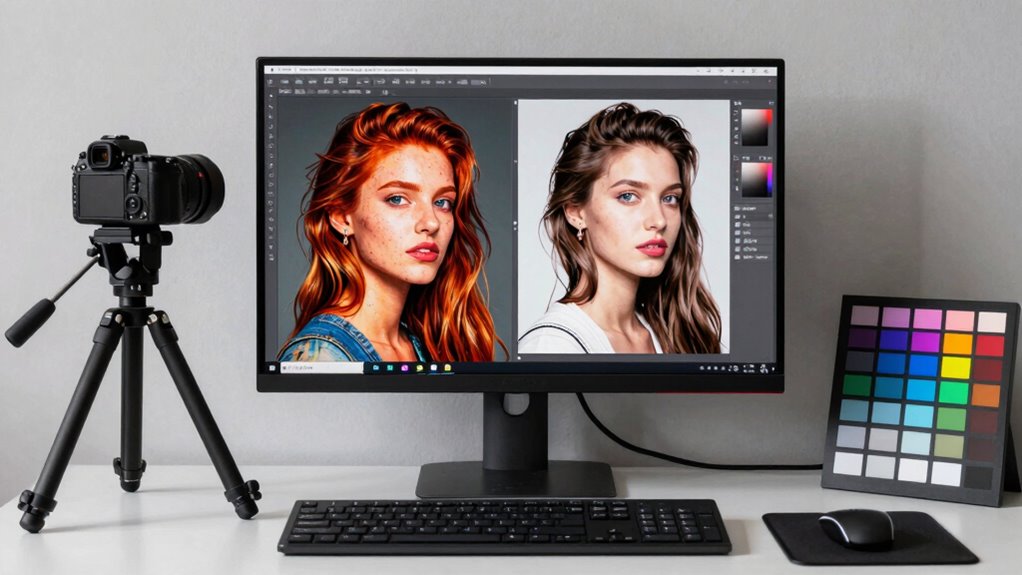
JPEG is often sufficient for quick sharing and less critical documents because it offers a good balance between image quality and file size. Its efficient image compression reduces file sizes, making it easy to share via email or online platforms. While JPEG’s color accuracy may slightly degrade with compression, it’s usually acceptable for casual viewing or non-archival purposes. However, keep in mind:
JPEG offers a good balance of quality and file size for quick sharing and casual viewing.
- Compression artifacts can affect fine details and sharpness
- Color consistency may vary across devices and screens
- Adjusting compression levels can impact image quality and file size
- Understanding compression effects can help you optimize image quality for your needs
For fast, everyday sharing, JPEG’s convenience outweighs its limitations. But if you need higher color fidelity or detail preservation, consider other formats. For most less critical documents, JPEG remains a practical choice. Additionally, understanding file format limitations can help you choose the best option for your specific needs.
How to Choose the Best File Format for Preserving and Presenting Your Art
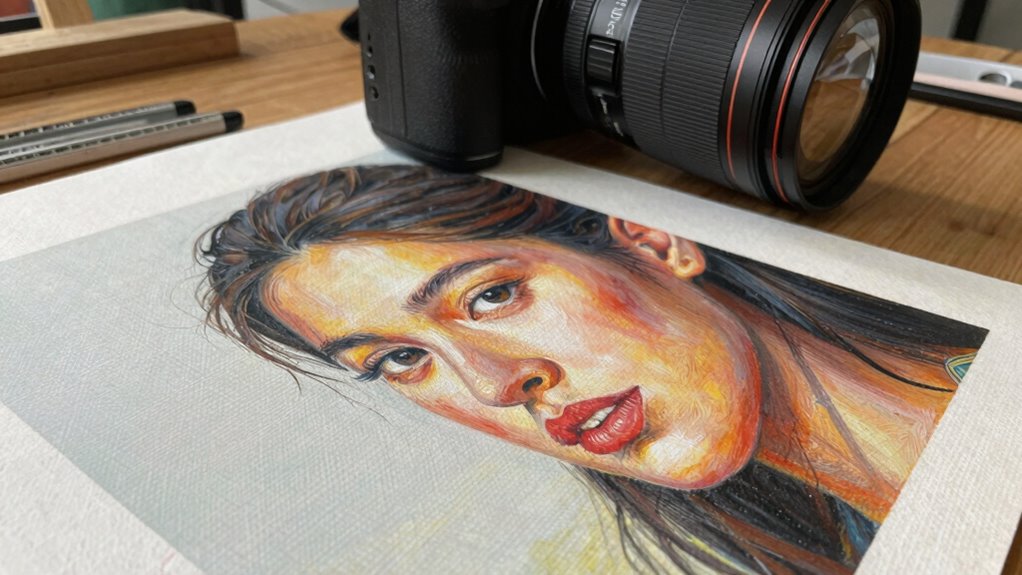
When it comes to safeguarding and presenting your art, selecting the right file format guarantees your work looks its best over time and across different displays. To preserve color accuracy, choose formats like TIFF or PNG that support high-quality color reproduction without loss. Consider how file compression affects your files; lossy compression, like in JPEGs, reduces file size but can compromise detail and color fidelity, which is critical for accurate art documentation. For archival purposes, uncompressed or minimally compressed formats ensure your artwork retains its quality. When presenting your work online or in print, balance quality with file size, but never ensure color accuracy. Additionally, understanding digital file security measures can help protect digital files from cyber threats during storage or transfer. Awareness of file format compatibility is also essential to ensure your artwork can be accessed and used across different devices and software. Recognizing the importance of proper metadata management can further enhance your ability to organize and retrieve your digital art files efficiently. Ultimately, the best format depends on your goal—preservation or presentation—and the importance you place on detail and color fidelity.
Frequently Asked Questions
Can RAW Files Be Easily Edited Without Quality Loss?
Yes, RAW files can be easily edited without quality loss, making them ideal for documenting artwork. You can perform color correction and adjust exposure while preserving detail, ensuring your images stay true to the original piece. Since RAW files retain all image data, your edits remain flexible and high quality, so you won’t sacrifice detail preservation or color accuracy. This makes RAW the best choice for detailed, professional documentation.
How Does File Size Impact Storage and Workflow Efficiency?
Think of file size as your double-edged sword; larger files like RAW provide better quality but can slow your workflow and eat up storage fast. Smaller JPEGs boost compression efficiency and storage optimization, making your workflow smoother. However, they sacrifice detail. Balancing these factors helps you decide how much storage you need versus image quality, ensuring you stay efficient without compromising your artwork’s integrity.
Are There Compatibility Issues With Older Software for RAW Files?
You might face software compatibility issues with RAW files, especially if your older programs lack support for newer camera formats. Many legacy editing tools don’t recognize RAW file formats, which can hinder your workflow. To avoid this, check your software’s file format support before shooting and consider converting RAW files to JPEG if compatibility is a concern, ensuring you can access and edit your artwork images smoothly.
What Are the Cost Differences Between Using RAW and JPEG?
You’ll find that JPEGs are more cost-effective because they use lossy compression techniques, resulting in smaller files that save storage space and reduce archiving costs. RAW files, however, require larger storage, which can increase costs over time. If you’re managing many images, JPEGs tend to be cheaper for file archiving. But if you need high-quality edits, investing in RAW might justify the higher storage expenses.
How Do Printing Requirements Influence File Format Choice?
Printing requirements greatly influence your file format choice because you need high color accuracy and print resolution. For best results, opt for RAW files if you want maximum control over color and detail during editing. If speed and convenience matter, JPEGs can suffice for standard prints, but they may compromise color fidelity and resolution. Choose RAW for gallery-quality prints, and JPEGs for quick, everyday reproductions.
Conclusion
Choosing between RAW and JPEG is like selecting the right brush for your masterpiece. RAW offers the detailed strokes needed for preservation, while JPEG’s quick strokes suit fast sharing. Know your artwork’s journey—if you want perfection and flexibility, go RAW; for quick glimpses and easy sharing, JPEG works fine. Pick the right file format to guarantee your art’s story is told beautifully, no matter the canvas or audience.