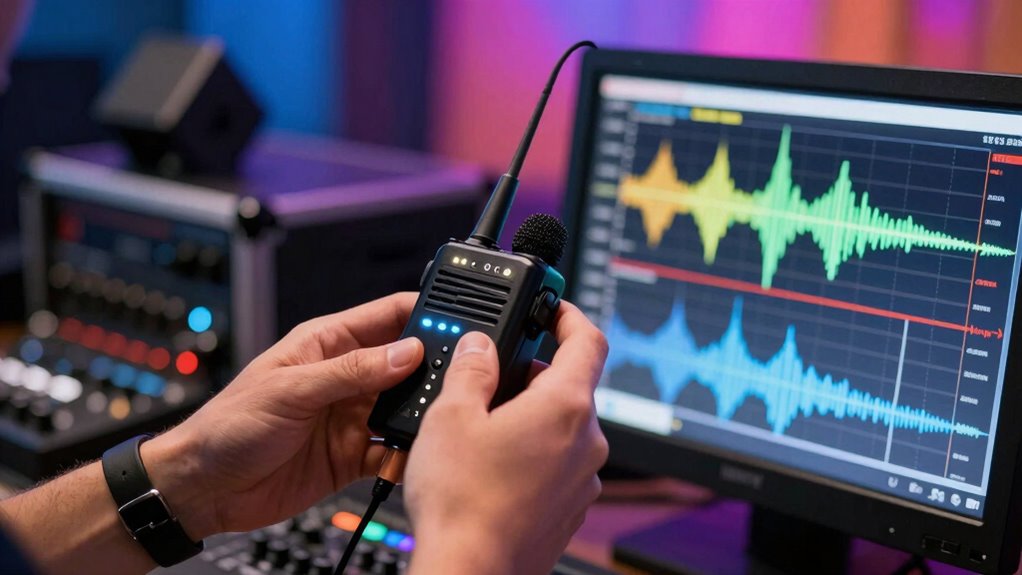

To quickly fix wireless mic interference and save your recordings, start by repositioning antennas high and aiming them properly. Switch to clearer channels using your receiver’s scan function, and avoid overlapping frequencies with nearby devices. If interference persists, use signal boosters or filters to block unwanted signals. Additionally, keep microphones away from reflective surfaces and electronic gadgets. For more proven tips to troubleshoot and prevent issues, explore further guidance on maintaining a stable wireless setup.

Get art and craft supplies delivered free — and shop member deals
- Fast, free delivery on millions of items
- Access to Prime Big Deal Days deals on October 6–7
- Prime Video, Amazon Music and more included
Key Takeaways
- Switch to less congested wireless channels or frequencies to reduce interference during live recordings.
- Position antennas high and aimed towards each other to strengthen signal reception.
- Keep microphones away from reflective surfaces and electronic devices that may cause signal disruptions.
- Use signal boosters or interference filters for immediate relief of signal issues.
- Regularly scan the spectrum to identify and switch to cleaner channels before recording sessions.
wireless microphone interference filter
As an affiliate, we earn on qualifying purchases.
As an affiliate, we earn on qualifying purchases.
What Causes Wireless Microphone Interference?

Wireless microphone interference often happens when multiple devices operate on similar frequencies, causing signals to clash. One common cause is poor antenna placement, which can weaken your signal or make it susceptible to outside interference. Position your antennas high and clear of obstructions to improve signal strength and reduce interference risks. Additionally, improper frequency planning can lead to overlaps with other wireless systems nearby. Always scan and select clear, non-overlapping channels for your microphones. Proper cabling solutions and equipment setup play a vital role in maintaining a stable environment. By carefully planning your frequency use and optimizing antenna placement, you minimize the chances of signal clashes. Effective interference mitigation techniques are essential for maintaining a reliable wireless connection during critical moments. Remember, the goal is to create a stable environment so your microphone signals stay strong and clear, avoiding disruptions during your event or recording session. Maintaining awareness of potential sources of electromagnetic interference can further enhance your setup’s stability. Additionally, using quality equipment can significantly reduce the likelihood of interference issues and improve overall performance.
As an affiliate, we earn on qualifying purchases.
How to Spot Interference During a Live Session Quickly?
During a live session, you need to spot interference fast to avoid disruptions. Check your visual signals and monitor audio levels regularly to catch issues early. Scanning for interference helps you identify problems before they affect your performance. Being aware of digital content formats can also help you troubleshoot compatibility issues quickly. Additionally, understanding how automotive performance parts influence overall system stability can provide insights into potential sources of interference. Familiarity with essential DIY tools and safety tips can enable you to make quick adjustments or repairs if needed during the session. Recognizing the impact of wireless microphone frequency interference can further assist in maintaining a clear audio signal throughout your recording. Incorporating interference mitigation techniques can significantly enhance your ability to manage unexpected disruptions on the spot.
Visual Signal Checks
When a live session is underway, quickly identifying interference requires paying close attention to your visual signals. Watch for visual feedback on your wireless receiver or transmitter, such as blinking lights or inconsistent color indicators. These can signal signal clarity issues or interference. Keep an eye on the microphone’s LED indicators—flickering or erratic patterns often point to problems. If you notice a sudden change in the visual feedback, like dimming lights or warning signals, it’s a sign to investigate further. Remember, clear and stable visual cues help you catch interference early, minimizing disruptions. By monitoring these visual signals constantly, you can respond swiftly and keep your session on track, avoiding audio dropouts or degraded sound quality. Additionally, using visual signal monitoring features can help alert you to issues through alternative cues if visual signals become hard to interpret.
Monitor Audio Levels
Keeping a close eye on audio levels is one of the quickest ways to detect interference in real time. During a live session, regularly monitoring your sound quality assessment helps you identify issues immediately. Watch for unexpected spikes, drops, or distortion, which can indicate interference. Use your equipment’s audio level monitoring tools to stay alert. Being familiar with passive voice detection techniques further enhances your ability to recognize audio irregularities early. Additionally, understanding sound wave behavior can help you anticipate and identify potential sources of interference before they affect your recordings. Recognizing how spiritual awakening symbols like angel numbers relate to your intuition can also guide you to notice subtle changes in sound quality that may signal interference. Awareness of electromagnetic interference sources within your environment can help you mitigate disruptions proactively before they impact your session.
Scan for Interference
How can you quickly identify interference during a live session? Start by scanning the wireless spectrum with your receiver’s monitoring feature. Look for sudden signal drops, noise, or static—these are signs of interference. Check your antenna placement first; ensure antennas are positioned vertically and away from metal objects or electronic devices that could cause disruptions. Next, review your frequency coordination—confirm all transmitters are on clear, non-overlapping channels. If interference persists, use a spectrum analyzer to identify crowded frequencies. Adjust your frequencies accordingly, and recheck the signal quality. Quick, proactive scanning allows you to spot interference early, preventing compromised audio. Proper antenna placement combined with strategic frequency coordination keeps your wireless system stable and your recordings crisp. Additionally, understanding Free Floating interference patterns can help you anticipate and mitigate potential disruptions more effectively. Being aware of interference mitigation techniques enables more efficient troubleshooting during live sessions.
As an affiliate, we earn on qualifying purchases.
Check Your Equipment for Interference Sources
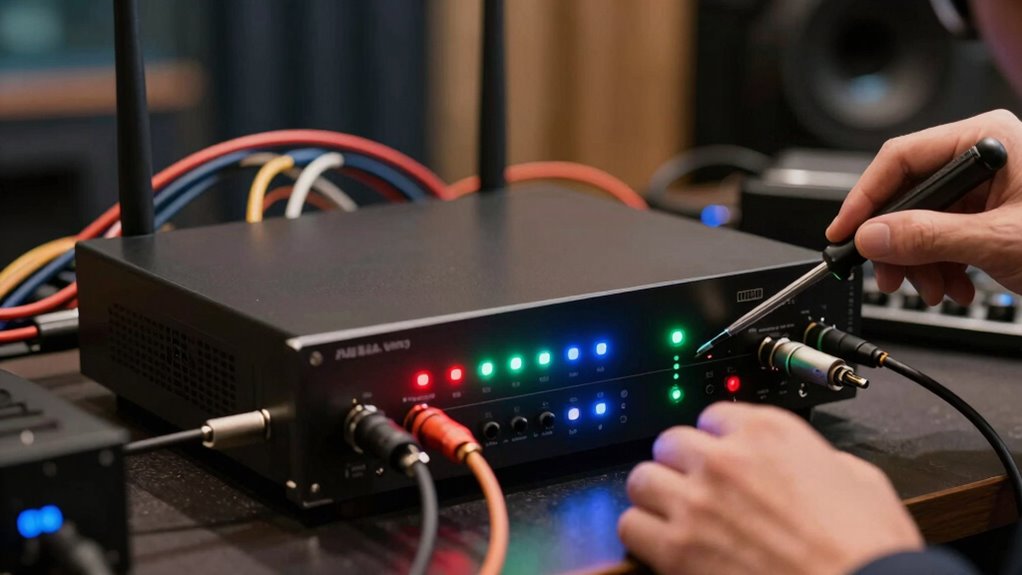
Start by scanning your surroundings for any nearby devices that could cause interference, like Wi-Fi routers or Bluetooth gadgets. Next, check the structure of your venue, as walls and metal objects can disrupt your signal. Identifying these sources helps you pinpoint potential problems before they affect your performance. Additionally, consider whether essential oils for respiratory health are present, as their aromatic properties may influence your environment and overall comfort during recordings. Be mindful that certain environmental factors can also impact audio quality, so assessing the room’s acoustics is equally important. Understanding air purifier maintenance dos and don’ts can help ensure your environment remains clean and free of airborne particles that might interfere with your equipment. Recognizing electromagnetic interference sources in your space allows for better planning and setup to minimize disruptions.
Identify Nearby Devices
Have you checked your equipment for nearby devices that could be causing interference? Many common gadgets emit signals on similar radio frequencies, which can disrupt your wireless microphone’s signal. Cell phones, Wi-Fi routers, Bluetooth devices, and even certain LED lights are potential culprits. Keep your microphone transmitter away from these devices, as their proximity increases the chance of interference. Be aware of the radio frequency environment around you, especially in crowded areas or venues with multiple wireless systems. To troubleshoot, turn off or move suspected devices and see if the audio improves. Checking device proximity helps identify sources that may be unintentionally interfering with your wireless mic, ensuring clearer sound and more reliable recordings.
Check for Structural Interference
Structural elements such as walls, metal fixtures, or large electronic devices can cause significant interference with your wireless microphone signals. Building materials like concrete, steel, or brick absorb and reflect radio waves, disrupting transmission. The structural design of a venue also impacts signal strength; thick walls or complex layouts can create dead zones or weak spots. To check for structural interference, examine your environment carefully. Move around to see if signal quality improves when you change locations or angle your microphone differently. Consider the materials used in walls, ceilings, and fixtures, as these can be major culprits. Understanding how your building’s construction affects wireless signals helps you identify problem areas and adjust your setup for better performance.
wireless microphone channel scanner
As an affiliate, we earn on qualifying purchases.
As an affiliate, we earn on qualifying purchases.
Adjust Hardware Settings to Minimize Disruptions
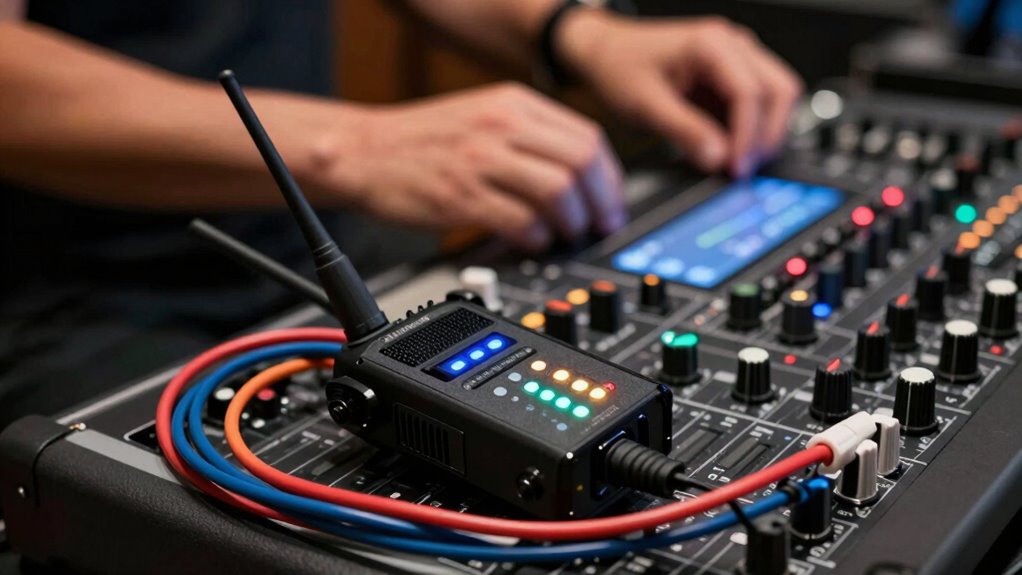
Adjusting your wireless microphone hardware settings is a crucial step in reducing interference and ensuring clear audio transmission. Proper antenna orientation and microphone placement can dramatically improve signal quality. Position antennas vertically and avoid obstructions to optimize reception. Keep microphones away from metal objects and electronic devices that may cause interference. Use the table below to understand how hardware adjustments impact performance:
| Adjustment | Effect | Best Practice |
|---|---|---|
| Antenna orientation | Enhances signal strength | Point antennas towards each other |
| Microphone placement | Reduces physical interference | Keep away from reflective surfaces |
| Hardware settings | Minimize signal loss or distortion | Adjust gain and frequency settings |
Implement these hardware tweaks to achieve a more stable, interference-free connection.
Switch Wireless Channels to Clear Signal Conflicts
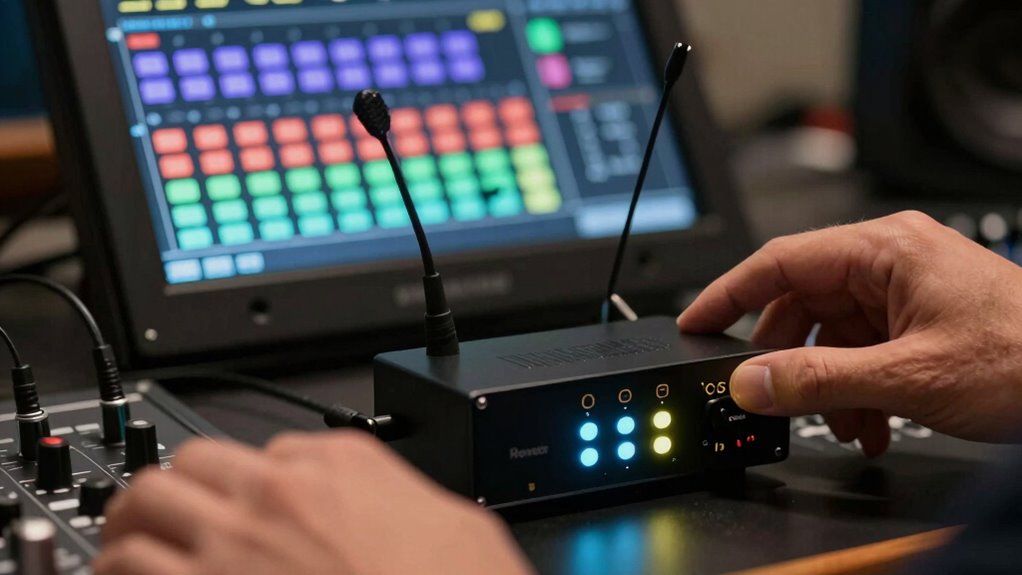
Switching your wireless channels is a quick and effective way to reduce signal conflicts that can cause interference. Many wireless mics now use frequency hopping to automatically switch channels and avoid crowded frequencies, but manually selecting a less congested channel can still help. Check your device’s channel options and choose one with less traffic. Proper antenna placement also plays a vital role; position antennas to maximize line-of-sight and minimize obstructions, which can improve signal clarity. Avoid placing antennas near metal objects or electronic devices that might cause interference. By adjusting your wireless channels and optimizing antenna placement, you can clear signal conflicts, reduce interference, and guarantee a more stable, high-quality audio feed during your recordings.
Use Boosters and Filters for Fast Interference Relief

When interference occurs, using boosters and filters can quickly restore signal clarity and improve your wireless mic performance. Signal boosters amplify your existing signal, helping overcome obstacles or weak reception areas, ensuring a stronger, more stable connection. Interference filters, on the other hand, block or reduce unwanted signals from other electronic devices, minimizing noise and static. Together, these tools provide a fast and effective solution to interference problems, especially during live events or recordings. Installing a signal booster near your microphone or receiver can instantly enhance signal strength, while interference filters can be added to your setup to cut out specific frequencies causing disruption. By employing boosters and filters, you can maintain clear audio without lengthy troubleshooting or risking missed cues.
Final Tips to Prevent Future Wireless Mic Interference
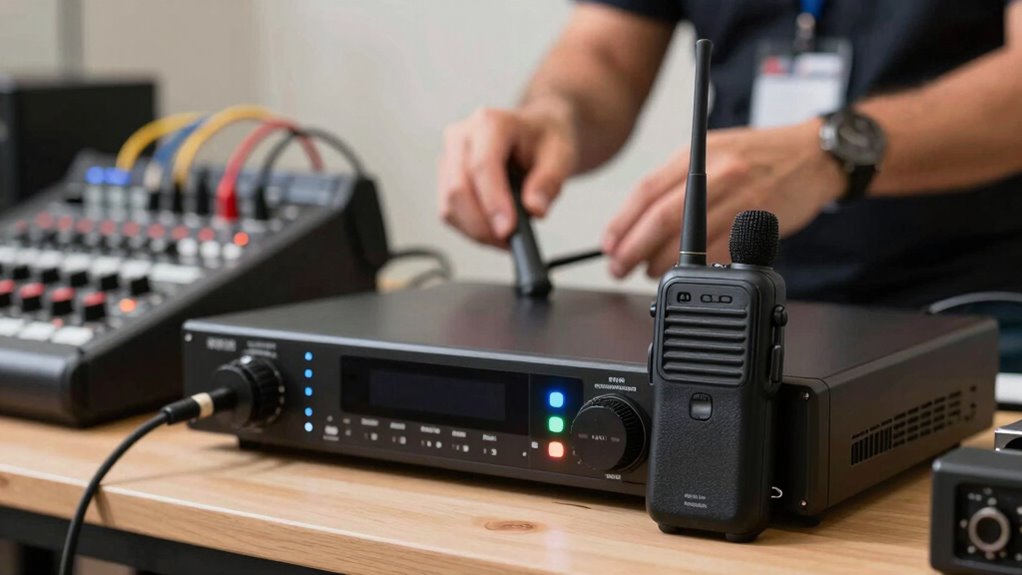
To prevent future wireless mic interference, it’s essential to plan your setup carefully and follow best practices. Regular preventative maintenance ensures your equipment stays in prime condition, reducing unexpected issues. Keep your gear clean, check batteries frequently, and verify firmware updates to maintain performance. Environmental awareness is equally important; avoid placing transmitters and receivers near metal objects, electrical sources, or sources of radio noise. Be mindful of your surroundings, especially in crowded or signal-heavy areas. Use proper frequency coordination to minimize conflicts, and consider conducting a site survey before events. Consistently applying these tips helps you identify potential problems early and creates a reliable environment for your wireless mics, ultimately safeguarding your recordings and ensuring smooth performances.
Frequently Asked Questions
How Can I Identify Hidden Sources of Wireless Interference?
You can identify hidden sources of wireless interference through frequency spotting and interference mapping. Start by scanning your environment with a spectrum analyzer to detect unusual signals or overlapping frequencies. Use interference mapping tools to pinpoint areas with high interference levels. Move your equipment around, noting where issues worsen or improve. This proactive approach helps you locate unseen interference sources, ensuring clearer audio and more reliable recordings.
What Are the Best Practices for Maintaining Wireless Mic Systems?
You should prioritize frequency coordination and proper antenna placement to maintain your wireless mic system. Regularly check for overlapping frequencies to prevent interference, and adjust antenna placement for ideal signal strength. Keep firmware updated and perform routine system tests before events. By staying proactive with these best practices, you can guarantee reliable performance, minimize disruptions, and extend your system’s lifespan, ensuring smooth recordings and performances every time.
Can Environmental Changes Reduce Wireless Microphone Interference?
Yes, environmental changes can reduce wireless microphone interference. You should optimize antenna placement to avoid obstructions and maximize signal strength. Using frequency hopping technology helps your system automatically switch channels to avoid interference. Keep antennas elevated and spaced apart, and steer clear of metal objects or electronics that could cause signal disruption. These adjustments can markedly improve your microphone’s performance and reduce interference in various environments.
Are There Specific Brands or Models Resistant to Interference?
Yes, some brands and models are more resistant to interference. Look for systems with strong brand compatibility and proven model durability, such as Sennheiser or Shure. These brands often design their products to handle interference better and maintain reliable connections. When choosing, prioritize models known for stability and durability in various environments, ensuring your recordings stay clear and uninterrupted even in challenging settings.
How Often Should I Perform Equipment Checks for Interference Issues?
You should perform equipment checks regularly to stay ahead of interference issues. Aim for weekly calibration to guarantee your gear’s signal attenuation remains ideal, especially before important recordings. During these checks, inspect connections, test signal strength, and verify settings. Consistent maintenance helps identify potential problems early, preventing interference from creeping in and saving your recordings from unexpected disruptions. Staying proactive keeps your wireless system running smoothly and reliably.
Conclusion
Think of your wireless mic setup as a busy highway. When interference hits, it’s like traffic jams blocking your flow. But with quick fixes—changing channels, adjusting settings—you clear the road, allowing your recordings to move smoothly again. Stay vigilant, identify disruptions early, and keep your signal flowing freely. By doing so, you’re the traffic controller ensuring a seamless journey, so your sound reaches its destination without delay or distortion.
Halloween Picks
halloween
As an affiliate, we earn on qualifying purchases.