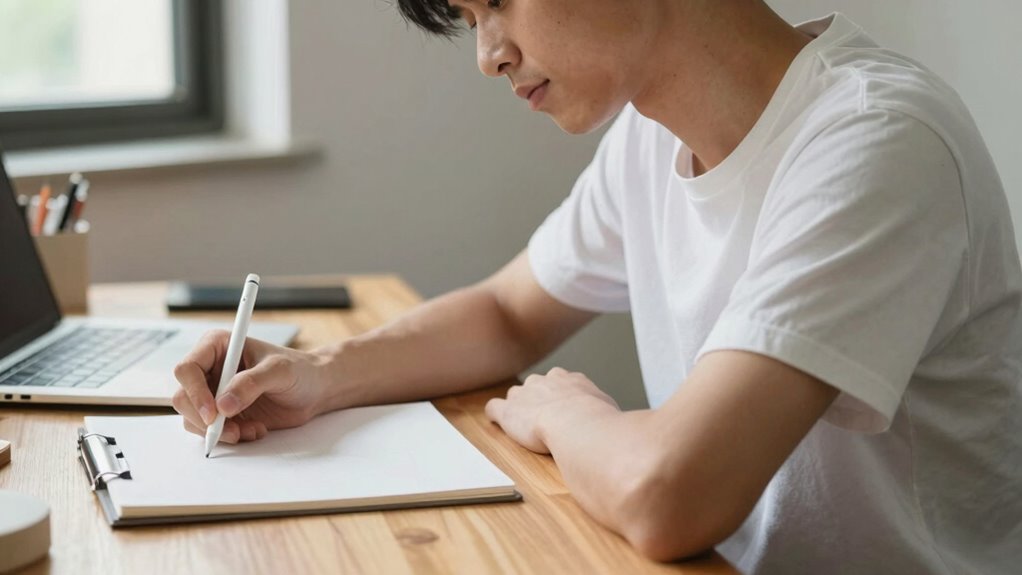

To stop neck pain before it starts, focus on maintaining proper drawing posture by sitting upright with your feet flat and your drawing surface at elbow height. Organize your workspace to support good alignment, take regular breaks, and incorporate stretches to reduce tension. Small ergonomic adjustments, like using supportive chairs and proper lighting, make a big difference. Keep your awareness on your posture, and you’ll enjoy more comfort and less strain during your creative sessions. Keep exploring for detailed tips to protect your neck long-term.
Key Takeaways
- Maintain an upright sitting position with feet flat, knees at 90°, and a supported lower back to reduce neck strain.
- Adjust your drawing surface to elbow height to prevent hunching and forward neck tilt.
- Keep your monitor or paper at eye level to avoid craning or leaning forward.
- Take regular breaks every 30-45 minutes to stretch, reset posture, and prevent muscle fatigue.
- Use ergonomic accessories like supportive chairs, lumbar cushions, and adjustable desks for optimal alignment.

Primy Drafting Chair Tall Office Chair with Flip-up Armrests Executive Ergonomic Computer Standing Desk Chair with Lumbar Support and Adjustable Footrest Ring (Black)
Adjustable Drafting Chair:This high rotary drawing chair has a foot stool with adjustable height, and the 90 degree…
As an affiliate, we earn on qualifying purchases.
As an affiliate, we earn on qualifying purchases.
Why Proper Drawing Posture Protects Your Neck
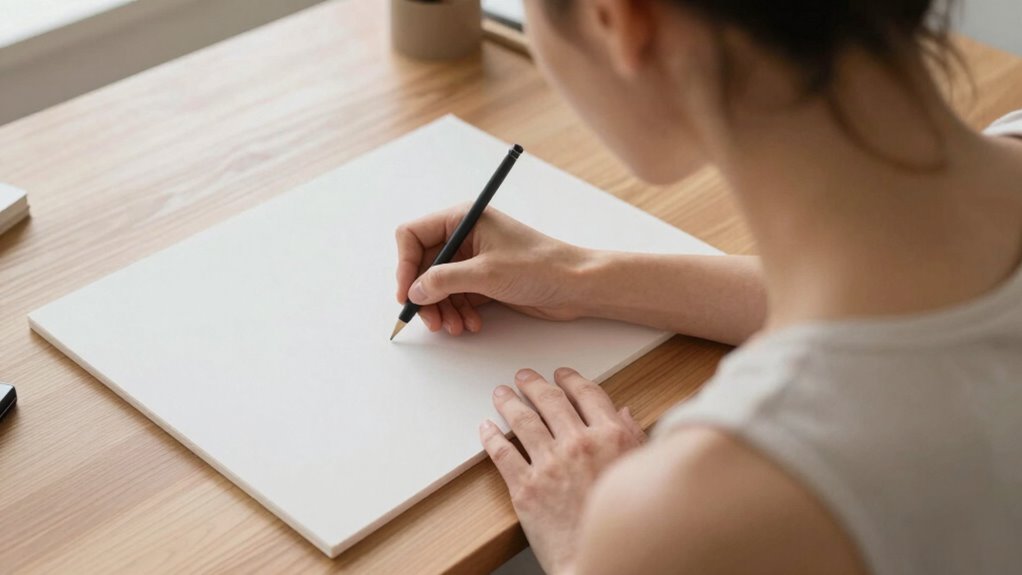
Since your neck bears much of the strain during drawing, maintaining proper posture is essential to prevent discomfort and injury. Using ergonomic accessories, like adjustable chairs and supportive cushions, helps align your neck and spine properly. These tools encourage better posture awareness, making it easier to sit correctly for extended periods. When you adopt a good drawing posture, you reduce unnecessary tension on your neck muscles and joints. This not only minimizes pain but also enhances your focus and precision. Remember, small adjustments with ergonomic accessories can make a significant difference in protecting your neck over time. Incorporating ergonomic workspace design tips can also create a more comfortable and efficient workspace, reducing strain during long drawing sessions. Paying attention to proper ergonomic practices can further prevent long-term issues. Maintaining awareness of posture correction techniques is crucial for long-term health and comfort. Additionally, regular breaks and stretching exercises can help alleviate muscle tension and promote better posture. Prioritizing proper posture during your drawing sessions helps sustain your comfort and prevents long-term injury. Stay mindful of your posture to keep drawing healthily and pain-free.

Yaheetech Height Adjustable Drafting Table Drawing Table Artist Desk Tilting Tabletop Art Craft Desk Watercolor Paintings Sketching Work Station w/2 Storage Drawers and Stool for Home Office
Adjustable Table Height: The height adjustable drawing table measures 47.4×23.6x(27.4-36.4)” (LxWxH) in overall dimensions. Rest assured that all…
As an affiliate, we earn on qualifying purchases.
As an affiliate, we earn on qualifying purchases.
How to Recognize Poor Drawing Posture Habits
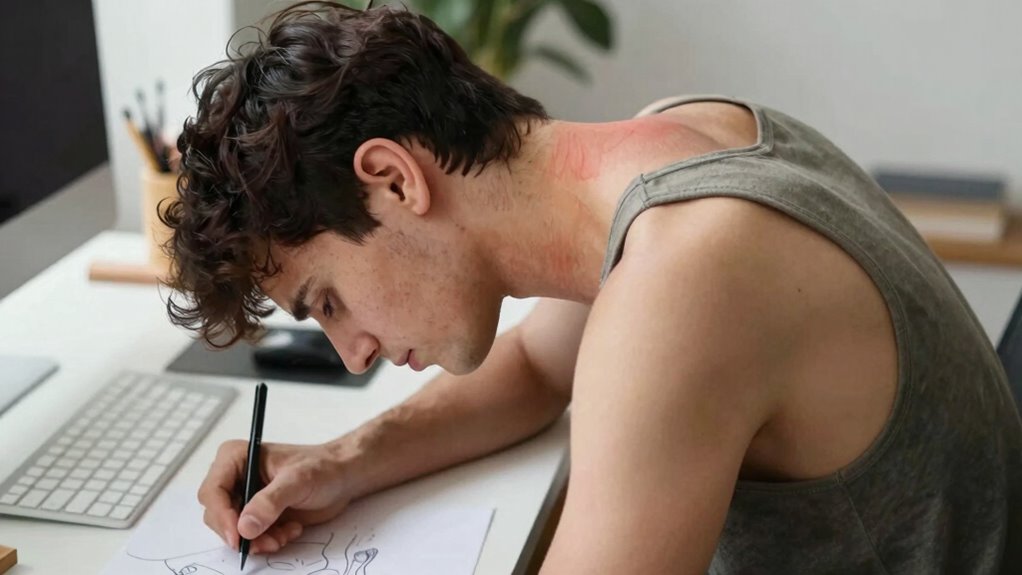
Poor drawing posture often happens unnoticed until it causes discomfort or pain. You might slouch, crane your neck, or lean too close to your paper without realizing it. Recognizing these habits is key to prevention. Look for signs like rounded shoulders, a forward head tilt, or uneven weight distribution. Using ergonomic accessories such as adjustable chairs or supportive cushions can help correct these habits. Practice posture awareness by regularly checking your alignment. Here’s a visual reminder:
| Habit to Watch For | How It Affects Your Posture |
|---|---|
| Slouching | Strains your back |
| Leaning forward | Causes neck tension |
| Twisting torso | Leads to uneven wear |
| Hunching shoulders | Creates shoulder pain |
| Sitting too low | Promotes poor neck alignment |
Additionally, understanding the importance of contrast ratio in projectors can help you create a comfortable viewing environment that reduces eye strain and encourages better posture during long viewing sessions. Recognizing these habits helps you adjust and maintain a healthier drawing posture. Incorporating simple posture correction techniques can further support your efforts to prevent discomfort and improve overall ergonomics during your drawing sessions.

CloudBliss Lumbar Support Pillow & Seat Cushion Set for Office Chair, Desk Chair, Wheelchair & Car – Memory Foam Back Support, Ergonomic Chair Cushions, Sciatica Pain Relief, Home Essentials, Black
Thoughtful Design: Our seat cushion and lumbar pillow are made of high-density memory foam with a high-quality smooth…
As an affiliate, we earn on qualifying purchases.
As an affiliate, we earn on qualifying purchases.
Setting Up Your Drawing Space for Better Posture
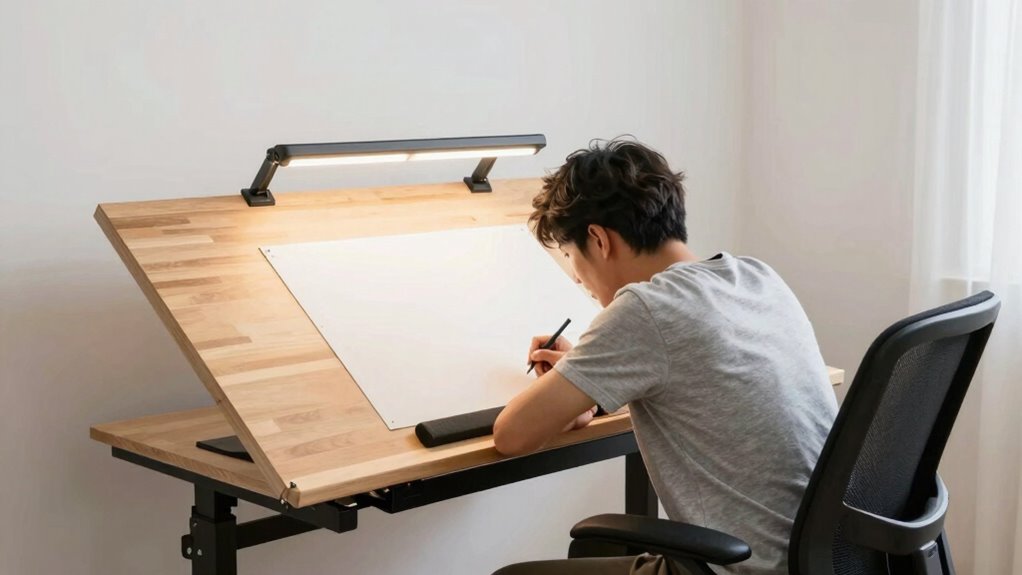
Creating an ergonomic drawing space starts with selecting the right furniture and arranging it to support good posture. Use an adjustable chair that keeps your feet flat on the floor and your knees at a 90-degree angle. Incorporate ergonomic accessories like a supportive cushion or lumbar roll to maintain proper spine alignment. Position your drawing surface so it’s at elbow height, preventing you from hunching forward. Lighting improvements are vital—use natural light or adjustable lamps to minimize eye strain and reduce the tendency to lean forward. Make sure your workspace is organized so you don’t have to reach excessively or twist your neck. Paying attention to workflow and minimizing clutter can also help you maintain better posture throughout your drawing session. Additionally, incorporating ergonomic principles into your setup can further reduce strain and enhance comfort. A well-thought-out setup encourages better posture, reduces discomfort, and helps you stay focused on your art. Regularly adjusting your workspace can help you stay comfortable during long drawing sessions and prevent strain. Being mindful of ergonomic concepts and the importance of proper positioning ensures your workspace promotes sustained comfort and reduces the risk of repetitive strain injuries.

MUSROD 9" Silvery Metal Letter Opener with Minimalist Design, Safe Double Edge Blades and Ergonomic Long Handle, Mail Opener Paper Knife Tool Envelope Opener
Unique Patent Design – Instead of a general product, we try to make an artistic work based on…
As an affiliate, we earn on qualifying purchases.
As an affiliate, we earn on qualifying purchases.
How to Sit Right When Drawing: A Step-by-Step Guide

To sit correctly when drawing, start by positioning yourself comfortably at your workspace. Ensure your chair supports your lower back, and adjust it so your feet rest flat on the floor. Keep your knees at a 90-degree angle, and use ergonomic accessories like lumbar cushions or footrests if needed. Sit upright, engaging your core muscles to maintain good posture. Regularly incorporate posture exercises into your routine to strengthen back and neck muscles, which helps prevent strain. Keep your shoulders relaxed and avoid slouching forward. Your drawing surface should be at elbow height, allowing your arms to move freely. Taking proper safety precautions during long drawing sessions can also help prevent discomfort and injury. Incorporating ergonomic furniture can significantly improve your overall comfort and support proper alignment during extended periods of drawing. Remember that proper drawing posture can also reduce the risk of developing chronic neck and shoulder pain over time. Additionally, maintaining a correct sitting position can help reduce muscle fatigue and improve your drawing endurance. Being mindful of your body alignment throughout your session can further enhance comfort and prevent strain.
Tips to Maintain Good Drawing Posture During Long Sessions
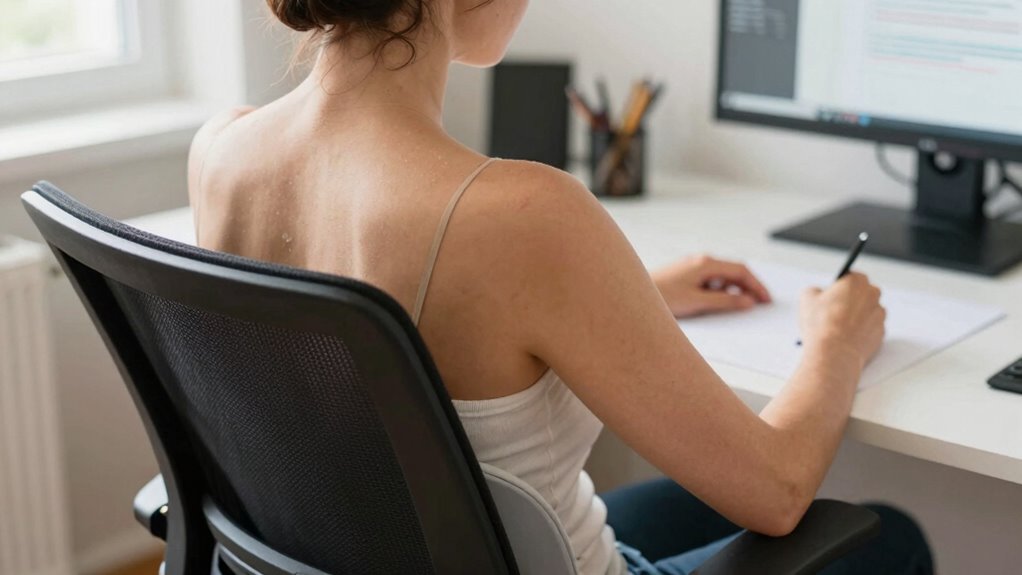
Maintaining good drawing posture during lengthy sessions requires ongoing attention and small adjustments to stay comfortable and avoid strain. Use ergonomic tools like adjustable chairs, supportive cushions, and ergonomic desks to support proper alignment. These tools help keep your spine straight and reduce pressure on your neck and shoulders. Incorporate simple posture exercises into your routine, such as shoulder rolls or neck stretches, to release tension and improve flexibility. Take regular breaks—every 30 to 45 minutes—to stand, stretch, and reset your posture. Stay mindful of your body position, ensuring your back remains supported and your arms are at a comfortable angle. Small, consistent adjustments combined with ergonomic tools and posture exercises will keep you comfortable during long drawing sessions.
Common Drawing Posture Mistakes and How to Fix Them
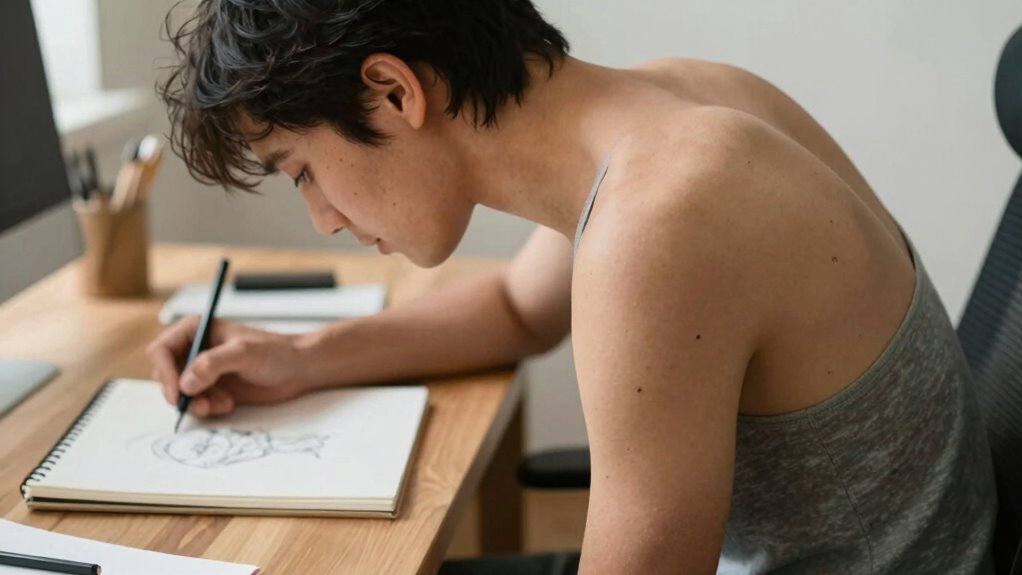
Many common drawing posture mistakes stem from poor desk setup, incorrect angles, and skipping breaks. These errors can cause discomfort and affect your work quality over time. Recognizing and fixing these issues helps you maintain a healthier, more productive drawing routine. Additionally, implementing ergonomic adjustments can significantly reduce strain and improve overall comfort during extended drawing sessions. Using proper tools and equipment, such as adjustable desks or supportive chairs, can further enhance your posture and prevent fatigue. Incorporating proper ergonomic principles into your workspace setup can lead to long-term health benefits and better drawing results. Being aware of posture awareness can also help you make small adjustments throughout your sessions to avoid strain. Being mindful of workspace organization can help maintain a comfortable and efficient environment that supports good posture.
Poor Desk Setup
A poor desk setup often leads to uncomfortable drawing postures that can cause strain and long-term injury. To prevent this, prioritize ergonomic accessories like adjustable chairs and desks to support proper alignment. Developing posture awareness helps you recognize when you’re slouching or leaning excessively. Use the table below to identify common issues and fixes:
| Issue | Cause | Fix |
|---|---|---|
| Incorrect monitor height | Screen too low or high | Adjust monitor to eye level |
| Poor chair support | Lack of lumbar support | Use an ergonomic chair or add cushions |
| Inadequate desk space | Cluttered or cramped area | Clear workspace, organize essentials |
| Bad lighting | Glare or dim lighting | Use adjustable, indirect lighting |
A well-set desk promotes better posture, reduces neck pain, and enhances your drawing comfort. Additionally, understanding ergonomic principles can help you optimize your workspace and prevent discomfort.
Incorrect Drawing Angles
Incorrect drawing angles often stem from poor posture or improper workspace setup, leading you to hunch over or tilt your head at uncomfortable angles. This strain can cause neck pain and fatigue over time. To fix this, use ergonomic tools like adjustable desks, drawing tables, and supportive chairs to promote proper alignment. Keep your drawing surface at a height that allows your elbows to stay close to your body and your head in a neutral position. Incorporate posture exercises into your routine to strengthen your back and neck muscles, helping maintain correct angles naturally. Regularly check your posture throughout your drawing session, and make adjustments as needed. Proper ergonomics and mindful posture habits will help you avoid unnecessary strain and enjoy a more comfortable, pain-free drawing experience.
Lack of Breaks
Neglecting to take regular breaks during long drawing sessions can lead to muscle tension, eye strain, and overall fatigue. Without timely break time, your posture awareness diminishes, causing you to adopt awkward positions. To prevent this, schedule short breaks every 30 minutes to stretch and reset your posture. During breaks, focus on relaxing your neck, shoulders, and back to avoid stiffness. Use the table below to remind yourself of effective break routines:
| Break Time Activities | Benefits |
|---|---|
| Stretching | Relieves tension and improves circulation |
| Eye Exercises | Reduces eye strain and refreshes focus |
| Posture Checks | Reinforces good habits and posture awareness |
Frequently Asked Questions
How Often Should I Take Breaks to Prevent Neck Strain?
You should take a break every 30 to 60 minutes to prevent neck strain. During these breaks, practice good posture monitoring to make certain your neck stays aligned and relaxed. Use reminders or alarms to prompt you, and stretch gently to relieve tension. Consistently maintaining this break frequency helps reduce discomfort and keeps your posture healthy, especially during long drawing sessions. Remember, regular breaks are key to avoiding neck pain.
What Ergonomic Tools Can Improve My Drawing Posture?
Using ergonomic chairs and adjustable desks can substantially improve your drawing posture. An ergonomic chair supports your lower back and encourages proper spine alignment, reducing neck strain. An adjustable desk allows you to set your workspace at the right height, keeping your monitor at eye level and preventing you from hunching over. These tools promote comfort, help prevent neck pain, and make long drawing sessions more sustainable.
Can Specific Exercises Help Improve My Drawing Posture?
Yes, specific exercises can help improve your drawing posture. Incorporate shoulder rolls and neck stretches to reduce tension, and strengthen your upper back with rows or planks. Using an ergonomic chair and wrist support during your practice also encourages proper alignment, preventing strain. Regularly practicing these exercises and maintaining good ergonomic habits will help you draw comfortably and reduce neck and wrist pain.
How Does Lighting Affect My Neck Posture During Drawing?
Lighting can be your silent enemy or ally. Poor lighting ergonomics causes you to strain your neck and eyes, leading to discomfort and fatigue. When you keep your workspace well-lit and avoid glare, you reduce eye strain and naturally improve your posture. Bright, even lighting helps you maintain a neutral neck position, so you’re less likely to hunch or crane your neck, keeping you comfortable and focused during your drawing sessions.
Are There Differences in Posture Needs for Digital Versus Traditional Drawing?
Yes, digital ergonomics and traditional posture differ slightly. When drawing digitally, you should focus on eye-level screens to avoid neck strain, keeping your wrists and shoulders relaxed. For traditional drawing, maintain a comfortable, supported sitting position with your paper at a slight angle. Both require good back support and frequent breaks. Adjust your workspace to suit each method, ensuring your neck stays aligned and tension-free during long sessions.
Conclusion
Prioritize posture to prevent pain and promote productivity. Perfect your position, practice proper posture, and persist with proactive habits. By paying attention to positioning and maintaining mindful movement, you’ll master a more comfortable, confident, and creative drawing routine. Remember, small shifts make significant strides—so stay steady, sit smart, and safeguard your neck. Your art and your health will thank you for making posture a priority, paving the path for a pain-free, passionate practice.