
In mixed media collage, you can seamlessly combine physical materials like paper, fabric, and paint with digital enhancements for rich, layered artworks. Start by creating physical collages, then scan or photograph them to add digital layers, textures, and patterns. Adjust transparency and blend elements to achieve harmony between tactile and digital components. This hybrid approach opens endless creative possibilities, letting you push boundaries and craft truly unique pieces. Want to discover more ways to elevate your collages?
Key Takeaways
- Digital and physical elements can be integrated by scanning physical collages and adding digital layers for enhanced depth.
- Use digital tools to blend textures, adjust transparency, and experiment with overlays without altering original physical materials.
- Achieve cohesion by starting with textured physical backgrounds and digitally adding complementary elements for harmony.
- Print digital enhancements with textured effects or digitally manipulate physical collage components for seamless integration.
- Combining digital and physical techniques expands creative possibilities, resulting in vibrant, layered mixed media artworks.
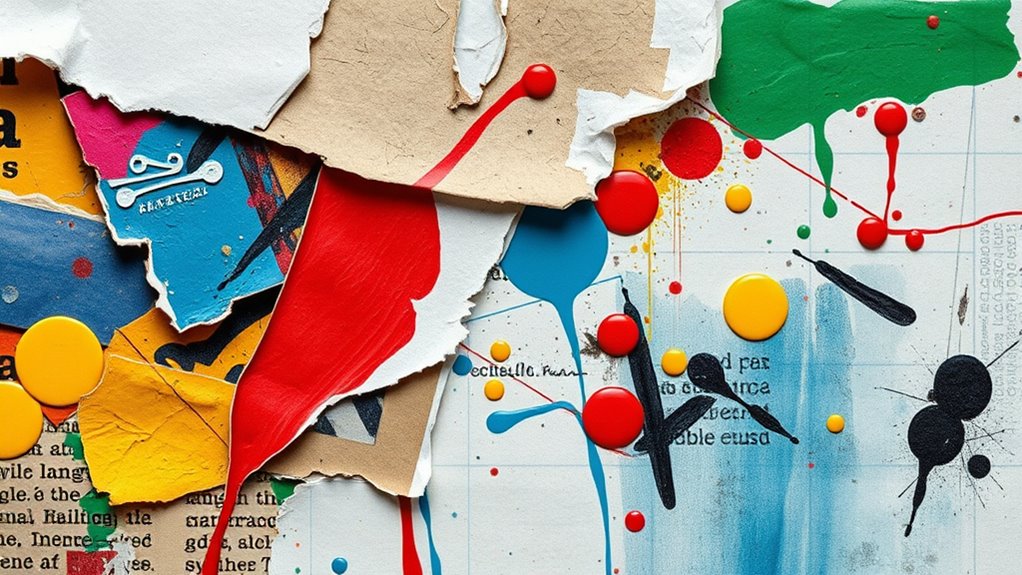
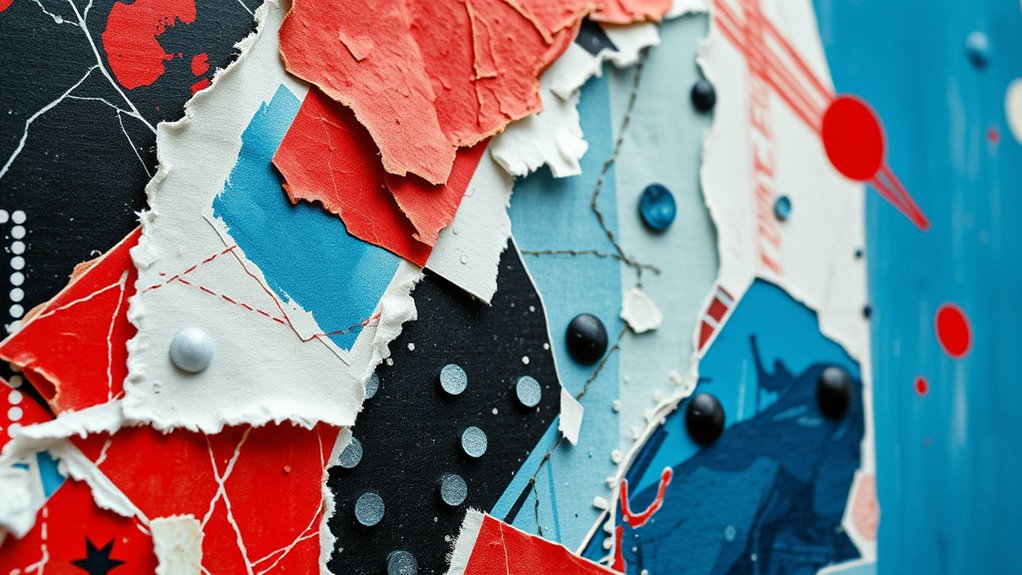
Mixed media collage is an artistic technique that combines various materials and textures to create dynamic, layered artworks. When you delve into this process, you’re blending different elements—newspapers, fabric, paint, photographs—to craft a piece that’s rich in depth and meaning. But with the rise of digital tools, you can now enhance your collage by integrating digital layering, which opens up endless creative possibilities. Digital layering allows you to overlay images, textures, and patterns on top of physical materials, giving your artwork a complex, multidimensional feel. You can scan or photograph your physical collage, then use software to add layers, adjust transparency, and blend textures seamlessly. This process makes it easier to experiment with composition without committing to permanent changes, giving you more control over the final look.
Compatibility between digital and physical elements is essential to achieve a cohesive and harmonious artwork. Texture blending plays an essential role when combining digital and physical components. You might start with a textured paper background, then digitally add elements like painted strokes or photographic snippets that complement or contrast the physical textures. By carefully blending textures—whether through digital opacity adjustments or physical application—you create a cohesive visual experience. The key is to find harmony between the tactile quality of your physical materials and the smooth, manipulated surfaces of digital additions. This blend results in an artwork that feels both tangible and surreal, inviting viewers to explore its layers and details.
As you work on your mixed media collage, think about how digital layering can serve as a bridge between your physical components and your digital edits. You might print digital images with textured effects or use digital brushes to simulate physical textures. When you combine these with your physical collage elements, you enhance the visual complexity and depth. Texture blending becomes a way to unify different mediums—softly blending a fabric’s weave with a digitally painted background or merging torn paper edges with digitally manipulated overlays. The goal is to create a seamless integration that maintains the integrity of each material while elevating the overall composition.
Ultimately, embracing digital layering and texture blending in your mixed media collage expands your creative toolkit. You’re not limited to what’s physically accessible; instead, you can explore endless combinations and effects. This hybrid approach allows you to push boundaries, experiment with textures, and develop unique visual narratives. Whether you prefer traditional methods or digital manipulation, blending these techniques results in vibrant, textured artworks that captivate and inspire. By mastering digital layering and texture blending, you bring new dimensions to your mixed media projects, making each piece a compelling fusion of the physical and digital worlds.

150 Sheets of Scrapbook Paper, Aesthetic Vintage Scrapbooking Supplies Pack, Ephemera for Junk Journal, Cute Notebook Stationary Journal kit, Wall Collage Kit, Vintage Decor
VALUE PACK: 150 pieces Vintage Scrapbook Paper, including 25 pcs Vintage Classic Paintings, 25 pcs Vintage Music Sheets,…
As an affiliate, we earn on qualifying purchases.
As an affiliate, we earn on qualifying purchases.
Frequently Asked Questions
What Are the Best Digital Tools for Mixed Media Collage?
You should try using digital editing tools like Adobe Photoshop or GIMP for mixed media collage. These collage software programs let you combine photos, textures, and drawings seamlessly. You can layer images, add effects, and blend elements easily. They provide the flexibility to experiment and create complex compositions. With these digital tools, you’ll find it simple to merge your physical and digital art, enhancing your mixed media projects effectively.
How Do I Preserve Mixed Media Collages Over Time?
Your mixed media collages are treasures worth safeguarding. To preserve them, use proper preservation techniques like sealing with archival varnish and storing in acid-free, archival-quality materials. Keep your artwork away from direct sunlight, extreme temperatures, and humidity, which can cause fading and deterioration. Consider framing with UV-protective glass for extra protection. These steps will ensure your masterpieces stay vibrant and intact for centuries, as if they were forged in time itself.
Can Mixed Media Collage Be Created Without Traditional Art Supplies?
Yes, you can create mixed media collages without traditional art supplies by embracing digital integration. You might use software to combine digital images, textures, and graphics, then print your work on various surfaces. This approach encourages creative experimentation, allowing you to explore new textures and compositions without physical materials. Digital tools expand your possibilities, making mixed media collage accessible and innovative, even without traditional supplies.
What Are Common Challenges When Combining Digital and Physical Elements?
Ever feel like blending oil and water? That’s how technical compatibility and material sourcing can challenge your mixed media collage. You might struggle to match digital elements with physical textures, ensuring software and hardware work smoothly together. Sourcing quality materials that complement digital parts can be tricky, leading to frustration. Staying patient and experimenting with different tools and supplies helps overcome these hurdles, turning chaos into creative harmony.
How Do I Add Texture to Digital Components of a Collage?
To add texture to digital components of your collage, you can use digital layering techniques. Start by applying texture overlays, which you can find or create yourself. Adjust the blending modes and opacity to seamlessly integrate these textures into your digital elements. Experiment with different textures like grunge, paper, or fabric to give your collage depth and tactile feel, making your digital components more dynamic and visually interesting.
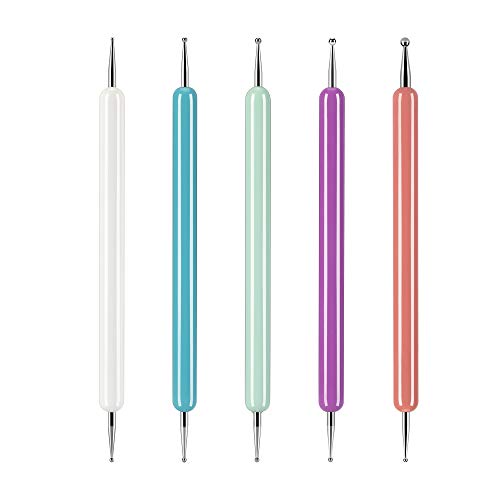
5 Pcs Pattern Tracing Stylus, Ball Embossing Stylus for Transfer Paper, Tracing Tools for Drawing, Embossing Tools for Paper, Art Dotting Tools for Nail Art, Ball Tip Clay Tools Sculpting Stylus
✒️ The embossing stylus set have total 10 ball ends, 5 different diameters (1.0/1.5/2.0/2.5/3.0 mm). Rounded tip protects…
As an affiliate, we earn on qualifying purchases.
As an affiliate, we earn on qualifying purchases.
Conclusion
Now that you’ve blended digital and physical elements, your collage becomes a vibrant tapestry of your creativity. Like a bridge connecting two worlds, it invites viewers to explore both the tactile and the virtual. Keep experimenting, and let your art dance between the tangible and the digital, revealing new stories with every layer. Embrace this fusion, and watch your masterpieces bloom into unique, enthralling worlds where imagination knows no bounds.

4pcs Artist Blending Sponge Pen Dual Tip Reusable Drawing Art Soft Oil Pastel Blending Tools Washable Sketch Rubbing Sponge Brush for Artist Professional Sketch Drawing Blending Lightening & Highlight
You will get: 4pcs mixed dual tip washable sketch rubbing sponge brush with a dual-end design, featuring 2…
As an affiliate, we earn on qualifying purchases.
As an affiliate, we earn on qualifying purchases.

KOVIEDE 100 Sheets Watercolor Paper 8.5×11 Inch 102LB/230GSM Cold Press Practice Paper for Students and Beginners, Acid-Free Heavyweight Art Sheets for Painting, Printing, Scanning & Crafting
Thick 230gsm 8.5×11 Paper – This heavyweight water color paper provides a sturdy, warp-resistant surface that helps minimize…
As an affiliate, we earn on qualifying purchases.
As an affiliate, we earn on qualifying purchases.